Type to search.

#958 by installs

Jetpack Social

by AutomatticVersion 10.0.0

Write once, publish everywhere. Reach your target audience by sharing your content with Jetpack Social!

Active installs
30,000+
#958 of 1,000
Downloads, all time
1M
1,030,049
Downloads, 30 days
30.6K
4.4K in the last 7
Rating
3.3 / 5
74 reviews
Last updated
17 days ago
Oct 14, 2026
Version
10.0.0
57 releases

Upkeep and compatibility

Last updatedOctober 14, 2026Updated in the last 3 months
Tested up toWordPress 7.1.4Covers WordPress 7.1.4, the current release
Needs WordPress7.0 or newer
Needs PHP7.4 or newer
First publishedMay 31, 2022
Support, last two months1 of 2 threads resolved (50%)

Reviews

3.3 / 5 from 74 reviews

Reviews by star rating
5 stars39
4 stars1
3 stars5
2 stars2
1 star27

Downloads, last 30 days

Low 138 a dayHigh 14.6K a day

What the author says it does

Write once, publish everywhere.

Grow your following by sharing your content with Jetpack Social!

It’s important to publish on both your website & social media in order to reach your whole audience. If you only publish on social media, you’re missing up to 60% of adults on a daily basis. Jetpack Social makes it easy to automatically share your site’s posts on popular social media channels such as Facebook and Tumblr. Increase your audience by engaging your site’s viewers & your social followers.

Manage all channels from a single hub to save time

Don’t have the time to keep up with social media? Jetpack Social pushes your site’s posts and products to all your social media channels in one place, with just a few clicks.

Set it and forget it!

Jetpack Social has scheduling tools that allow you to set your posts to publish at the time and day that works for your plan. Schedule your posts in advance so you’re not chained to your desk and publish at the time of day your fans are most engaged on social media.

Social Image Generator

With the Jetpack Social plan, you can have engaging imagery created automatically using the Social Image Generator feature. You can overlay custom text onto your images and choose from a variety of styles to increase engagement on your social posts. Most importantly, you’ll save time by doing it all within the WordPress editor.

The opening of the plugin's own description. The full text, installation notes and changelog are on its WordPress.org page.

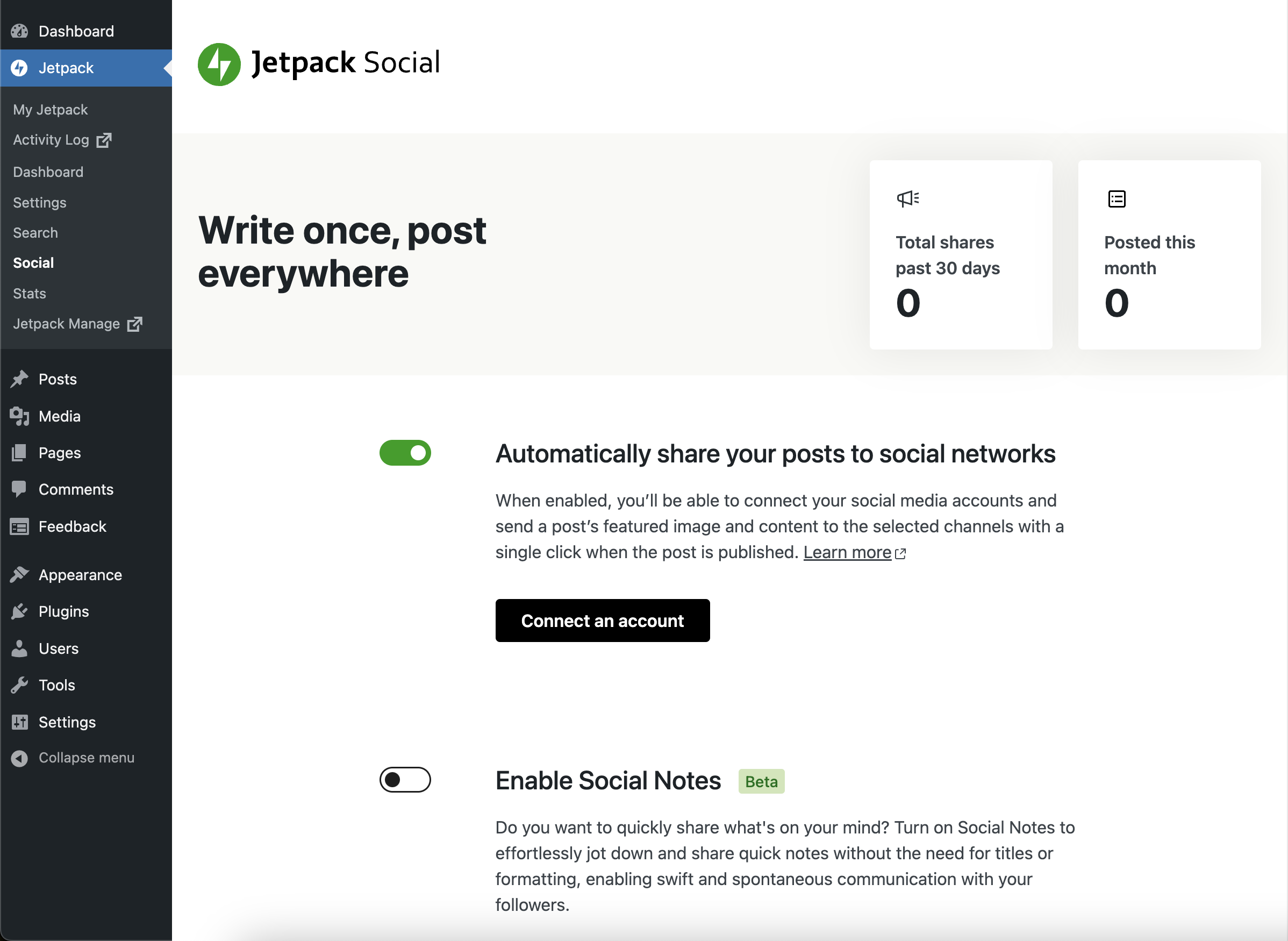
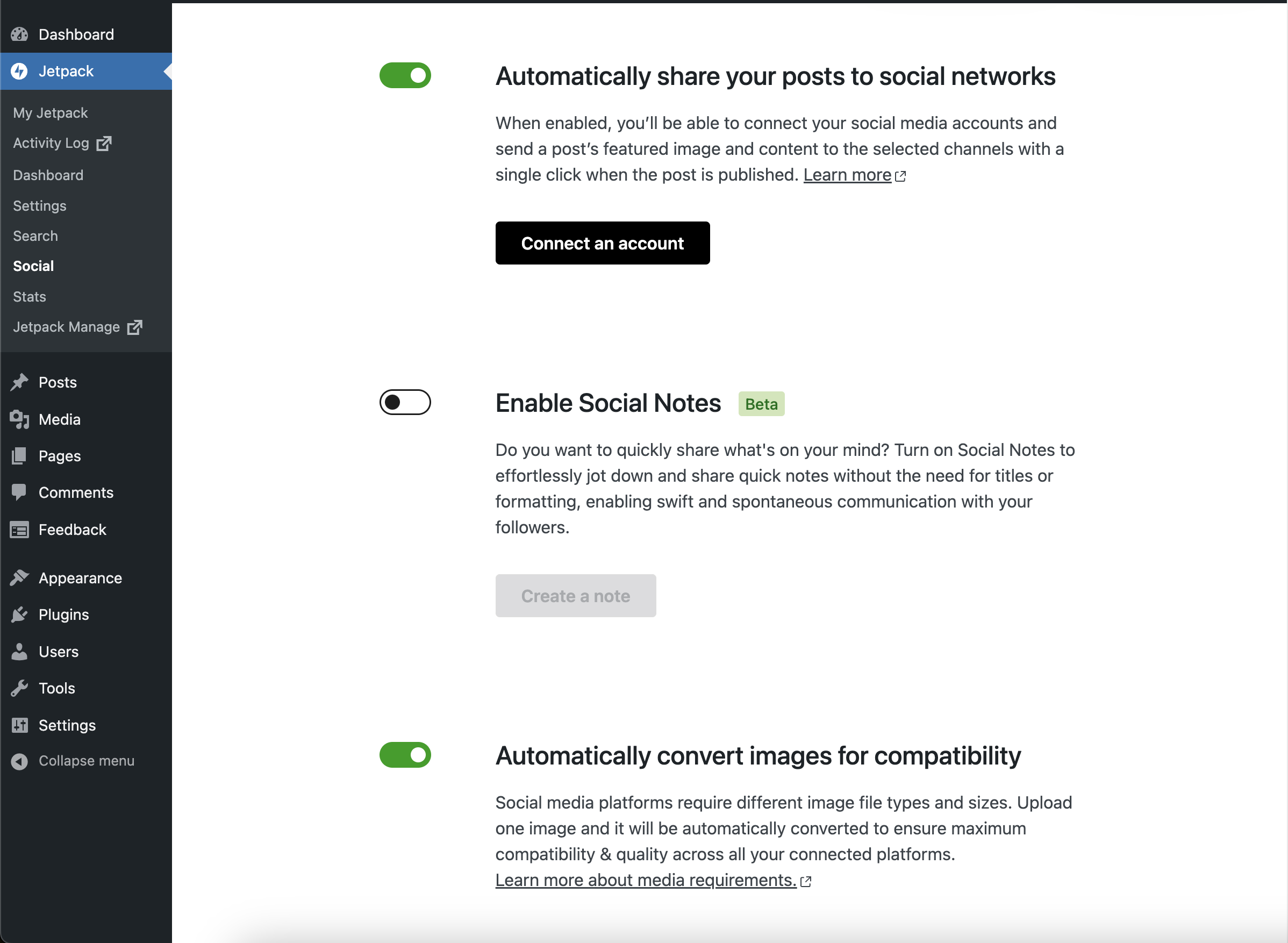
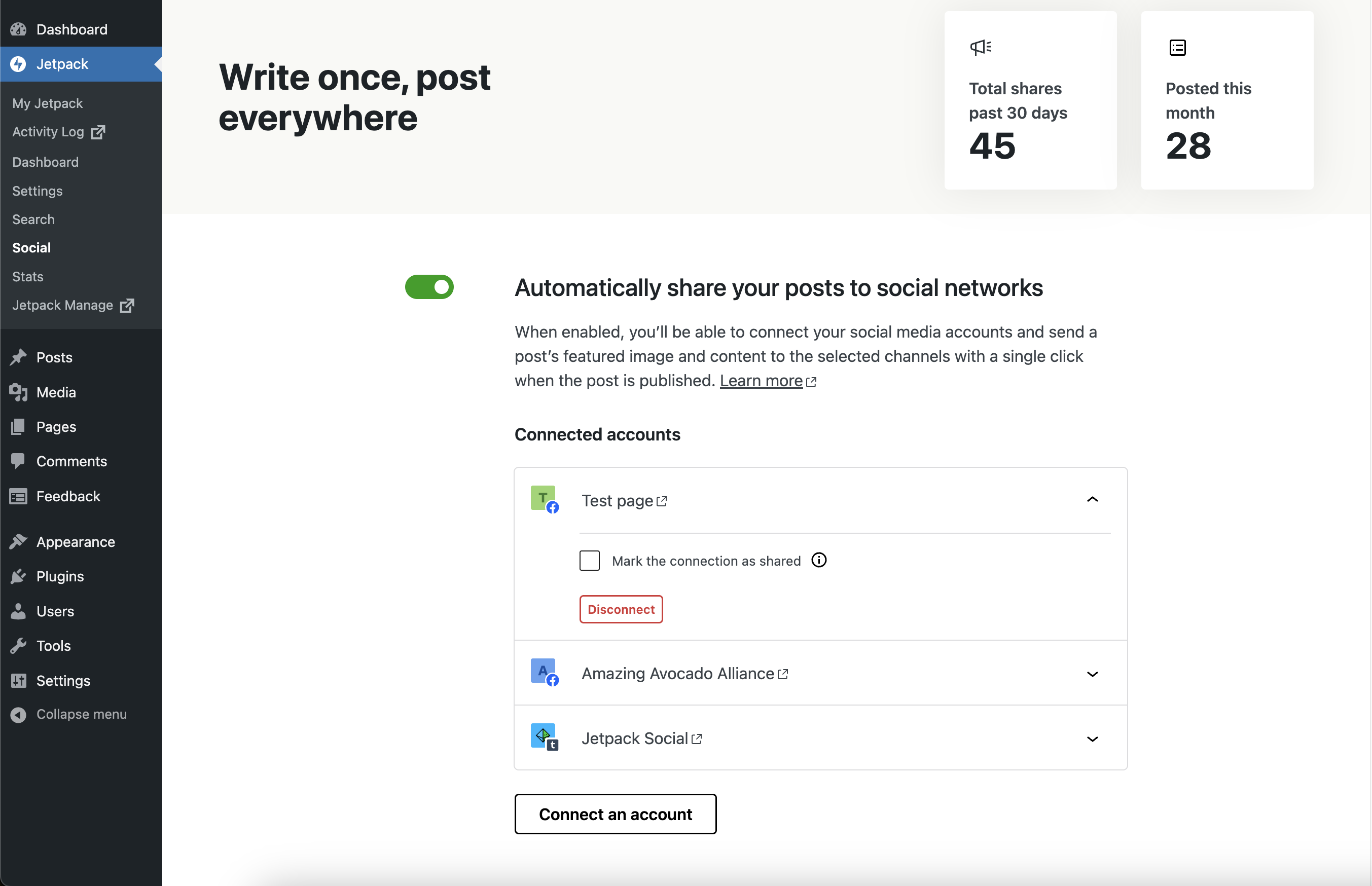
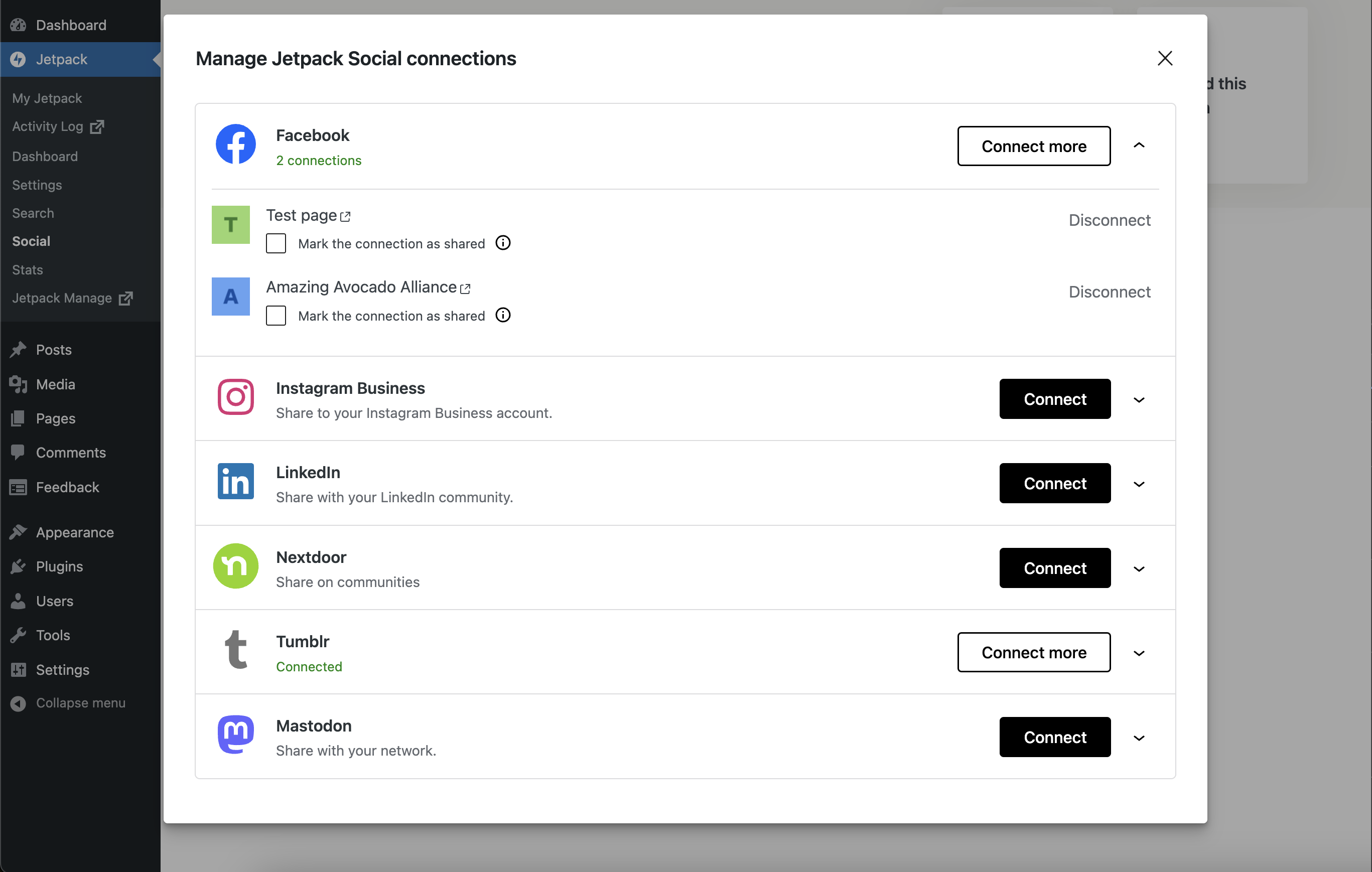
Questions the author answers

How do I connect to social networks?

From your site’s WP Admin:

  • Navigate to Jetpack → Social.
  • Click on the “Connect an account” button.
  • Click Connect next to the social network you want to connect to.
  • Log in to that social network site and authorize the connection.

You can connect to any of the following networks:

  • Facebook Pages
  • Tumblr
  • LinkedIn
  • Mastodon
  • Instagram Business
  • Nextdoor
  • Mastodon
  • Threads
  • Bluesky
To which social media platforms can I post using Jetpack Social?

You can post to Facebook, Bluesky, Threads, Instagram Business, Tumblr, Mastodon, Linkedin, and Nextdoor. We are working hard to increase our social share integrations.

How do I share a post on social media using Jetpack Social?

To configure the Social options when writing a new post, click the Jetpack/Social icon at top right of the edit sidebar.

You’ll then see the Social options under the Share this post section, where you can toggle social media connections, connect new services, and write a custom message to be used when your post is shared.

How do I add a custom excerpt to my social posts?

The easiest way is to use the Custom Message option in the publishing options box prior to publishing your post.

Screenshots

First 4 of 6, from WordPress.org.

Tagged

Plugins that share its tags

#654 by installs

Ocean Social Sharing

by oceanwp

Website: https://oceanwp.org/ Support: https://oceanwp.org/support/ Documentation: https://docs.oceanwp.org/ Extensions: https://oceanwp.

Installs
60,000+
Rating
4.5 (11)
Updated
2 months ago

Automatically share and schedule your WordPress content on top social platforms like Facebook, Instagram, LinkedIn, TikTok, and more.

Installs
40,000+
Rating
4.5 (2.1K)
Updated
19 days ago

Where this page's numbers come from

Read from the WordPress.org plugin API on , when WordPress 7.1.4 was the current release. WordPress.org rounds active installs into buckets. These are the directory's figures, not my verdict, and I haven't tested this plugin.