
#756 by installs
WP Hide & Security Enhancer
Protect your website by concealing vulnerable WordPress traces, plugins, themes, login/admin url. 2FA, Captcha, Firewall, Security Headers etc.
- Installs
- 50,000+
- Rating
- 4.3 (275)
- Updated
- 38 days ago

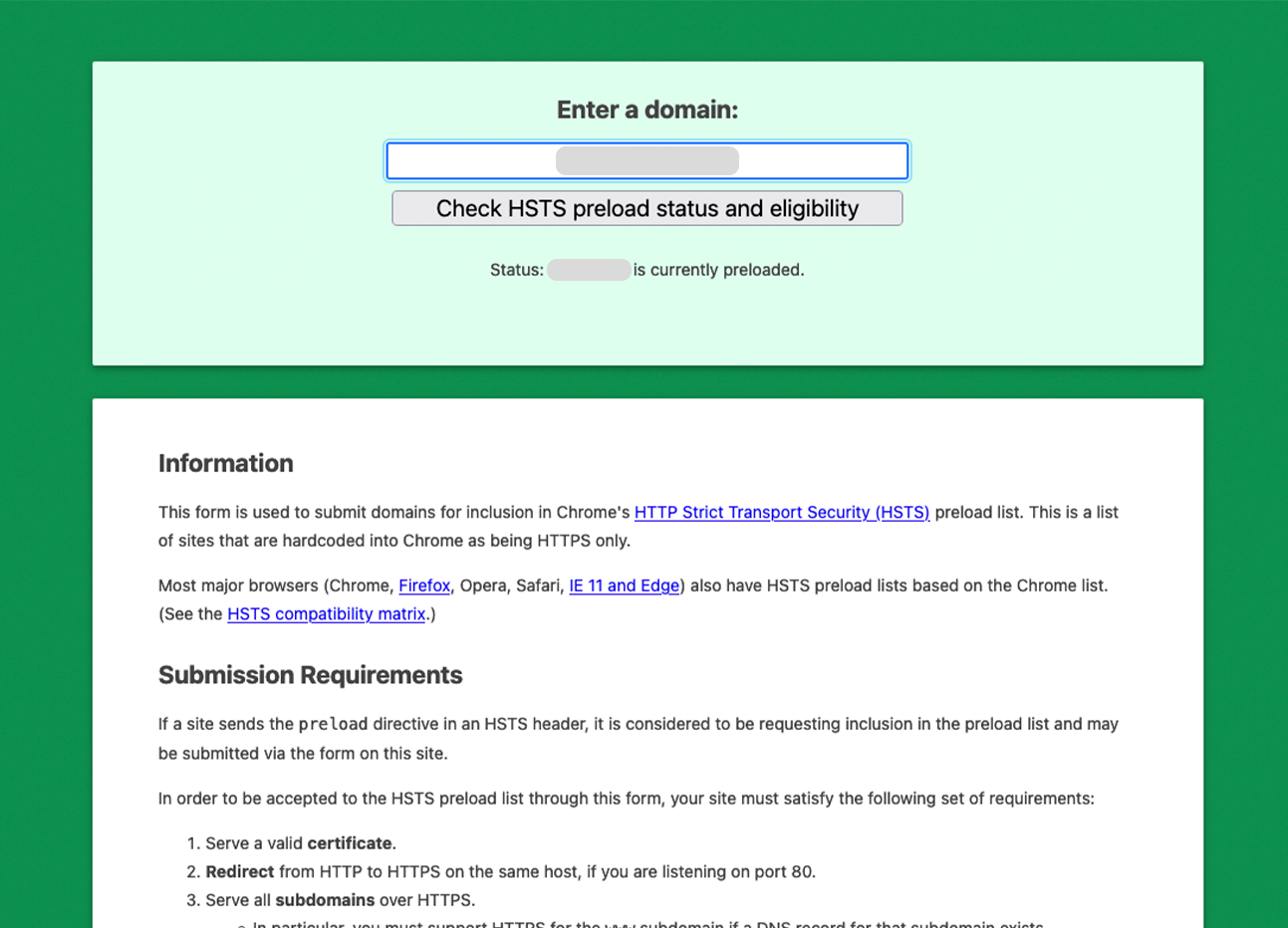
Best all-in-one WordPress security plugin, uses HTTP & HSTS response headers to avoid vulnerabilities: XSS, injection, clickjacking. Force HTTP/HTTPS.
| Last updated | October 30, 2026Updated in the last 3 months |
|---|---|
| Tested up to | WordPress 7.0.8Older than WordPress 7.1.4, the current release |
| Needs WordPress | 4.7 or newer |
| Needs PHP | 7.4 or newer |
| First published | September 4, 2021 |
| Support, last two months | 0 of 6 threads resolved (0%) |
4.8 / 5 from 80 reviews
| 5 stars | 73 |
|---|---|
| 4 stars | 3 |
| 3 stars | 1 |
| 2 stars | 2 |
| 1 star | 1 |
Headers Security Advanced & HSTS WP is Best all-in-one a free plug-in for all WordPress users. Deactivating this plugin will return your site configuration exactly to the state it was in before.
The Headers Security Advanced & HSTS WP project implements HTTP response headers that your site can use to increase the security of your website. The plug-in will automatically set up all Best Practices (you don’t have to think about anything), these HTTP response headers can prevent modern browsers from running into easily predictable vulnerabilities. The Headers Security Advanced & HSTS WP project wants to popularize and increase awareness and usage of these headers for all wordpress users.
This plugin is developed by OpenHeaders by irn3, we care about WordPress security and best practices.
Check out the best features of Headers Security Advanced & HSTS WP:
The opening of the plugin's own description. The full text, installation notes and changelog are on its WordPress.org page.
No. Headers add less than 1KB to each response. The plugin uses WordPress native hooks and adds no database queries at page load for visitors.
Yes. On Apache and LiteSpeed the plugin writes the headers to .htaccess so the web server applies them to every response, including cached HTML and static files, and PHP does not emit a duplicate. On Nginx and IIS (which do not read .htaccess) the headers are sent via PHP, so your normal pages are covered; if you run a server-level cache there, add the equivalent rules to the server config (the plugin’s Settings…
Yes. On Apache and LiteSpeed the headers are served at the web-server layer (.htaccess), so they are present even on fully cached pages and on static files that never invoke PHP – including caches that serve static HTML through mod_rewrite: W3 Total Cache (including Disk: Enhanced), WP Super Cache (both “Simple” and “Expert”/mod_rewrite modes), Cache Enabler and WP Fastest Cache.
Yes. Cloudflare passes through headers set by WordPress. If you also set the same headers in the Cloudflare dashboard, open Settings → “Advanced: per-header delivery” and set the matching header to “Off” to avoid duplicates.
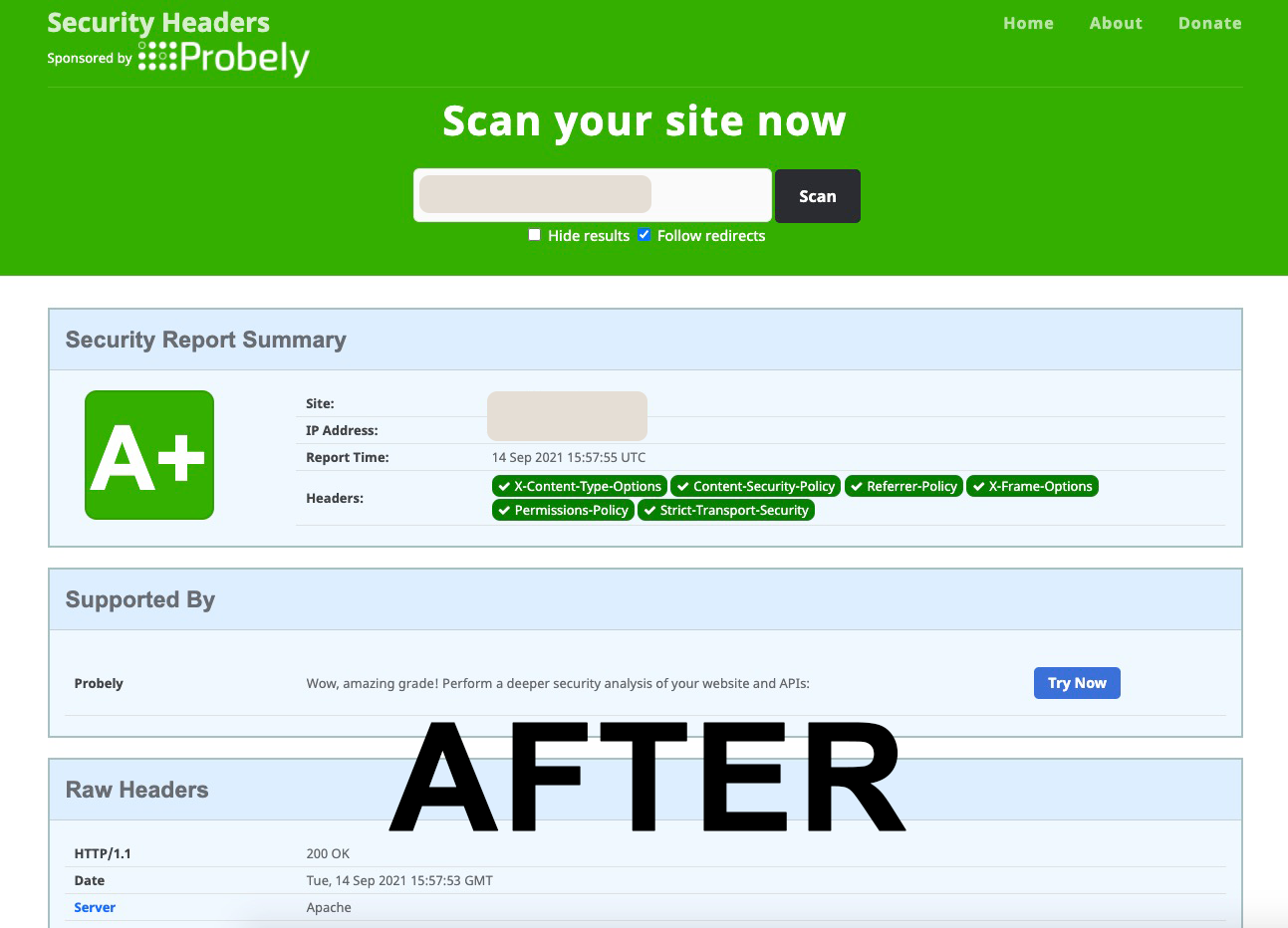
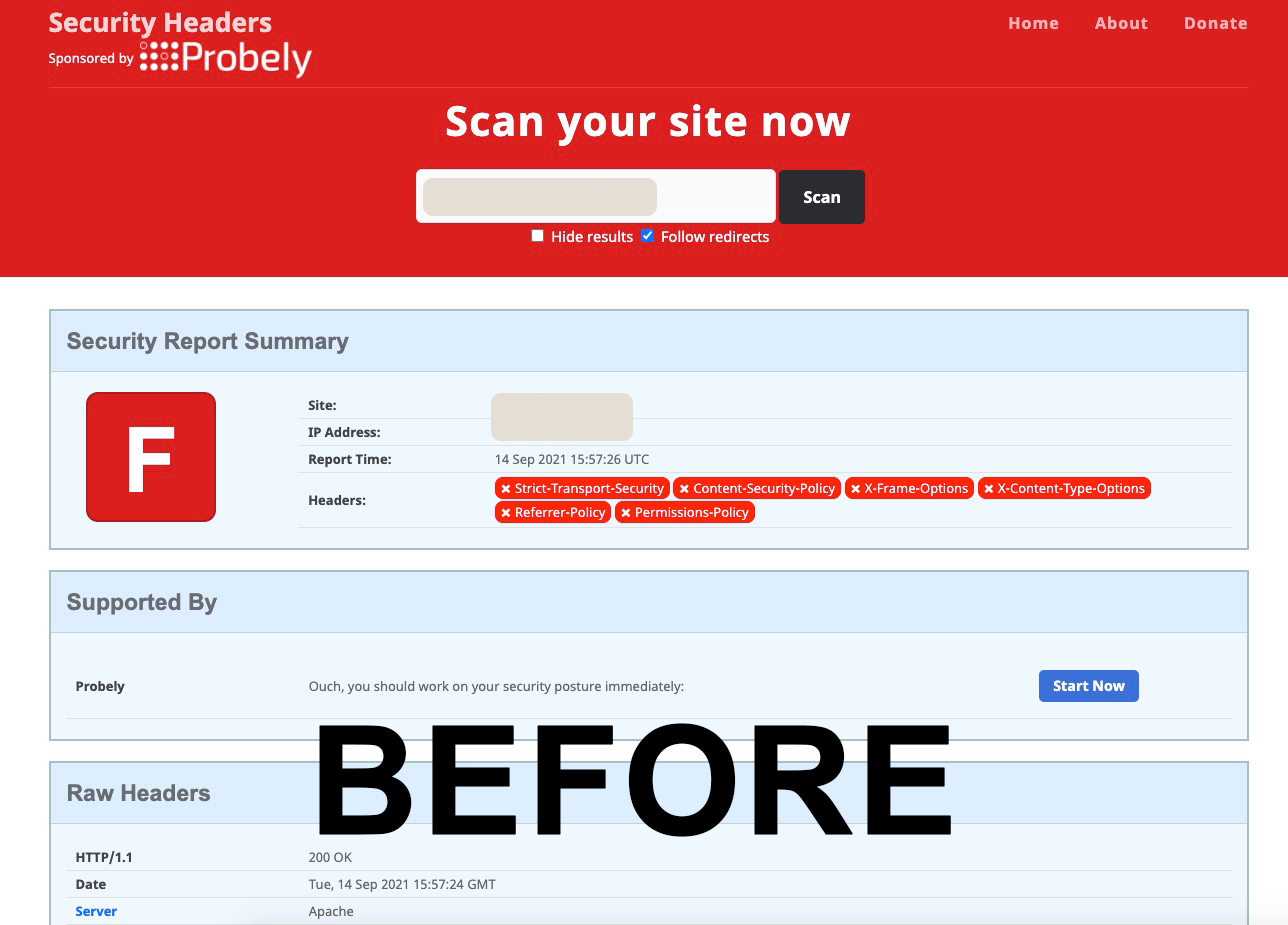
Your site needs all 6 scored headers present: Content-Security-Policy, Strict-Transport-Security, X-Content-Type-Options, X-Frame-Options, Referrer-Policy, and Permissions-Policy. The plugin configures all of these automatically.
Rarely. The plugin detects and resolves its own duplicates automatically. If another plugin or your server sets the same header and a duplicate remains, open Settings → “Advanced: per-header delivery” and set that header to “Server only” (keep the server copy, drop the plugin copy) or “Off”.
This release fixes a 502 error on logout that could occur on nginx-in-front-of-Apache hosting (Plesk, webgo and similar).

#756 by installs
Protect your website by concealing vulnerable WordPress traces, plugins, themes, login/admin url. 2FA, Captcha, Firewall, Security Headers etc.
Read from the WordPress.org plugin API on , when WordPress 7.1.4 was the current release. WordPress.org rounds active installs into buckets. These are the directory's figures, not my verdict, and I haven't tested this plugin. The author takes donations at their donate page.