
#63 by installs
Spectra Legacy – Gutenberg Blocks
Gutenberg blocks for existing Spectra websites. Maintained, stable, and fully supported — no action needed on your part.
- Installs
- 1+ million
- Rating
- 4.7 (1.9K)
- Updated
- 22 days ago

A collection of content blocks, sections, & full-page layouts for the block editor.
| Last updated | August 20, 2026Updated in the last 3 months |
|---|---|
| Tested up to | WordPress 7.0.8Older than WordPress 7.1.4, the current release |
| Needs WordPress | 6.1 or newer |
| Needs PHP | 7.1 or newer |
| First published | August 25, 2020 |
| Support, last two months | 0 of 1 threads resolved (0%) |
3.7 / 5 from 24 reviews
| 5 stars | 14 |
|---|---|
| 4 stars | 2 |
| 3 stars | 1 |
| 2 stars | 1 |
| 1 star | 6 |
Genesis Blocks is a collection of page building blocks for the Gutenberg block editor. Building pages with the block editor and Genesis Blocks gives you more control to quickly create and launch any kind of site you want!
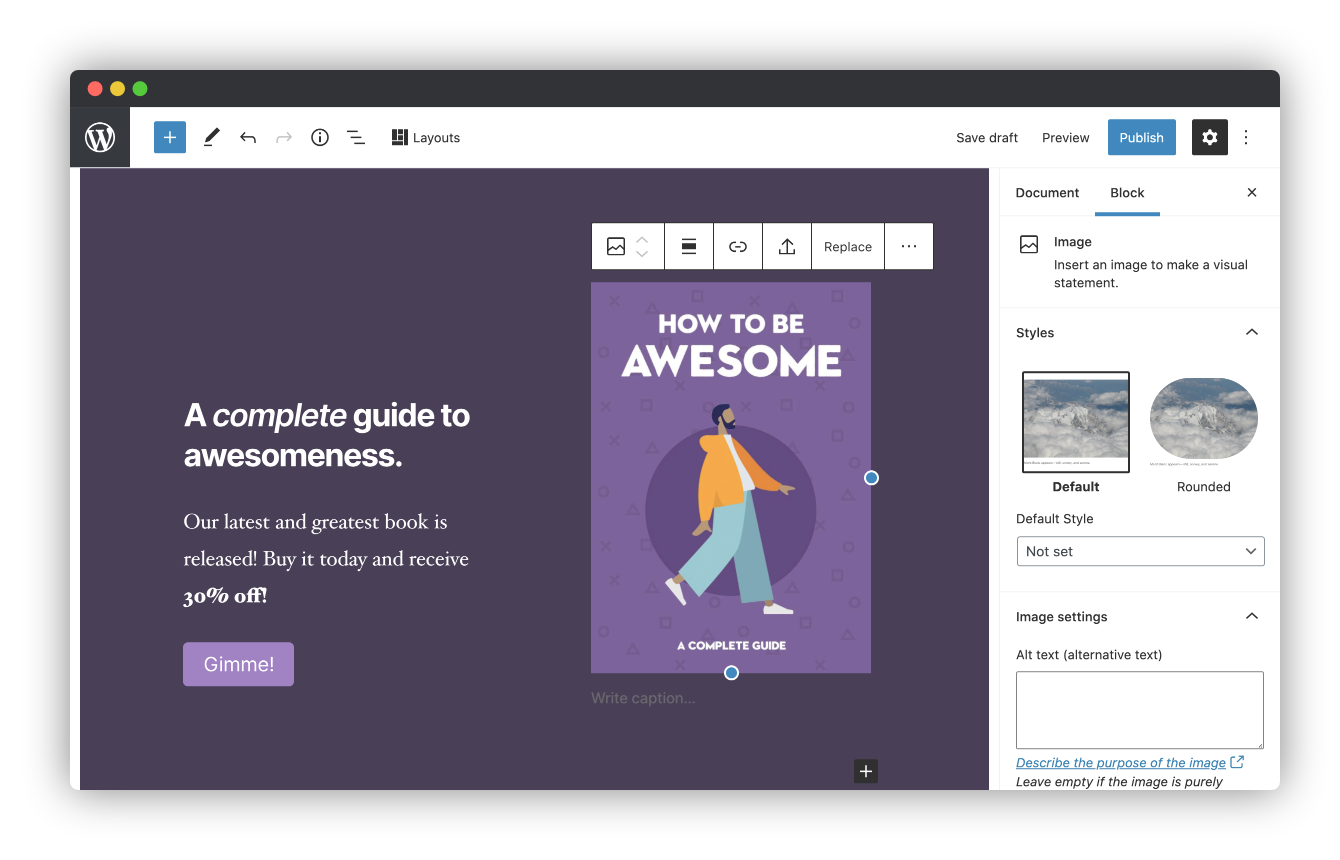
Installing the customizable Genesis Blocks plugin adds a collection of beautiful, site-building blocks to help you customize page layouts, increase engagement, and get results for your business. Genesis Blocks provides everything from customizable buttons, to beautifully-designed page sections and full-page layout designs via the Section & Layout block.
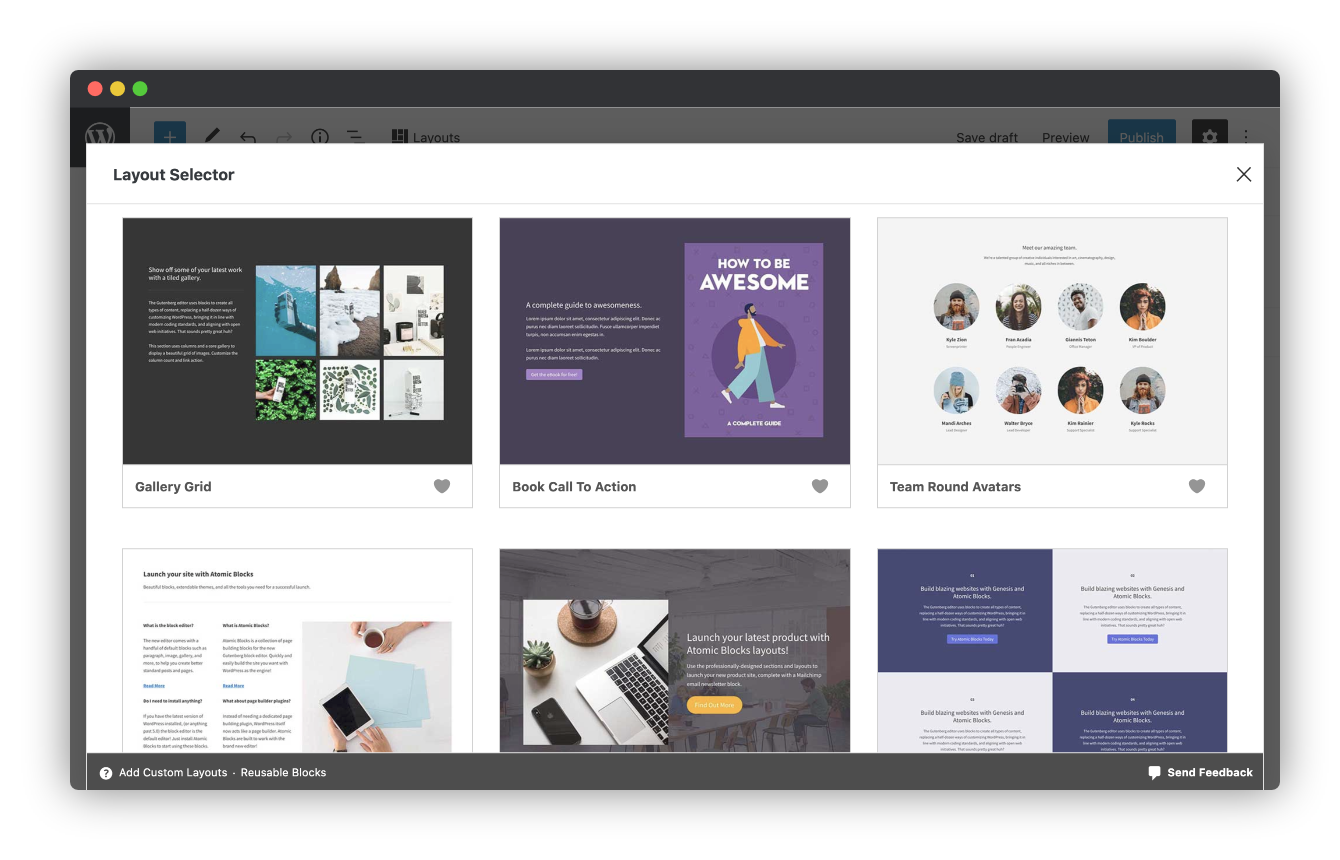
Along with the blocks themselves, Genesis Blocks extends the content creation experience by providing a library of page sections and full-page layouts, all available from within the block editor.
Create compelling content faster.
Create and use content quickly with prebuilt and custom content sections and full-page layouts.
Enhance the Gutenberg editor.
Additional content blocks and the layout selector make it easy to get the most value out of the block-based editor.
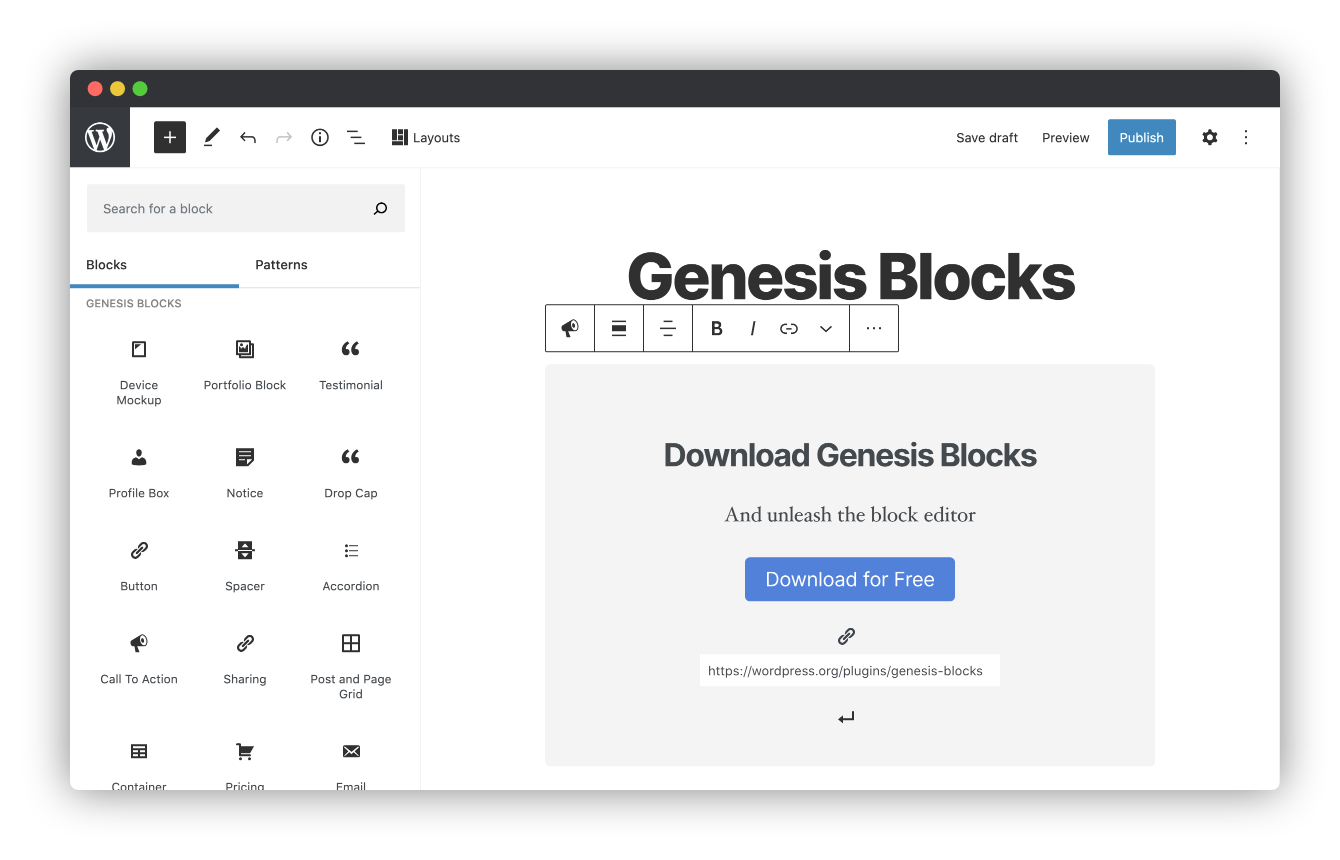
Genesis Blocks currently includes the following blocks to help you build content and pages quickly and effortlessly:
The opening of the plugin's own description. The full text, installation notes and changelog are on its WordPress.org page.
Yes, you can use Genesis Blocks with any theme, but we recommend using one of the Gutenberg-ready StudioPress themes such as Revolution for the best presentation. Both of these themes have beautiful styles built in specifically for Genesis Blocks.
Yes, you will need to have WordPress 5.3 or later installed to take advantage of Genesis Blocks.
#63 by installs
Gutenberg blocks for existing Spectra websites. Maintained, stable, and fully supported — no action needed on your part.

#102 by installs
20+ Gutenberg Blocks with endless options, enabling top-notch efficiency for high-performance dynamic website creation.

#769 by installs
40+ Gutenberg Blocks, plus multiple pre-made free block templates for the WordPress block editor.
Quickly create WordPress pages with 20+ blocks, 100+ ready-to-import designs, and advanced editor extensions. It’s website building, Lego-style!

#181 by installs
CoBlocks is a suite of page builder WordPress blocks for Gutenberg, with 10+ new blocks and a true page builder experience with rows and columns.

#216 by installs
A small collection of lightweight WordPress blocks that can accomplish nearly anything.
Read from the WordPress.org plugin API on , when WordPress 7.1.4 was the current release. WordPress.org rounds active installs into buckets. These are the directory's figures, not my verdict, and I haven't tested this plugin. The author takes donations at their donate page.
