
Cookie consent banner for GDPR, CCPA and privacy compliance. Auto cookie blocking, cookie scanner, Consent Mode v2 and consent management.
- Installs
- 1+ million
- Rating
- 4.8 (3.2K)
- Updated
- 4 days ago

Simplify cookie consent with a customizable banner that helps you cover global privacy laws like GDPR and CCPA. Scan your site for cookies, block scri …
| Last updated | September 30, 2026Updated in the last 3 months |
|---|---|
| Tested up to | WordPress 7.0.8Older than WordPress 7.1.4, the current release |
| Needs WordPress | 6.7 or newer |
| Needs PHP | 7.4 or newer |
| First published | May 18, 2026 |
| Support, last two months | 0 of 2 threads resolved (0%) |
4.3 / 5 from 4 reviews
| 5 stars | 3 |
|---|---|
| 4 stars | 0 |
| 3 stars | 0 |
| 2 stars | 1 |
| 1 star | 0 |
🍪 What Cookie Consent Does
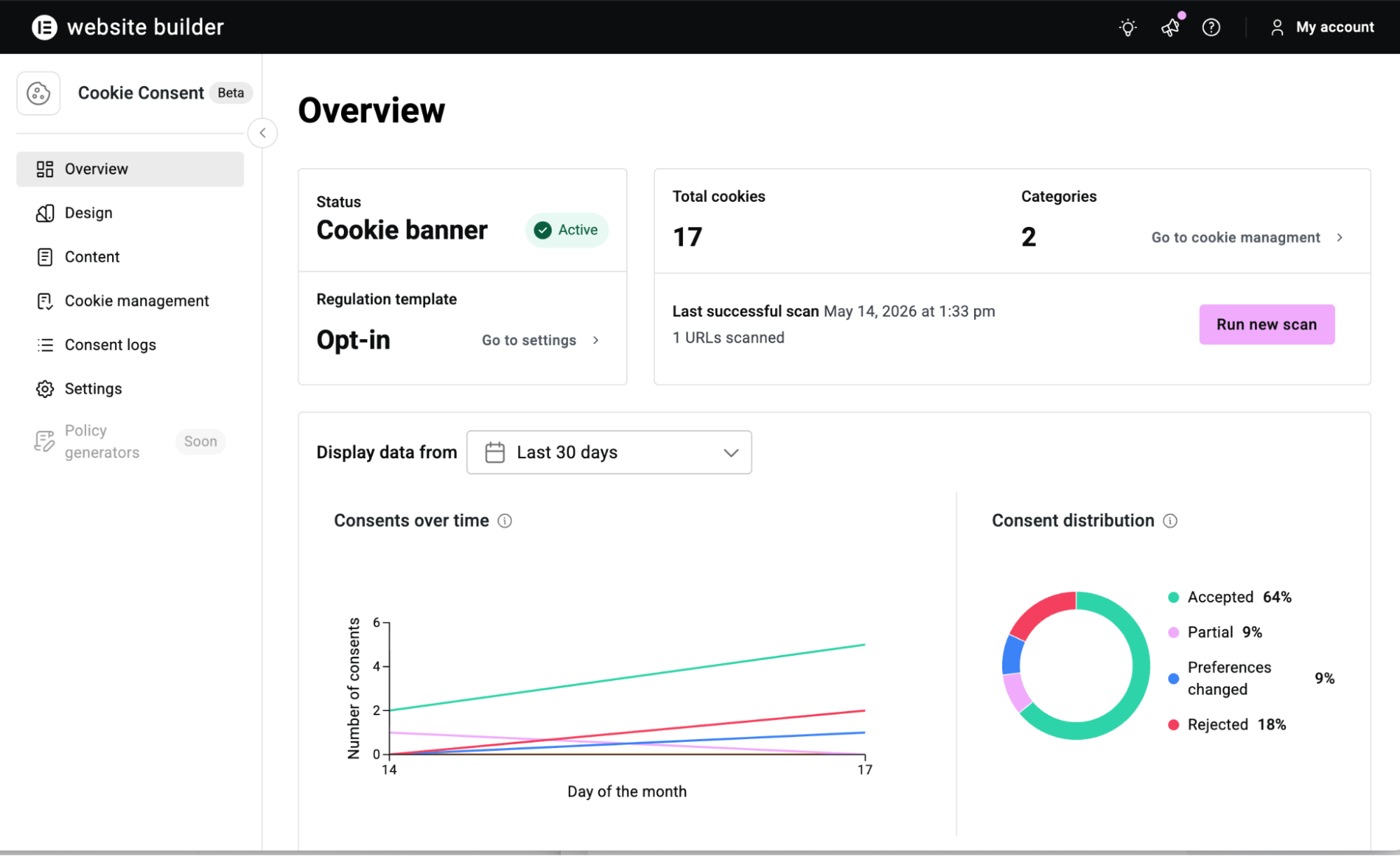
Scans your site for cookies.
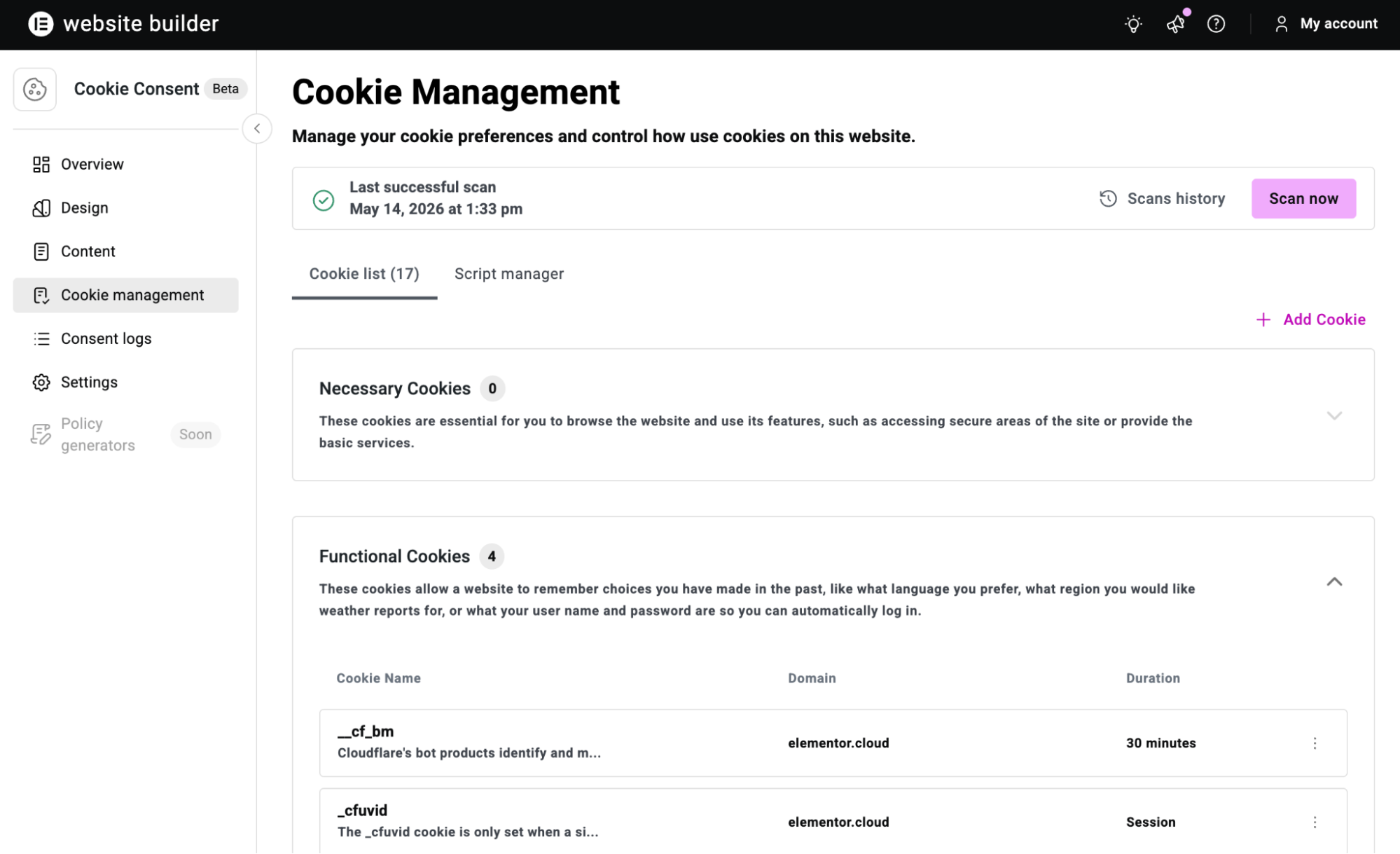
Cookiez detects cookies by loading your pages in a full headless browser (Chromium), the same way a real visitor experiences your site. This catches cookies set by JavaScript execution, third-party embeds, analytics snippets, and dynamically loaded content that simpler HTTP-based scanners often miss. Detected cookies are automatically categorized into Necessary, Analytics, Marketing, Functional, or Uncategorized. You can scan your homepage, crawl your full site, or specify custom URLs. Results merge into your cookie manager without overwriting any manual edits.
Blocks scripts until consent is given.
In GDPR (opt-in) mode, non-essential scripts don’t execute until the visitor consents to the relevant category. This applies to analytics scripts, advertising pixels, tracking tags, and any other third-party script that sets non-essential cookies. Cookiez intercepts both WordPress-enqueued scripts and inline scripts, modifying them to wait for consent before firing. Essential cookies, like those used for login sessions, shopping carts, and basic site functionality, are never blocked. In CCPA (opt-out) mode, scripts load by default and visitors can choose to opt out of specific categories.
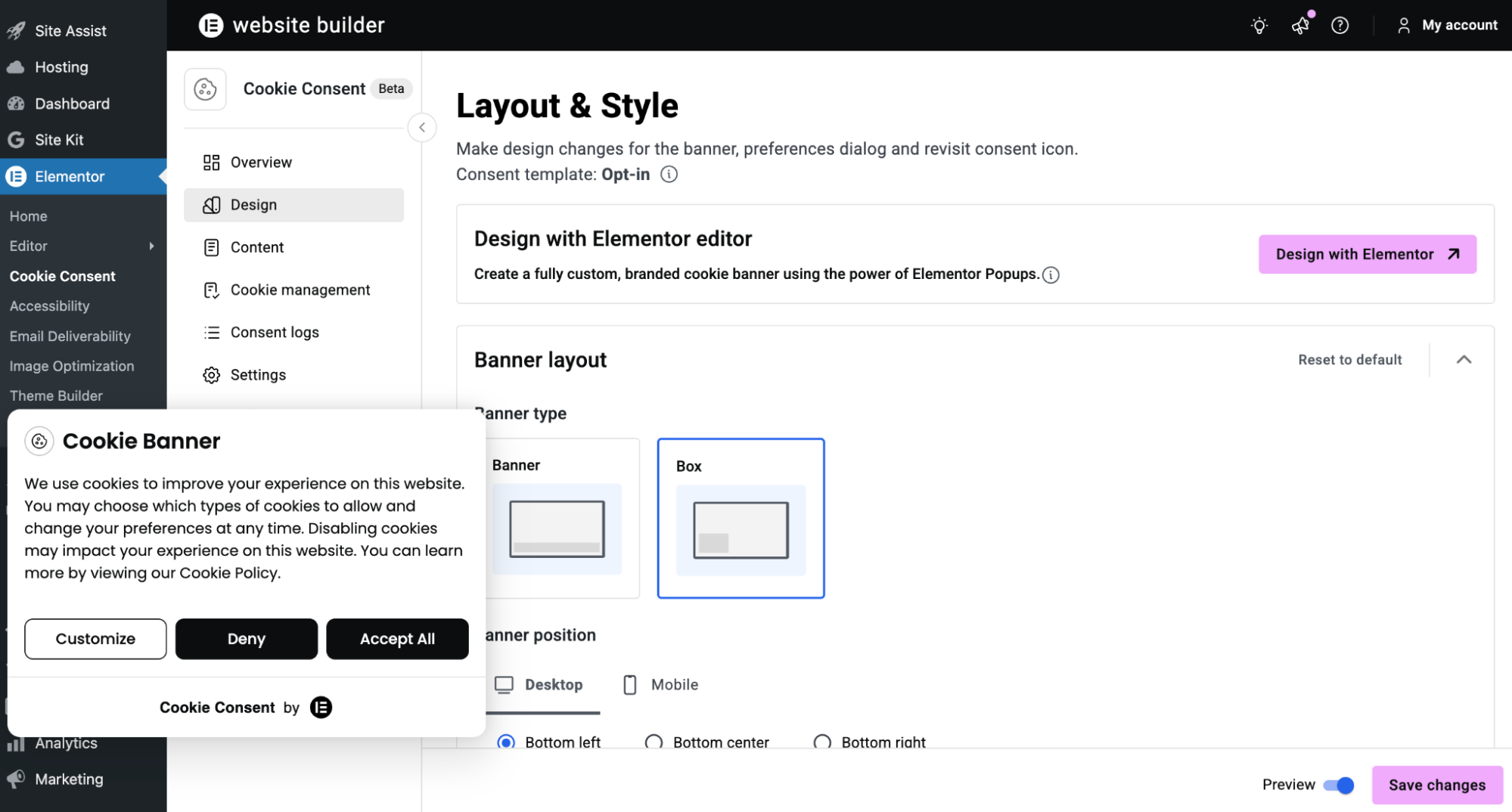
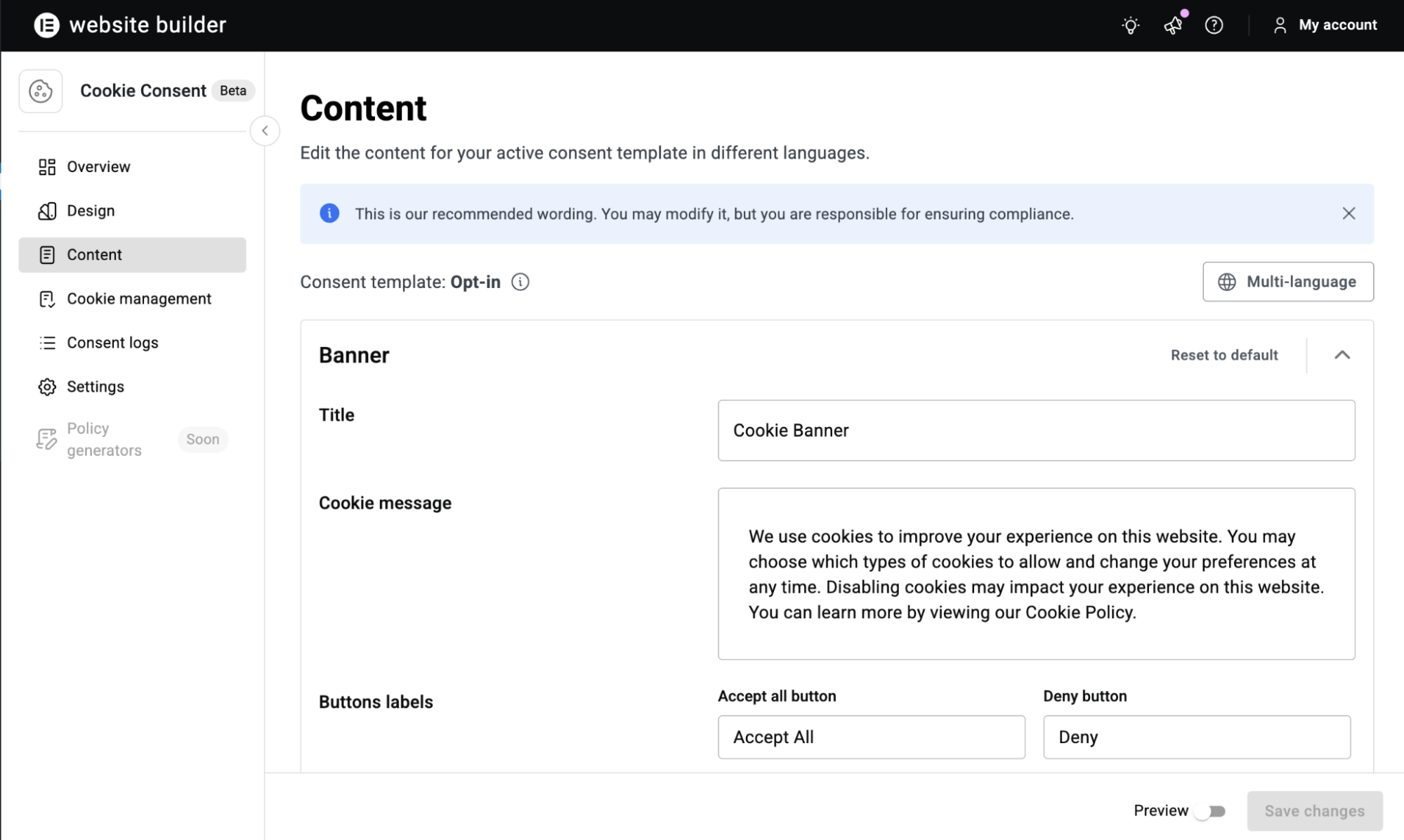
Displays a customizable consent banner.
The opening of the plugin's own description. The full text, installation notes and changelog are on its WordPress.org page.
Cookiez is a cookie consent plugin that adds a GDPR and CCPA compliant consent banner to your site. It includes cookie scanning, script blocking, a customizable banner with live preview, and consent logging, all managed from your admin dashboard.
No. Cookiez works with any theme and any page builder. All core features — scanning, blocking, consent management, banner customization, and consent logging — are fully available without Elementor. If you have Elementor Pro installed, you can additionally design your banner in the Elementor visual editor and save designs as cloud templates.
Cookiez provides tools for cookie consent implementation including banner display, consent collection, script blocking, cookie categorization, and consent records. Full legal compliance depends on many additional factors specific to your site and business. You are responsible for ensuring your site meets all applicable legal requirements.
Cookiez sends your site URL to a scanning service that loads your pages in a headless browser (Chromium). This detects cookies actually set during a page visit, including those from JavaScript and third-party scripts. Results are returned to your dashboard, categorized, and merged into your cookie manager. Manual edits are never overwritten.
For scripts loaded through WordPress’s enqueue system, Cookiez modifies the script tag to prevent execution until consent is given. For inline or hardcoded scripts, an optional output buffering method intercepts them before they reach the browser. You can override the default behavior for any script in the Script Manager.
Five categories: Necessary (always active, never blocked), Analytics, Marketing, Functional, and Uncategorized. Every cookie is assigned to one category. These categories are shared across the cookie manager, blocking logic, and the consent banner.
Cookie consent banner for GDPR, CCPA and privacy compliance. Auto cookie blocking, cookie scanner, Consent Mode v2 and consent management.

#43 by installs
Publish your cookie banner or notice in minutes. Automatically scan cookies, and create policies to align with GDPR, CCPA, and Google Consent Mode.

Cookie notice banner for GDPR, CCPA, EU cookie law, data protection and privacy regulations and other cookie law and consent notice requirements on yo …

Cookie consent banner with cookie scanner & script blocking. Manage cookie consent, cookie notice & cookie policy for GDPR, CCPA & privacy compliance.
Automatic cookie banner and cookie notice for GDPR, CCPA & Google Consent Mode v2. Blocks cookies until consent. Free: 1 domain, up to 50 subpages.

#526 by installs
Our easy to use cookie consent plugin can assist in your GDPR, CCPA, and ePrivacy Directive compliance efforts.
Read from the WordPress.org plugin API on , when WordPress 7.1.4 was the current release. WordPress.org rounds active installs into buckets. These are the directory's figures, not my verdict, and I haven't tested this plugin.
