
#228 by installs
ReCaptcha v2 for Contact Form 7
Adds reCaptcha v2 from Contact Form 7 5.0.5 that was dropped on Contact Form 7 5.1
- Installs
- 200,000+
- Rating
- 5.0 (89)
- Updated
- 5 months ago

Adds an Image CAPTCHA to Contact Form 7 and WPForms, GDPR ready, perfect WPForms or Contact Form 7 Spam Protection Image CAPTCHA, adds a honeypot
| Last updated | August 24, 2026Updated in the last 3 months |
|---|---|
| Tested up to | WordPress 7.1.4Covers WordPress 7.1.4, the current release |
| Needs WordPress | 4.7 or newer |
| Needs PHP | 7.0 or newer |
| First published | July 21, 2015 |
| Support, last two months | 0 of 1 threads resolved (0%) |
4.7 / 5 from 49 reviews
| 5 stars | 41 |
|---|---|
| 4 stars | 3 |
| 3 stars | 2 |
| 2 stars | 2 |
| 1 star | 1 |
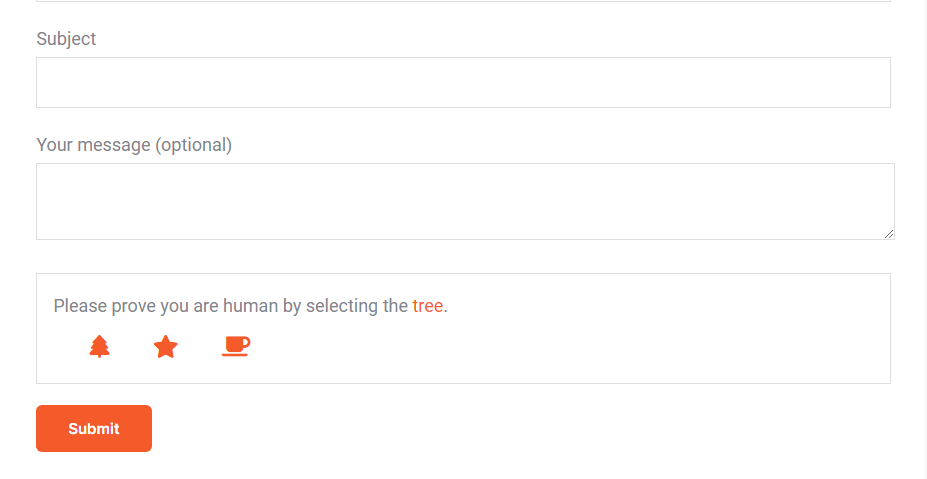
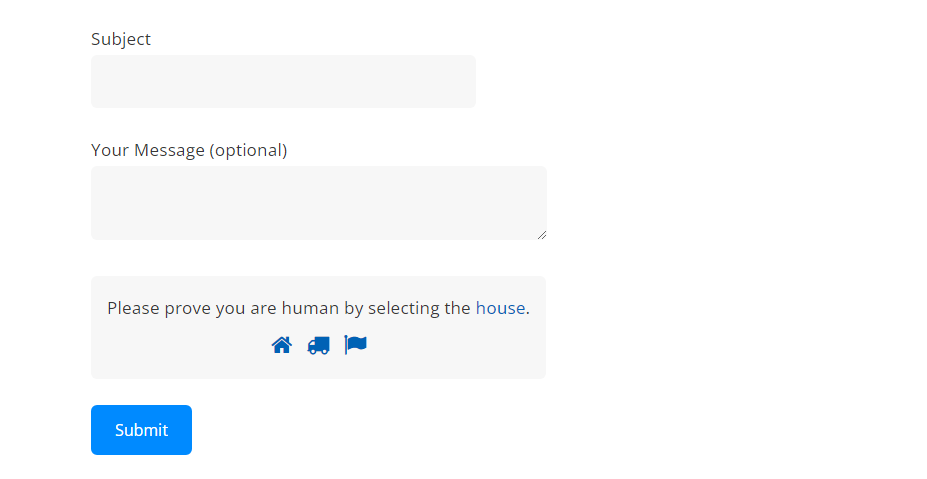
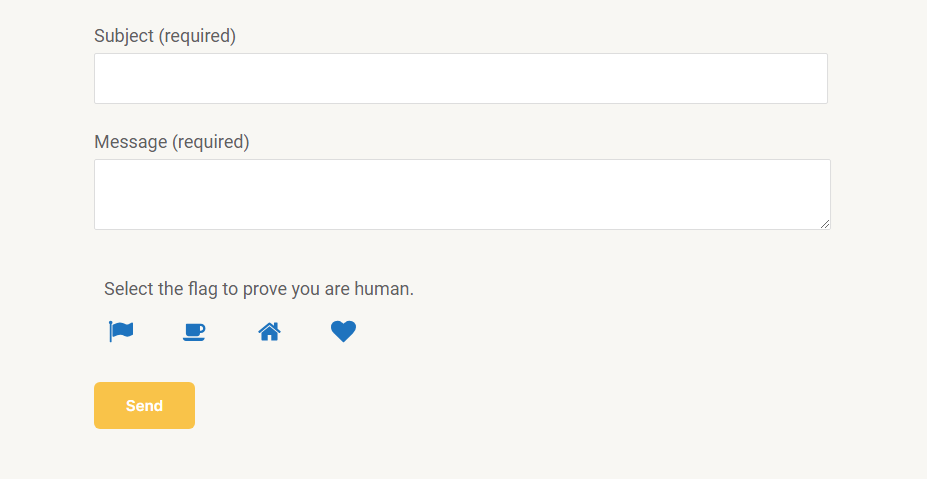
Add an SVG image captcha and honeypot to your Contact Form 7 or WPForms form. Based on our interpretation this CAPTCHA plugin is GDPR compliant because the images are inline SVGs and no download of external resources happens, in addition no cookies or other storing mechanisms are used on the user’s device, this plugin will not slow down your site with additional header requests like Google’s ReCAPTCHA and respects your users privacy.
Directions [PLEASE READ]
Contact Form 7:
Add the shortcode [cf7ic] to the form editor where you want the CAPTCHA to appear.
You can hide the CAPTCHA until a user interacts with the form, by adding “toggle” to the shortcode: [cf7ic “toggle”]
WPForms:
Just activate the CAPTCHA for WPForms on the plugin’s settings page.
Like the plugin?
Please consider leaving a review.
As of version 3.2.0, Contact Form 7 Conditional Fields is now fully supported! You no longer need to add [hidden kc_captcha "kc_human"] to forms that do not include the [cf7ic] shortcode.
Go Pro!
Get even better spam protection with the All-in-one Image CAPTCHA Pro version of this plugin which includes additional options to improve spam protection, options to control the look and style of the CAPTCHA and messages, additional forms support including login screens, gravity forms, WooCommerce and more.
PRO Demo
See the Pro version in action on my contact page.
The opening of the plugin's own description. The full text, installation notes and changelog are on its WordPress.org page.
If either only parts of the CAPTCHA text is translated, or everything is displayed in English, please read through the following possible causes and how to fix them.
1 Translation missing
All plugins within the wordpress.org repository are translated by the translate.wordpress.org community.
Maybe your language set is not fully translated or not translated at all.
In this case, you have the following options:
Yes, both the free and pro versions support WPML.
In fact, there is an active partnership between WPML and Image CAPTCHA for seamless integration.
Please follow those steps:
1. Install CF7 and our plugin
2. Install WPML plugin and the CF7 Multilingual addon
3. WP admin backend: Choose your desired language, via flag at the top menu e.g. German (see screenshot)
4. WP admin backend: Choose Contact > Contact Forms > Add New
5. CF7: Translate the labels
6. CF7: In the right white sidebar, choose Translations to e.g. English (see screenshot)
Simply add this shortcode [cf7ic] to your contact form.
To make it so the CAPTCHA only shows when the form is being filled out, add “toggle” to the shortcode [cf7ic "toggle"] in your contact form.
The most likely reason the toggle is not working is because the double quotes around the word toggle has been changed to “smart quotes”, meaning that they are opening and closing quotation marks and not the verticle lines.
To fix, simply delete the quotes and re-add them with your keyboard – do not copy and paste.
#228 by installs
Adds reCaptcha v2 from Contact Form 7 5.0.5 that was dropped on Contact Form 7 5.1

#237 by installs
Add Cloudflare Turnstile to WordPress, WooCommerce, Contact Forms & more. The user-friendly, privacy-preserving reCAPTCHA alternative. 100% free!

#453 by installs
Block form spam in Gravity Forms with an invisible token check, email rejection rules, and optional AI review. No CAPTCHAs for your visitors.

#455 by installs
Protect Contact Form 7 forms from spam with Google reCAPTCHA v2, reCAPTCHA v3, hCaptcha or Cloudflare Turnstile.

#556 by installs
The strongest CAPTCHA. Switch from reCAPTCHA and Turnstile for free. Works with 60+ integrations: Contact Form 7, Elementor, WooCommerce, Divi, etc.

#8 by installs
The best anti-spam protection to block spam comments and spam in a contact form. The most trusted antispam solution for WordPress and WooCommerce.
Read from the WordPress.org plugin API on , when WordPress 7.1.4 was the current release. WordPress.org rounds active installs into buckets. These are the directory's figures, not my verdict, and I haven't tested this plugin.