Type to search.

#464 by installs

PublishPress Capabilities: User Role Access Control, Admin Area Permissions

by PublishPressVersion 2.53.0

User role editing for WordPress. Manage user roles, control capabilities and permissions, and restrict admin access for any role.

Active installs
90,000+
#464 of 1,000
Downloads, all time
4.5M
4,451,213
Downloads, 30 days
69.8K
11.9K in the last 7
Rating
4.7 / 5
143 reviews
Last updated
17 days ago
Oct 14, 2026
Version
2.53.0
107 releases

Upkeep and compatibility

Last updatedOctober 14, 2026Updated in the last 3 months
Tested up toWordPress 7.1.4Covers WordPress 7.1.4, the current release
Needs WordPress5.5 or newer
Needs PHP7.2.5 or newer
First publishedJuly 30, 2012
Support, last two months2 of 2 threads resolved (100%)

Reviews

4.7 / 5 from 143 reviews

Reviews by star rating
5 stars128
4 stars3
3 stars5
2 stars1
1 star6

Downloads, last 30 days

Low 449 a dayHigh 21.6K a day

What the author says it does

PublishPress Capabilities is a user role editor for WordPress. You can edit user roles, create new ones, and control every capability and permission on your site — without writing code.

You can manage all your WordPress user roles, from Administrators and Editors to Authors, Contributors, Subscribers and custom roles. Each user role gets exactly the capabilities your site needs, and every change is backed up automatically so you can roll it back.

Beyond roles, PublishPress Capabilities cleans up what each role actually sees. You can decide what authors see when they’re writing posts, hide any feature on the block editor or Classic Editor screens, and remove items from the WordPress dashboard, toolbar and Profile screen.

The Key Features of PublishPress Capabilities

  • Roles: Edit, create, or duplicate any WordPress user role.
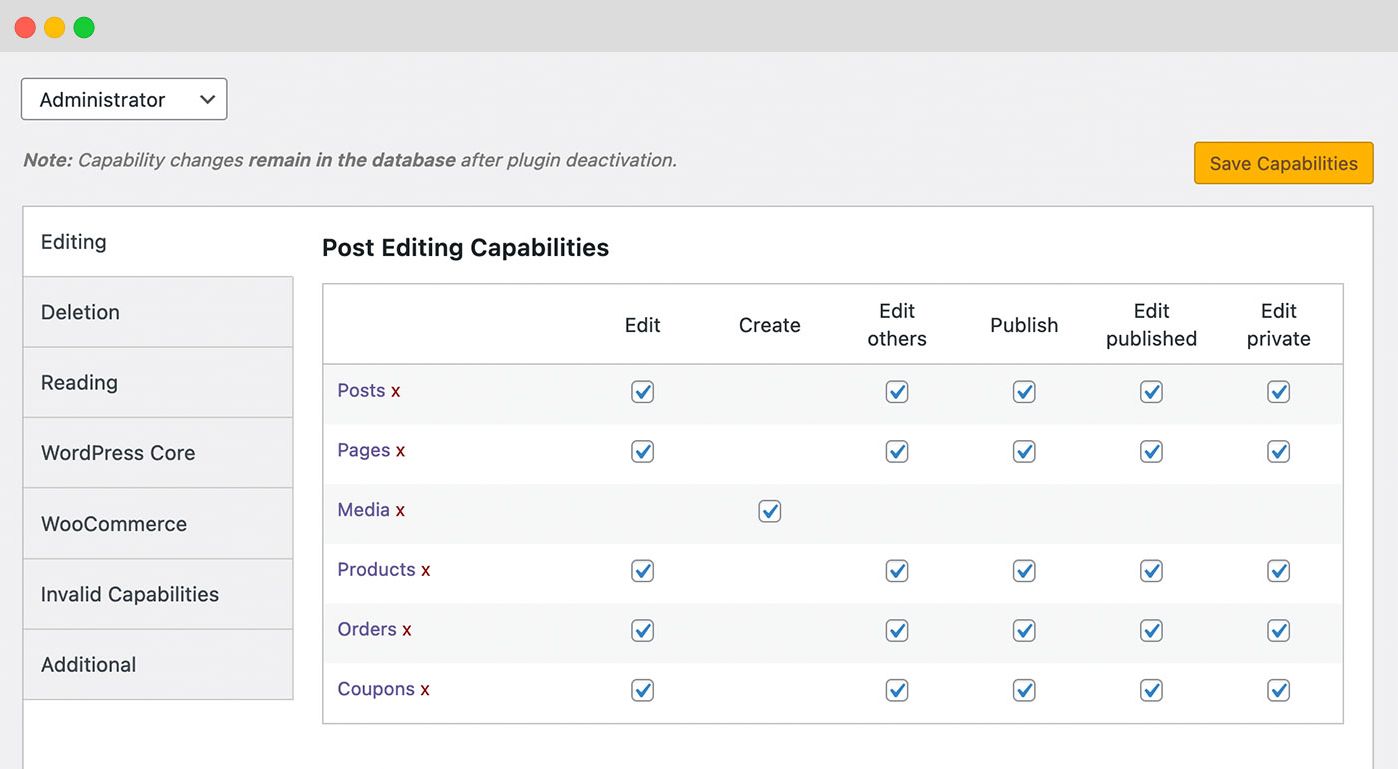
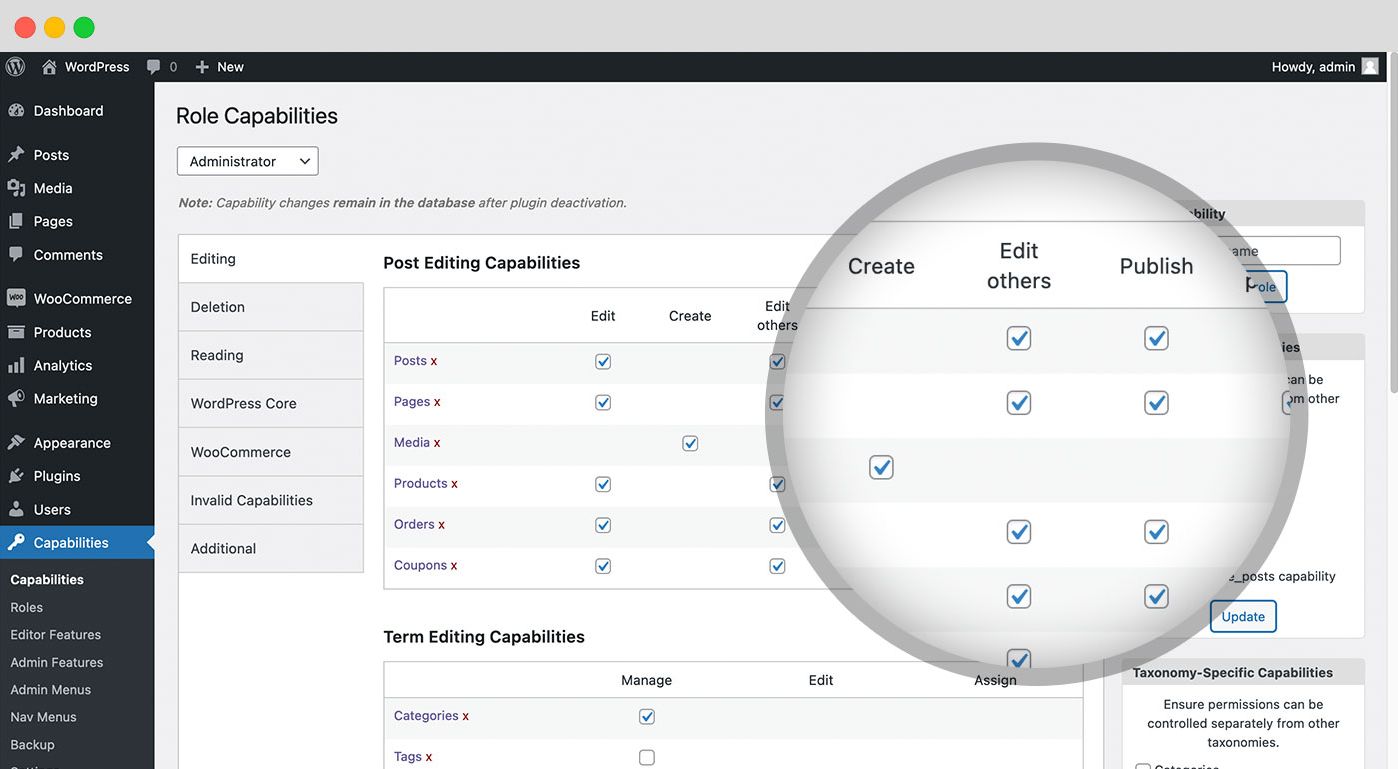
  • Capabilities: Control all WordPress and plugin capabilities from one screen.
  • Editor Features: Decide what users see when they’re writing posts in the block editor or the Classic Editor.
  • Admin Features: Remove items from the WordPress admin, toolbar, and dashboard widgets.
  • Admin Styles: Customize the admin area with your own branding, per user role.
  • Admin Menus: Edit admin menu links and control who can access them.
  • Profile Features: Hide features for users on the “Profile” screen.

The opening of the plugin's own description. The full text, installation notes and changelog are on its WordPress.org page.

Questions the author answers

How do I add a new user role in WordPress?

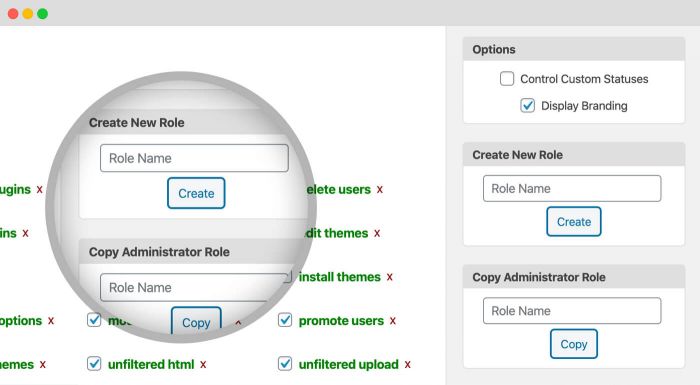
Go to Capabilities > Roles in your WordPress admin menu. You can create a new role from scratch, or copy an existing role and adjust it — copying is usually faster, because you start from a working set of capabilities instead of an empty one.

How do I avoid locking myself out of the WordPress admin?

Changing permissions is the one part of WordPress where a mistake can shut you out of your own site, so PublishPress Capabilities is built to make that recoverable:

  • Every change is backed up automatically, before it is applied. Go to Capabilities > Backup > Restore to roll back to any of the last 20 automatic backups, including the one taken when you first installed the plugin.
Does PublishPress Capabilities work with the block editor and the Site Editor?

Yes. The plugin is tested against the current WordPress release, and the Editor Features screen lets you hide features in both the block editor and the Classic Editor — sidebar panels such as Tags, Categories and Excerpt, the Publish button, and even the post title, body or permalink, per role.

How do I hide admin menu items for a user role?

Many plugins add admin menu links with no way to control who sees them. PublishPress Capabilities adds an Admin Menus screen where you can mark any top-level or sub-menu link as blocked for a given role.

In the free version, you can hide a large amount of the admin without touching menus: use Admin Features to remove toolbar items and dashboard widgets, Profile Features to strip the Profile screen, and the…

How do I Backup and Restore WordPress User Permissions?

PublishPress Capabilities is a user role editor that offers you the ability to backup and restore your WordPress user permissions. This feature is very helpful if you want to test out changes on your site, or you’ve installed a new plugin that has changed your site’s permissions.

How Do I Restore Permissions to the WordPress Defaults?

If you really need to clean up and refresh your site, PublishPress Capabilities does allow you to restore the default WordPress permissions. Go to Capabilities > Backup and click the “Reset Roles” tab. Before you take next step, make sure to read this warning:

Latest changelog entry

The full changelog can be found on GitHub.

Screenshots

First 4 of 13, from WordPress.org.

Tagged

Plugins that share its tags

#186 by installs

Members – Membership & User Role Editor Plugin

by Blair Williams

The best WordPress membership and user role editor plugin. Edit roles, restrict content, and now manage it all with an AI assistant.

Installs
300,000+
Rating
4.9 (1.3K)
Updated
1 day ago

#395 by installs

Access Governance for WordPress (aka AAM)

by AAM Plugin

Access Governance for WordPress. Understand, control, and continuously govern who and what can access your WordPress website.

Installs
100,000+
Rating
4.2 (420)
Updated
12 days ago

Where this page's numbers come from

Read from the WordPress.org plugin API on , when WordPress 7.1.4 was the current release. WordPress.org rounds active installs into buckets. These are the directory's figures, not my verdict, and I haven't tested this plugin.