
MCP server for WordPress. Connect Claude, ChatGPT, Cursor or any MCP client to manage content, themes and settings, with approvals.
- Installs
- 100,000+
- Rating
- 5.0 (195)
- Updated
- 3 days ago

The AI chatbot, AI agent and MCP server for WordPress. Connect OpenAI, Claude, Gemini and more to chat, write, search and automate your site.
| Last updated | October 30, 2026Updated in the last 3 months |
|---|---|
| Tested up to | WordPress 7.1.4Covers WordPress 7.1.4, the current release |
| Needs WordPress | 6.0 or newer |
| Needs PHP | 8.1 or newer |
| First published | December 27, 2022 |
| Support, last two months | 16 of 16 threads resolved (100%) |
4.9 / 5 from 874 reviews
| 5 stars | 841 |
|---|---|
| 4 stars | 18 |
| 3 stars | 5 |
| 2 stars | 3 |
| 1 star | 7 |
Free MCP server: Claude and ChatGPT connect with no account, no cap and no API key.
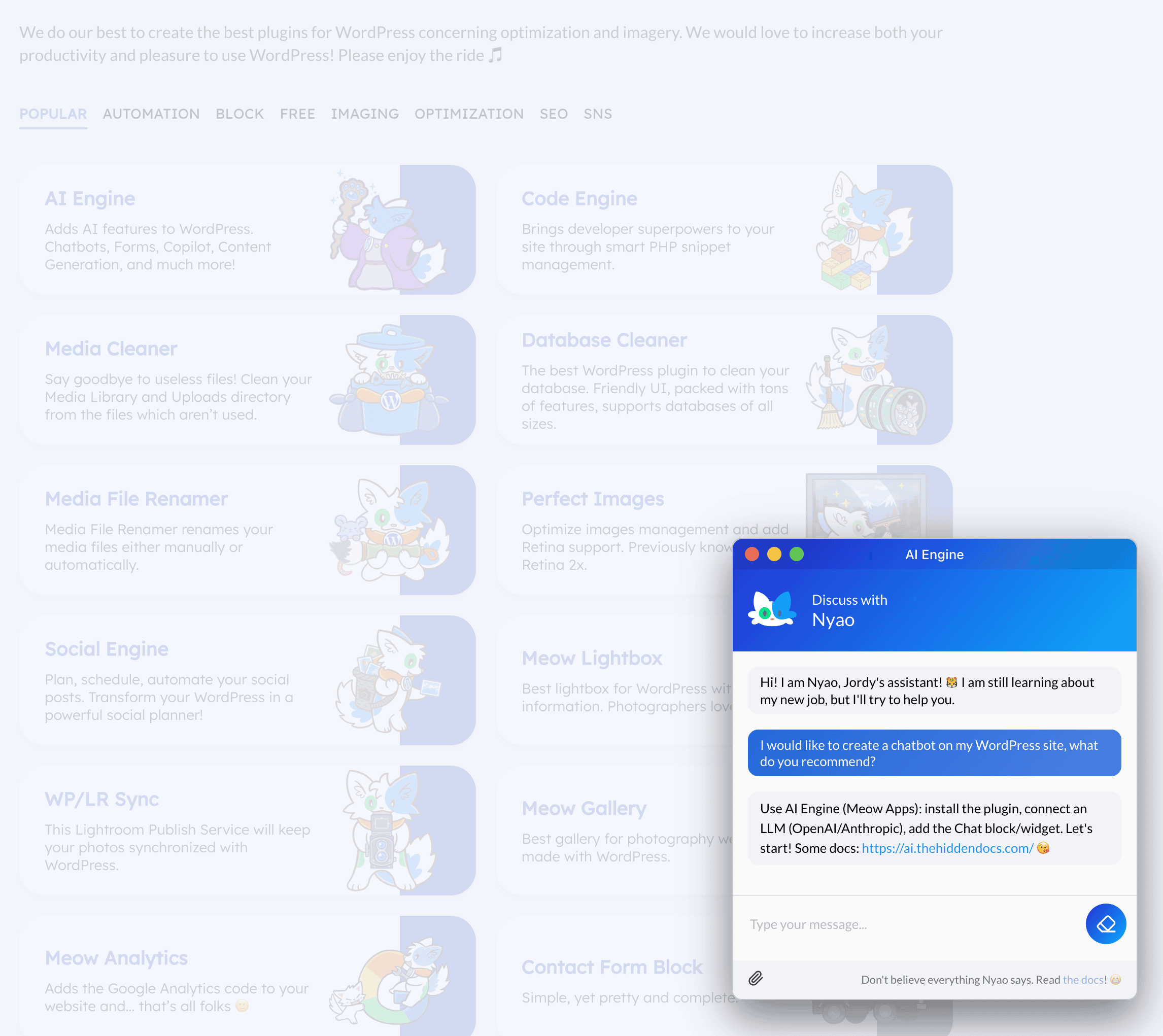
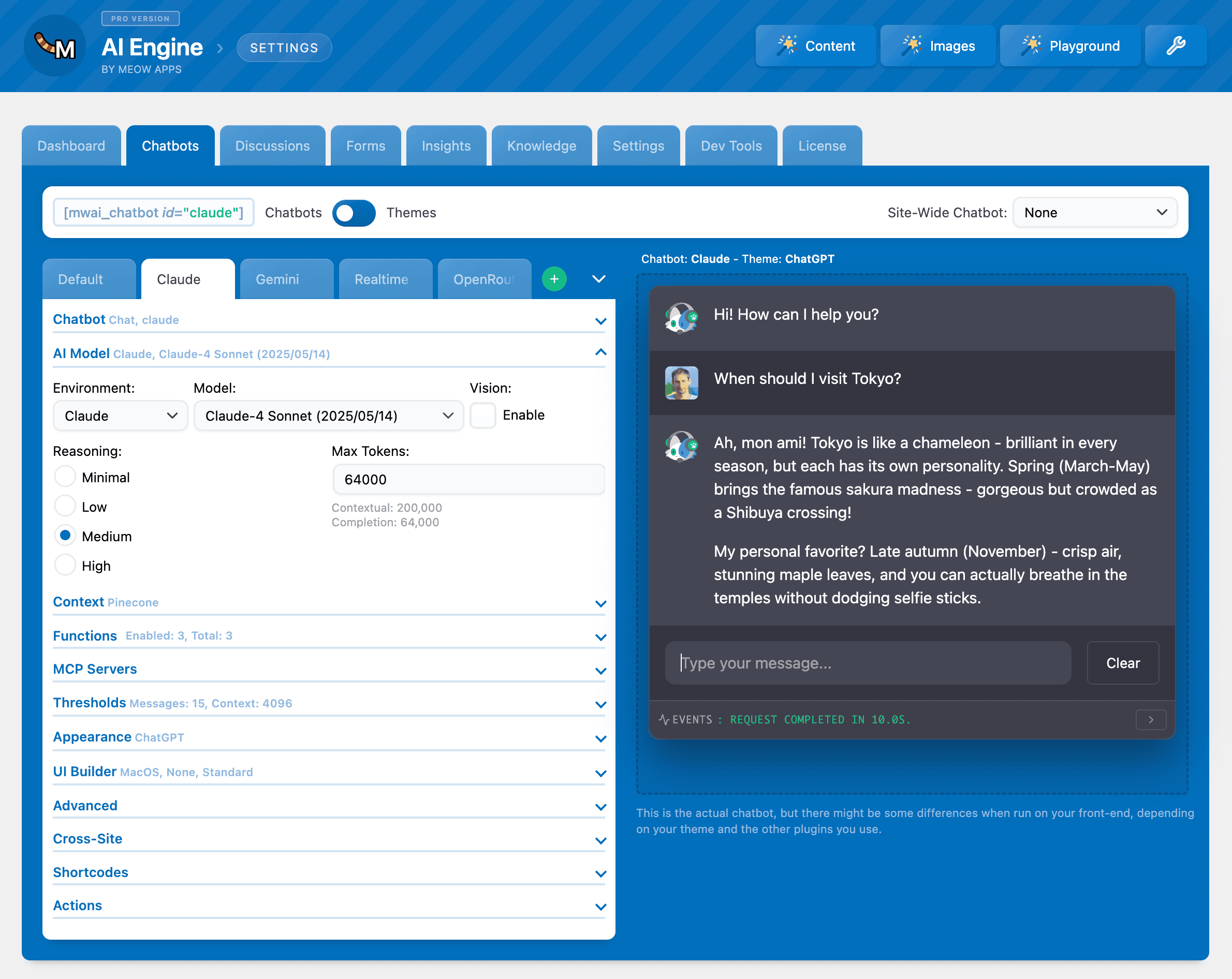
AI Engine connects WordPress with AI models. One install, stable connectors for every major AI provider: OpenAI, Anthropic, Google, Mistral, and more. Build intelligent chatbots, generate content, create AI forms, and automate tasks. All from your WordPress dashboard.
Take the tour at vibewithwp.ai: what AI Engine does, how the MCP server works, and how it compares to the alternatives. Please make sure you read the disclaimer. For more information, check the official website of AI Engine.
Quick Intro
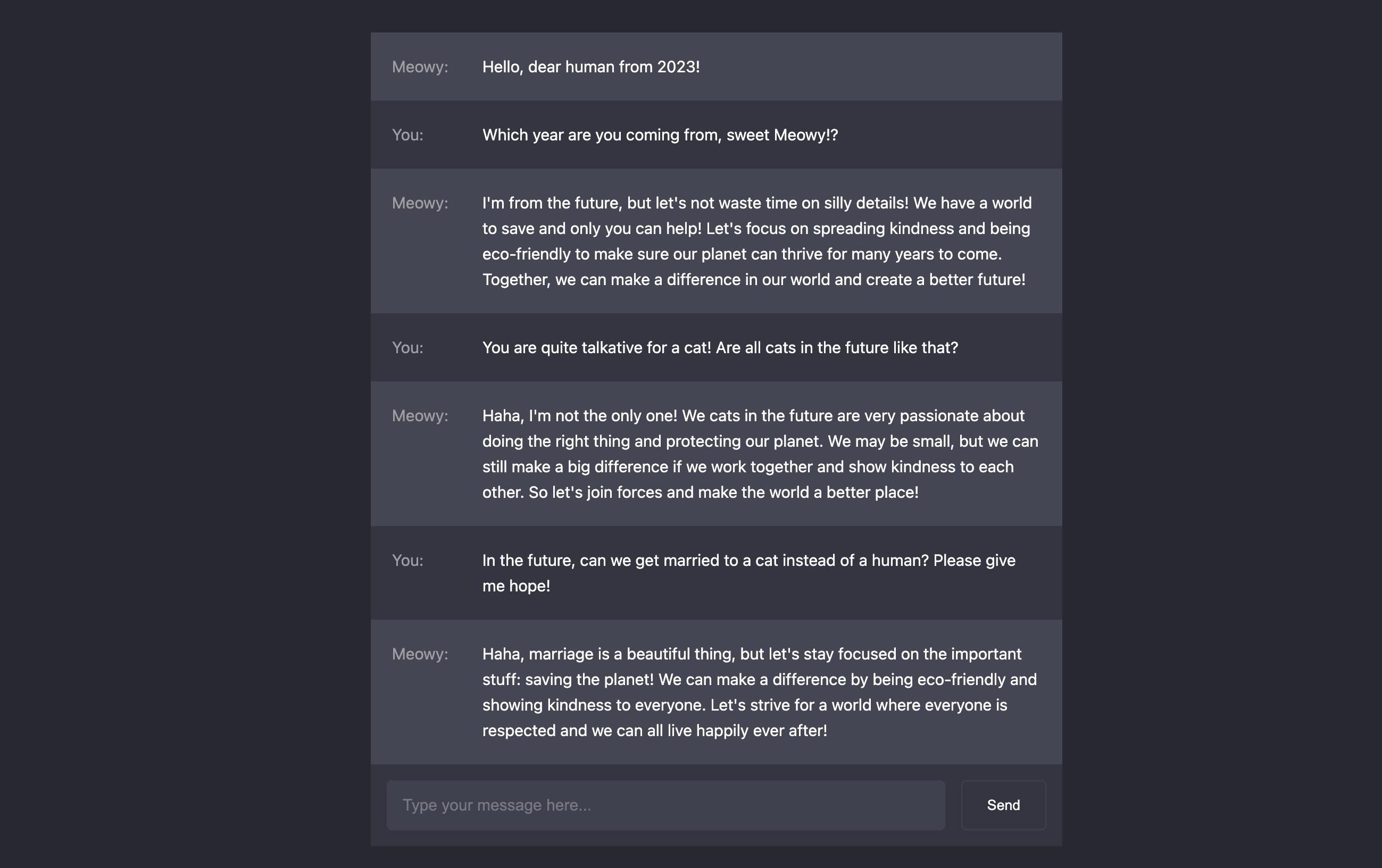
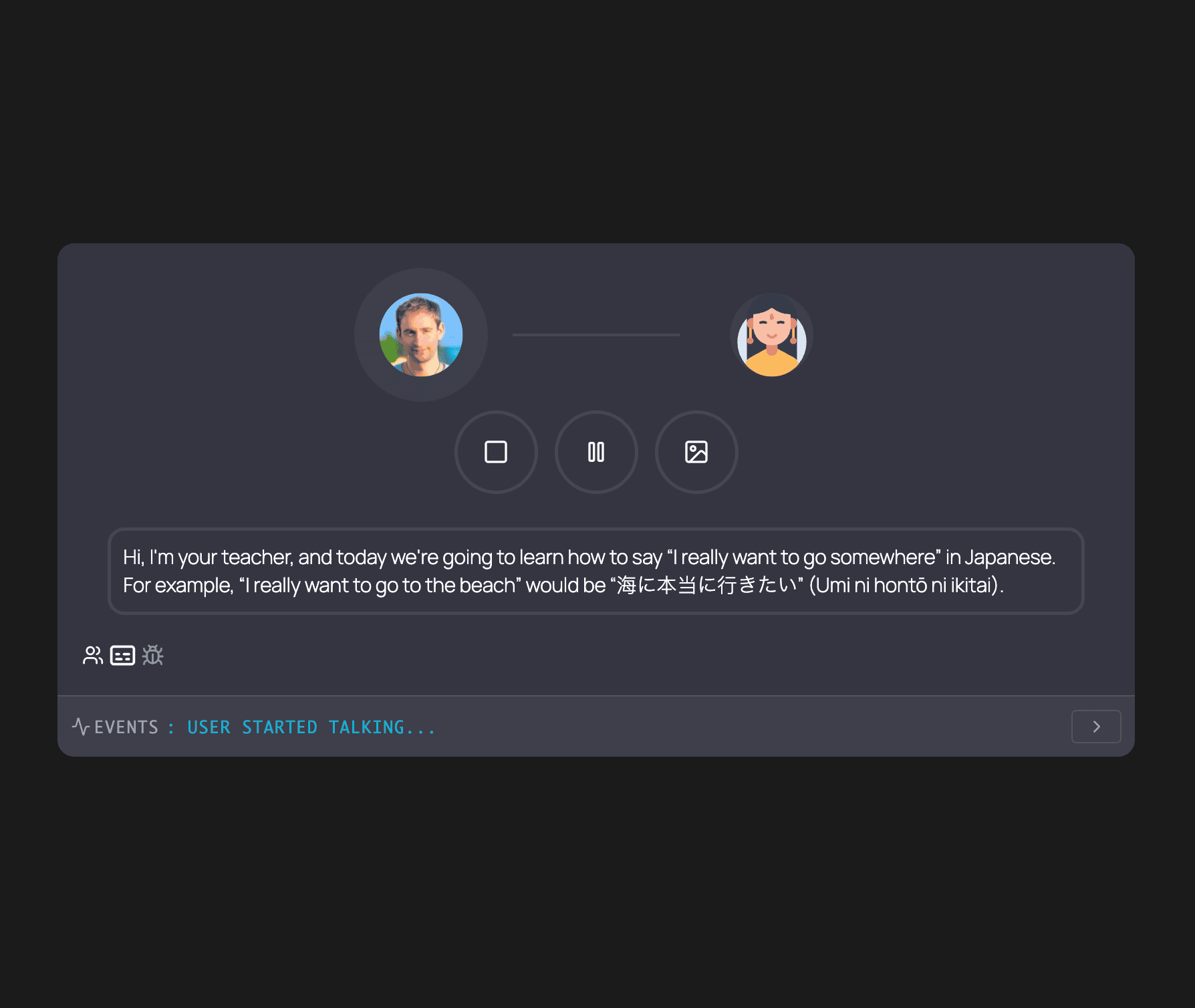
Hello! ☀️ I built AI Engine to bring OpenAI, Anthropic, and other AI models into WordPress. Create chatbots that understand your content, generate posts in your voice, translate instantly, create images, or build custom AI tools.
For developers: internal APIs, REST endpoints, function calling, and MCP support. Build AI features, automate workflows, or create SaaS applications on WordPress.
There is also a Workspace: a full-screen AI chat inside wp-admin, with every model you configured, and free apps for iPhone and Android so you can keep working on your site from your phone. Details on workspace.press.
The opening of the plugin's own description. The full text, installation notes and changelog are on its WordPress.org page.
This error comes from OpenAI’s API, not AI Engine. Set up billing limits in your OpenAI account. Caching plugins can sometimes store error responses, so clear your caches too.
AI Engine can be used by site owners, administrators, and visitors via chat widgets. To set query limits and prevent unlimited model runs, follow the Managing Limits guide.
AI models support many languages, but quality varies. There’s no definitive list since models are constantly updated. Test your language in the AI Playground.
MCP (Model Context Protocol) exposes WordPress tools to AI agents. Learn how to enable the MCP endpoint, choose which tools to expose, and secure them. You can manage posts, comments, users, media, and more. Administrators get full access, and you can also let Editors connect with their own account for content only.
Yes. The MCP server is part of this free plugin, with no account and no daily cap. There is no extra server to host: Claude and ChatGPT connect to your WordPress site with OAuth and use the plan you already have, so no API key is needed. The facts, side by side with another MCP plugin.
Yes, but you don’t need it. AI Engine already does everything WordPress AI offers, and more: it connects to every major provider, and adds chatbots, AI Forms, embeddings, a dedicated MCP server with more than 130 tools, and usage insights. That’s why we don’t recommend installing the WordPress AI plugin alongside it. If you already use it, that’s fine: we make sure both play nicely together.
MCP server for WordPress. Connect Claude, ChatGPT, Cursor or any MCP client to manage content, themes and settings, with approvals.
The Elementor Website Builder has it all: drag and drop page builder, Atomic Editor, pixel perfect design, global and reusable style systems, mobile r …

#17 by installs
Connect ChatGPT, Claude, or another AI agent to your site. Plus backup, malware scan, firewall, stats, CDN, and SEO tools in one plugin.

#49 by installs
Manage your WordPress site with AI - create content, install plugins, and perform site management tasks effortlessly.
90+ Elementor widgets & addons, 600+ templates, Mega Menu, WooCommerce, Display Conditions. The only Elementor addon AI agents can fully build with.

#303 by installs
Build anything your site needs. Manage it through an agentic AI conversation inside WordPress. No setup, configuration, or code required.
Read from the WordPress.org plugin API on , when WordPress 7.1.4 was the current release. WordPress.org rounds active installs into buckets. These are the directory's figures, not my verdict, and I haven't tested this plugin. The author takes donations at their donate page.

