
The most powerful WordPress RSS aggregator, helping you curate content, autoblog, import RSS & display unlimited RSS feeds within a few minutes.
- Installs
- 40,000+
- Rating
- 4.6 (361)
- Updated
- 12 days ago

The #1 WordPress RSS aggregator to quickly import RSS feeds, build a news aggregator, and for easy autoblogging.
| Last updated | September 15, 2026Updated in the last 3 months |
|---|---|
| Tested up to | WordPress 7.1.4Covers WordPress 7.1.4, the current release |
| Needs WordPress | 6.2.2 or newer |
| Needs PHP | 7.4.0 or newer |
| First published | January 5, 2012 |
| Support, last two months | 4 of 4 threads resolved (100%) |
4.5 / 5 from 565 reviews
| 5 stars | 469 |
|---|---|
| 4 stars | 28 |
| 3 stars | 8 |
| 2 stars | 8 |
| 1 star | 52 |
WP RSS Aggregator is the perfect plugin to quickly import RSS feeds, build a news aggregator, and for easy autoblogging.
This is why it is used on 50,000+ websites to aggregate and curate content from all over the web.
WP RSS Aggregator: The original and still the most popular RSS import plugin for WordPress
Import and display RSS feeds anywhere on your site.
Set up any RSS feed once and let Aggregator do the rest automatically. Create a constant flow of fresh content to keep your audience engaged.
Whether you’re creating a news aggregator, sharing related posts, curating videos, or displaying a collection of articles, RSS is still the best way to do it.
All Features | Video Guides | Get Aggregator Pro
Discover the power of Aggregator and RSS feeds
With more than a decade of experience in the aggregator and RSS space, we’ve built WP RSS Aggregator to be your ideal partner for autoblogging, content hubs, and news aggregators of all kinds. Here are our main features:
🚀 Quick Setup: Add RSS feeds from unlimited sources in seconds, whether for news feeds, blog posts, or anything else. Learn more
🔎 RSS Feed Auto-Discovery: Enter a website’s URL and let WP RSS Aggregator find the RSS feed. Learn more
The opening of the plugin's own description. The full text, installation notes and changelog are on its WordPress.org page.
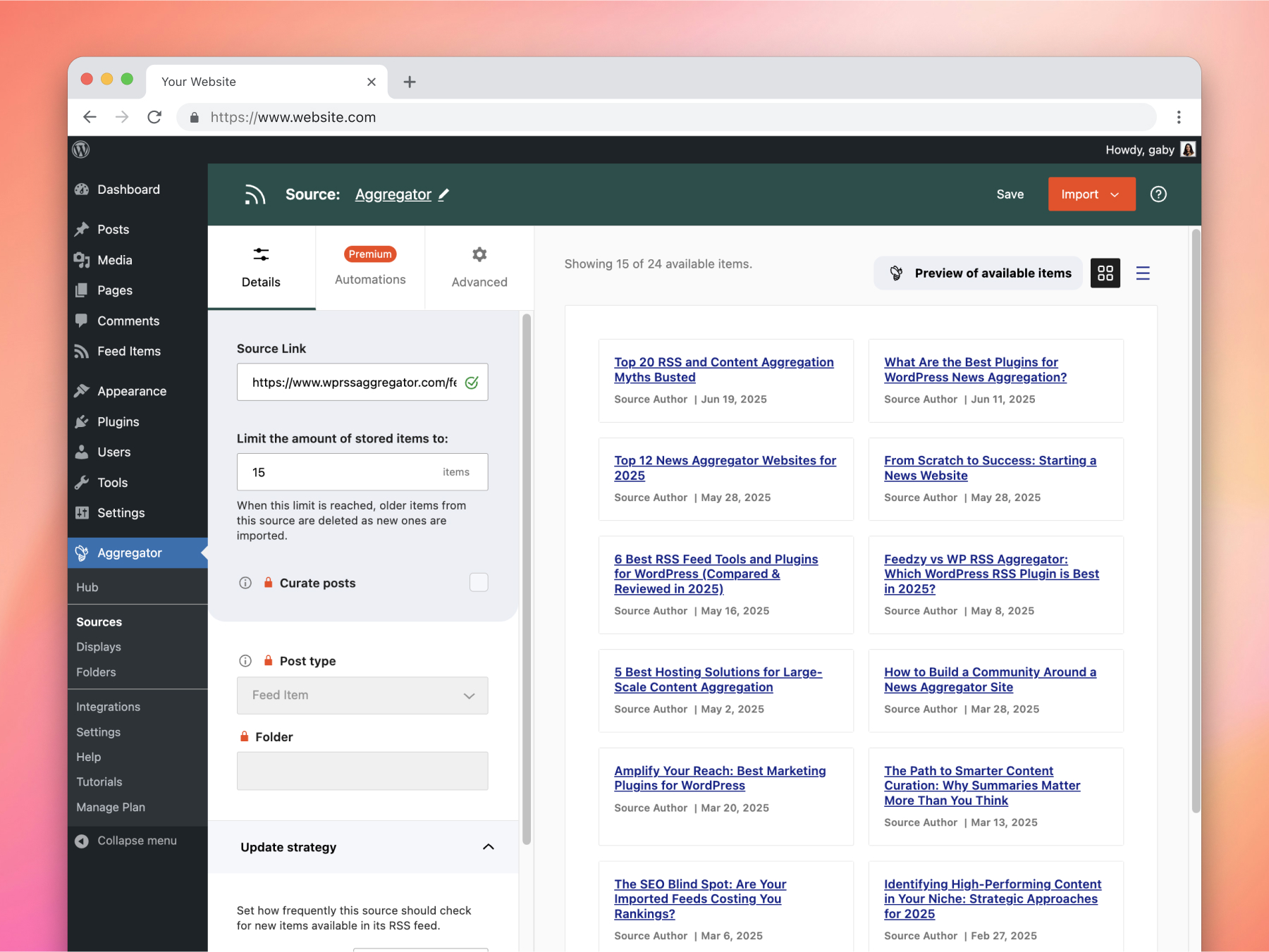
You can import content from any website that offers a valid RSS or XML feed. Just enter the website URL into WP RSS Aggregator, and it will automatically detect and list the available feeds for you. Most websites provide RSS feeds – here’s how to find them.
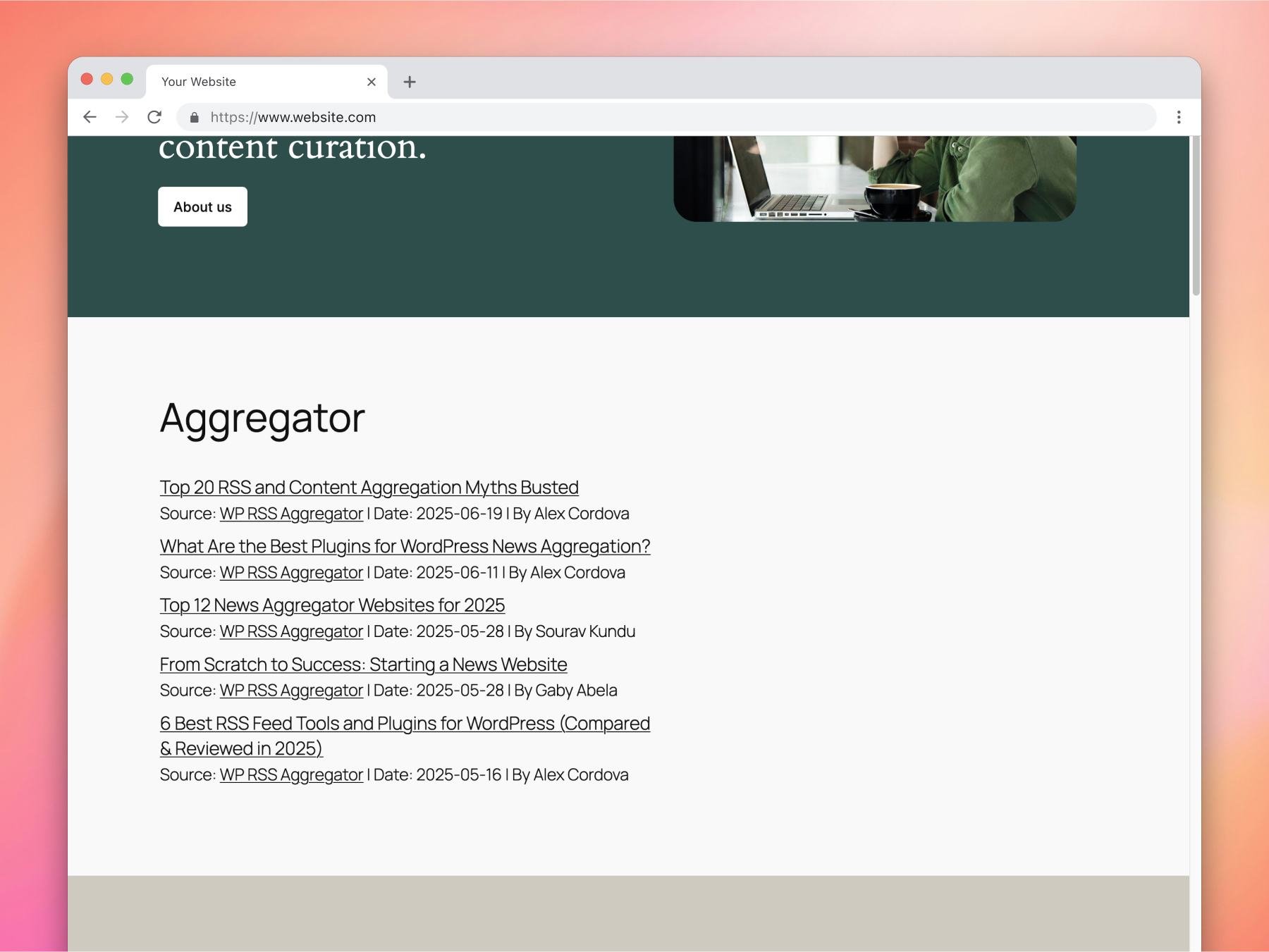
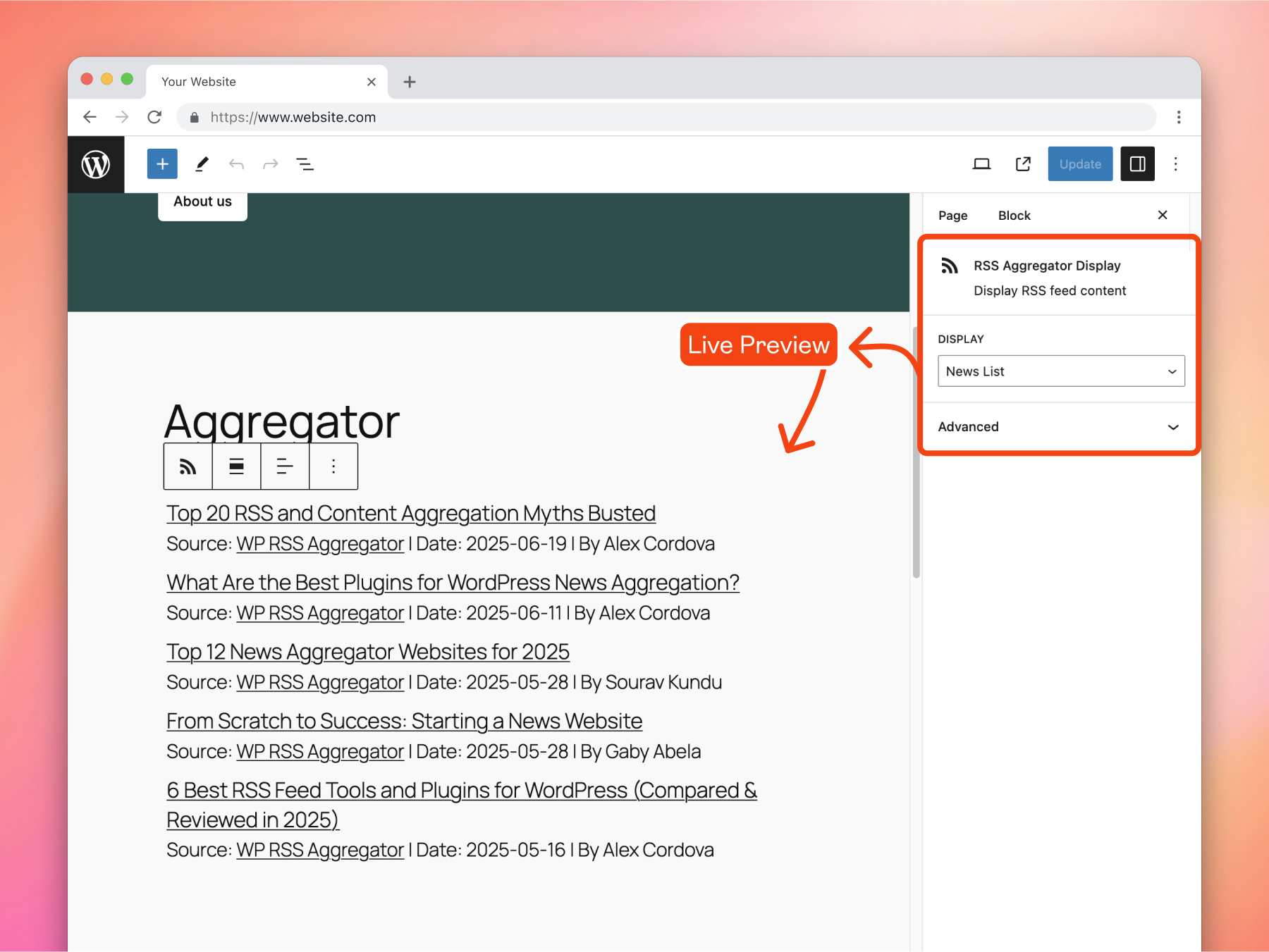
Create a display with the layout of your choice to showcase imported items anywhere across your site. To show the items, you can use either one (or a combination) of the options below.
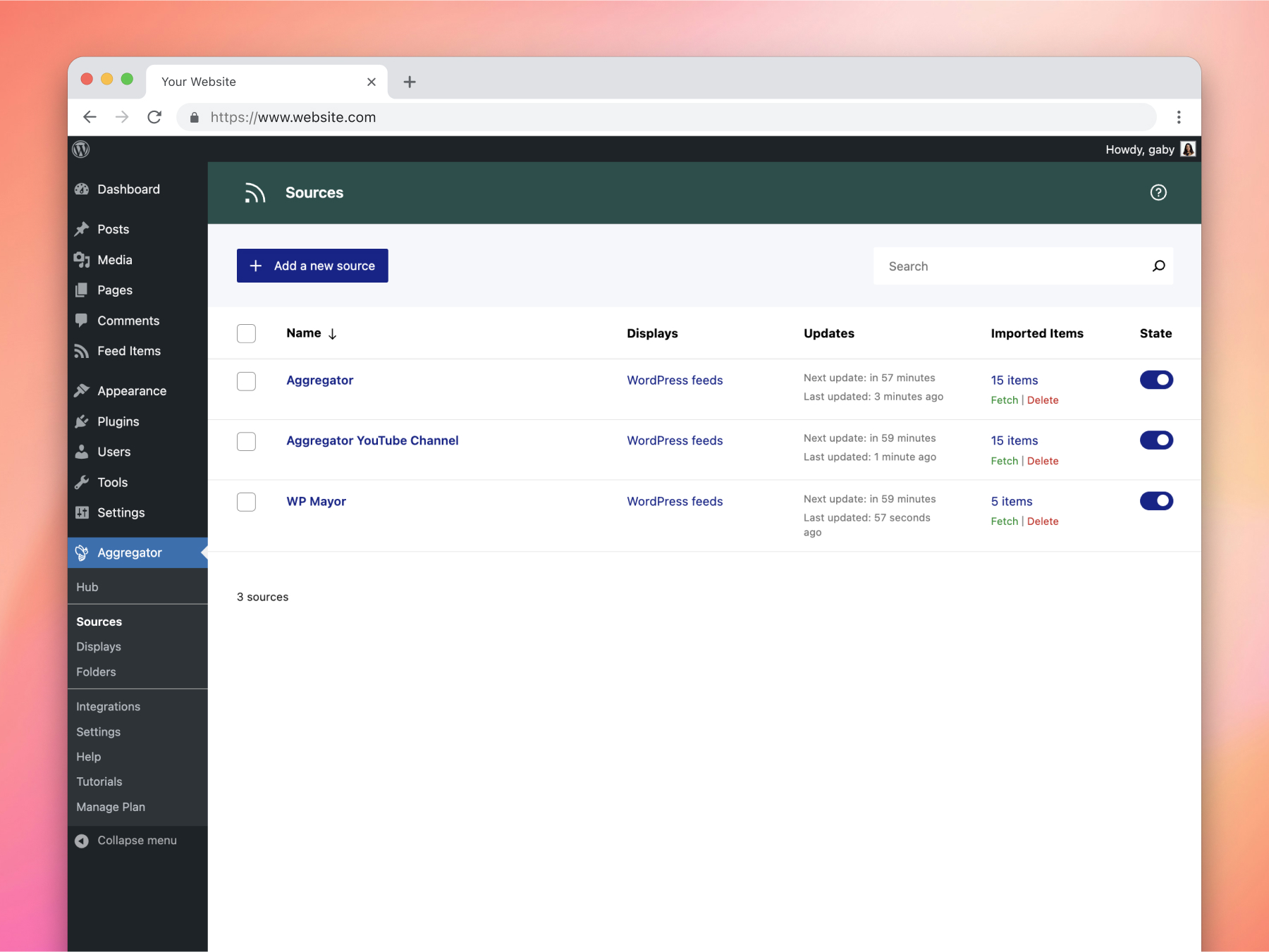
No, there is no limit for the number of feed sources to import items from. Having many (50+) feed sources should not present any problems in itself. However, pulling in posts from many sites is bound to put your server under some stress, so you might want to consider using a hosting solution that goes beyond your typical shared host and staggering the feed imports.
In the majority of cases, this is possible using our Feed to Post and Full Text features, both of which are part of our most popular bundle, the Pro Plan. When importing the full text from a source, please make sure to check and abide by the source site’s terms and conditions on the sharing of their content.
Creating Twitter RSS feeds for your WordPress site involves a few simple steps using third-party services since Twitter no longer offers native RSS feed support. Here’s a quick overview:
• Select a Third-Party Service: Use an RSS feed generator such as RSS.app or Nitter to create your Twitter RSS feed. These platforms allow you to convert Twitter content into RSS feeds.
To showcase the latest posts from a Facebook page on your WordPress site, you can create an RSS feed for that Facebook page using a third-party service like FetchRSS. Once you have the RSS feed URL, you can easily integrate this feed into your site using WP RSS Aggregator.
Added
– Added notices that explain when WordPress Cron is disabled, so administrators know scheduled imports will not run.
– Added a wpra-attribution CSS hook so Source attribution can be styled through theme CSS.
Changed
– Licence validation now accepts additional common staging and local-development URLs.
Fixed
– Searchable Sources, Folders, and Displays lists now clearly report when no results match a search.
– Source migrations now preserve zero as a valid minimum image width or height.
– The Manage Plan page no longer shows a licence panel when Premium is not installed.
The most powerful WordPress RSS aggregator, helping you curate content, autoblog, import RSS & display unlimited RSS feeds within a few minutes.
Read from the WordPress.org plugin API on , when WordPress 7.1.4 was the current release. WordPress.org rounds active installs into buckets. These are the directory's figures, not my verdict, and I haven't tested this plugin.