
WP Reset
WP Reset resets the entire site or selected parts using advanced reset options to default values. 100% safe to use with built-in restore function.
- Active installs
- 300,000+
- #185 of 1,000
- Downloads, all time
- 10.5M
- 10,482,061
- Downloads, 30 days
- 46.5K
- 10.9K in the last 7
- Rating
- 4.8 / 5
- 1,014 reviews
- Last updated
- 3 months ago
- Aug 16, 2026
- Version
- 2.08
- 42 releases
Upkeep and compatibility
| Last updated | August 16, 2026Updated in the last 3 months |
|---|---|
| Tested up to | WordPress 7.1.4Covers WordPress 7.1.4, the current release |
| Needs WordPress | 4.0 or newer |
| Needs PHP | 5.2 or newer |
| First published | May 17, 2016 |
| Support, last two months | 1 of 1 threads resolved (100%) |
Reviews
4.8 / 5 from 1,014 reviews
| 5 stars | 959 |
|---|---|
| 4 stars | 9 |
| 3 stars | 5 |
| 2 stars | 5 |
| 1 star | 36 |
Downloads, last 30 days
What the author says it does
WP Reset quickly resets the site’s database to the default installation values without modifying any files. It deletes all customizations and content, or just chosen parts like theme settings. WordPress Reset is fast and safe to use thanks to the built-in snapshots which provide 1-click restore functionality. It has multiple fail-safe mechanisms so you can never accidentally lose data. WP Reset is extremely helpful for plugin and theme developers. It speeds up testing & debugging by providing a quick way to reset settings and re-test code. It’s the only WP development tool for non-developers that enables advanced reset.
Having problems with spam, bots, or AI scrapers? Have a look at our free Captcha plugin used on over 200,000 sites.
For support please use the official forum, and if you need more information visit wpreset.com.
Access WP Reset admin page via the “Tools” menu.
Please read carefully before proceeding to understand what WP Reset does, and remember to always create a backup or snapshot.
Resetting will delete:
- all posts, pages, custom post types, comments, media entries, users
- all default WP database tables
- all custom database tables that have the same prefix table prefix as the one defined in wp-config.php and used by default tables
Resetting will not delete or modify:
The opening of the plugin's own description. The full text, installation notes and changelog are on its WordPress.org page.
Questions the author answers
Does WP Reset make backups?
Automatically no, it does not. But we have “download backup” links besides every tool in the plugin so make sure you download a backup before running them. Backups only contain the database, no files!
How can I log in after resetting?
Use the same username and password you used while doing the reset. Only one user will be restored after resetting. The one you used at that time.
Will any files be deleted or modified when I reset the site?
No. All files are left untouched if you do a full reset. However, there are tool like “delete themes” that do delete files.
Will I have to reconfigure wp-config.php?
Absolutely not. No reconfiguration is needed. No files are modified.
Do you support WP-CLI?
We sure do! Just type “wp reset” in your shell to see the list of available commands and options.
How long does it take for the reset operation to complete?
On most installations a second or two. If you have a huge amounts of data in tables then up to ten seconds.
Latest changelog entry
- 2026/07/19
- Minor updates and fixes
Screenshots
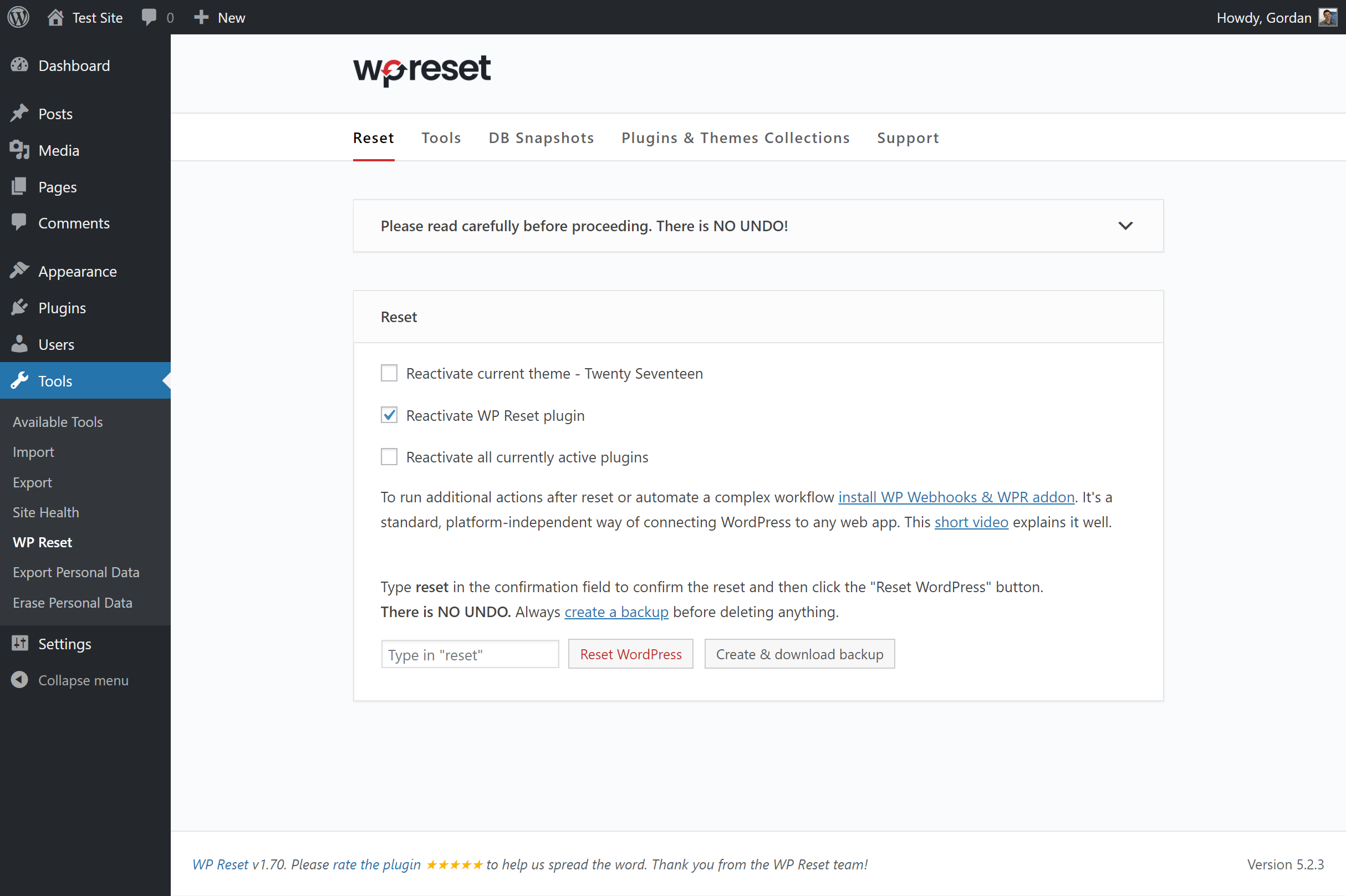
WP Reset - main reset page 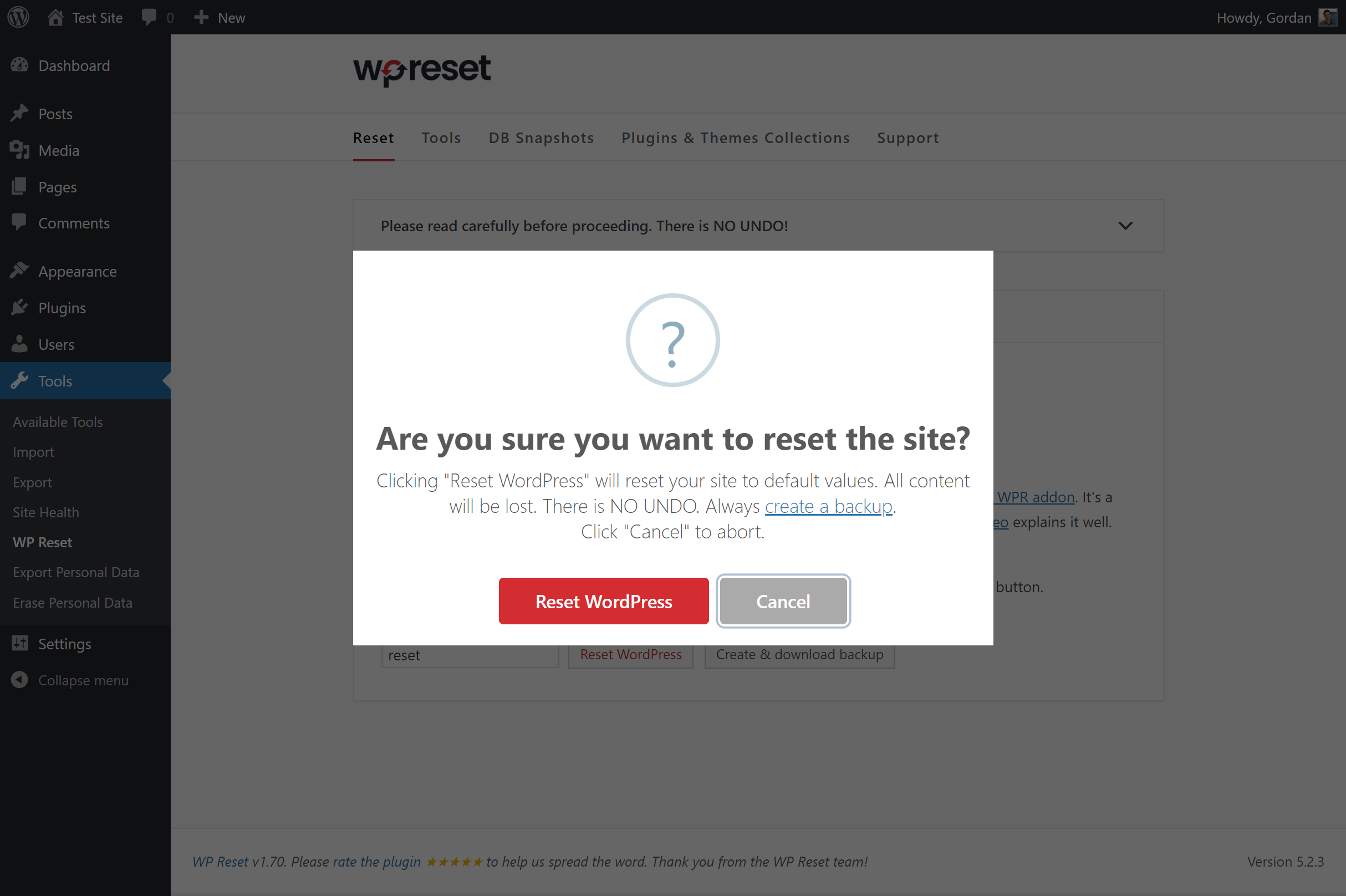
All reset actions have to be confirmed 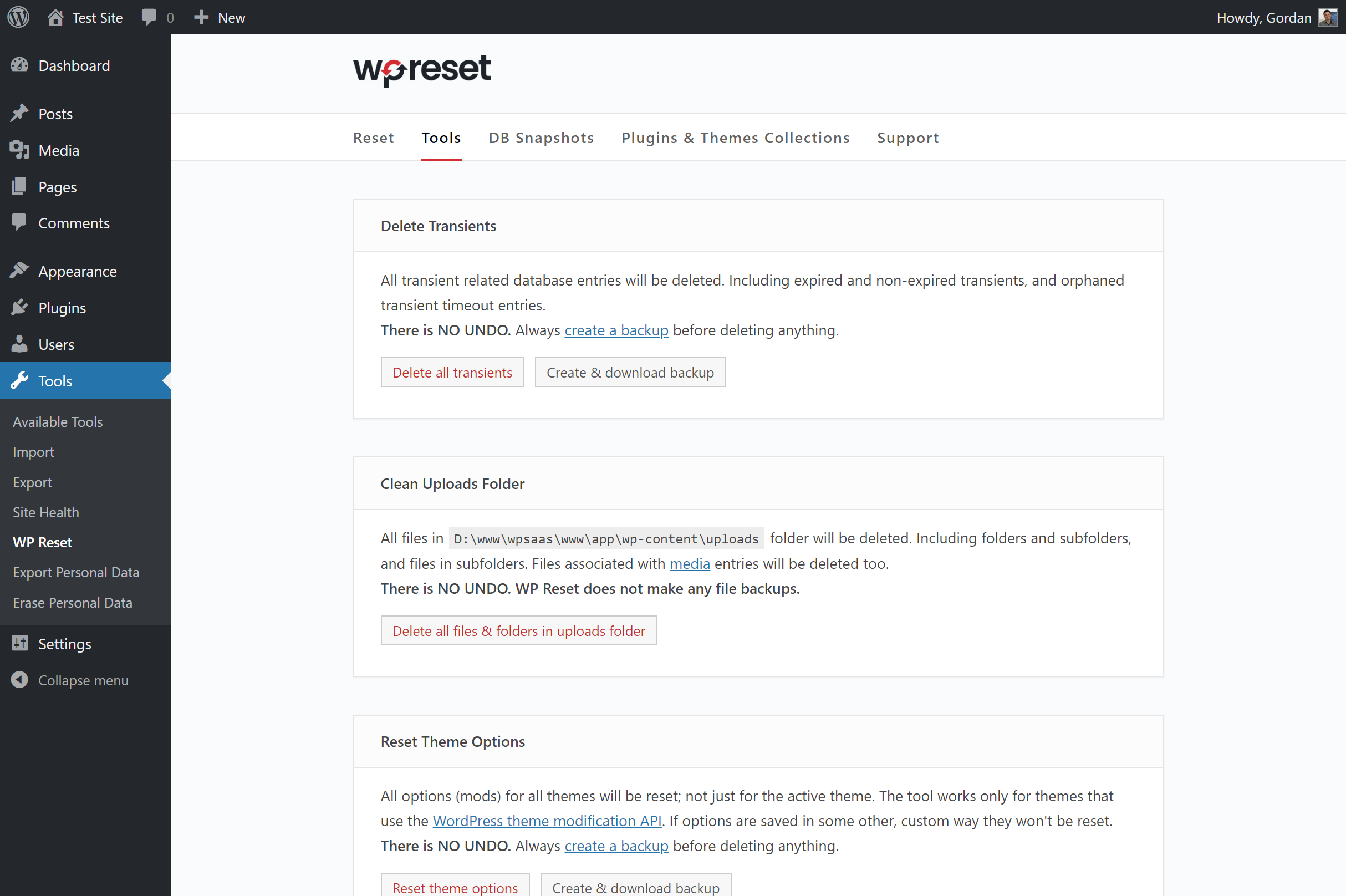
Additional tools for resetting and deleting various WordPress objects 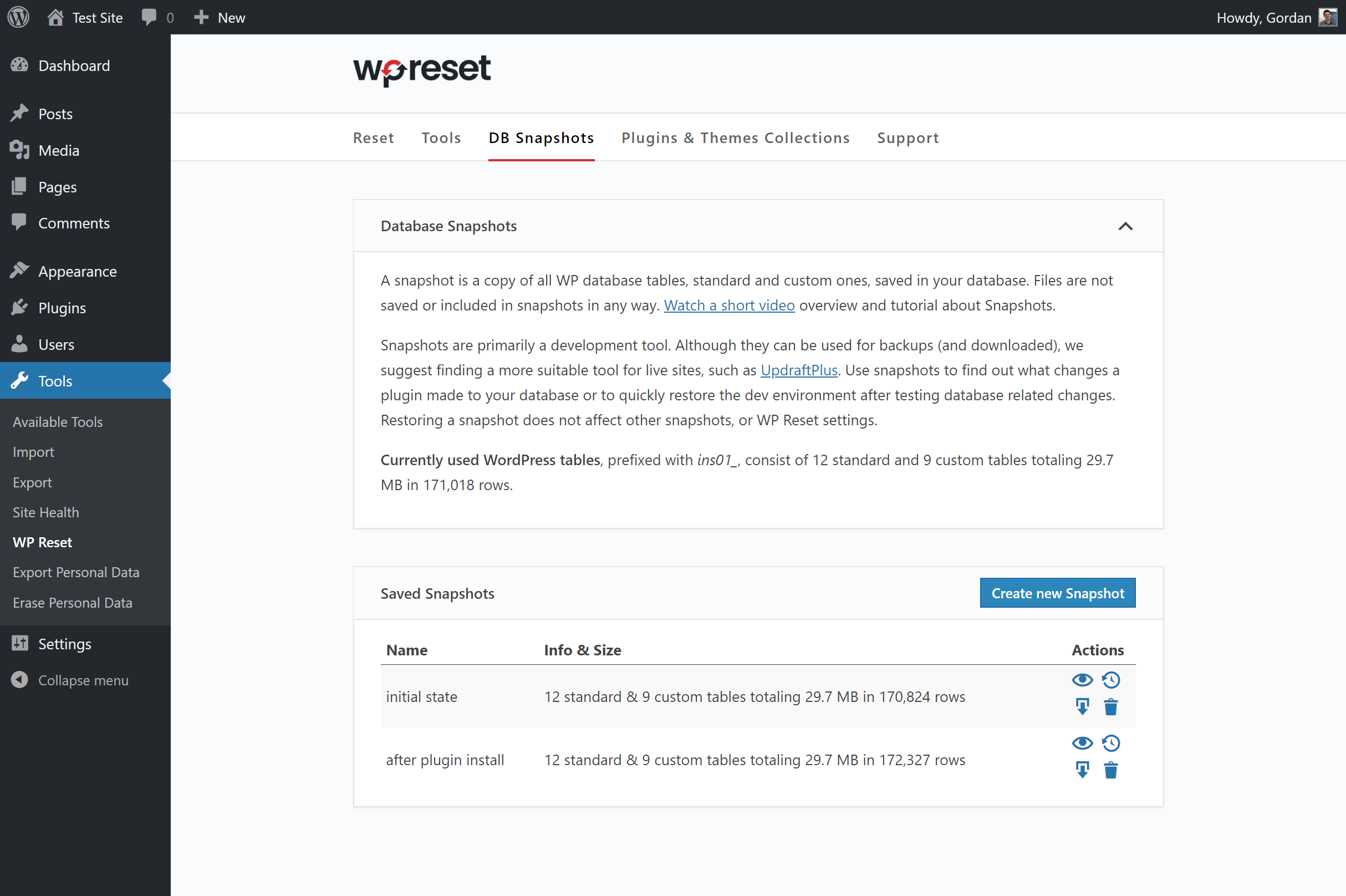
Database Snapshots enable 1-click restoring and testing
Tagged
Where this page's numbers come from
Read from the WordPress.org plugin API on , when WordPress 7.1.4 was the current release. WordPress.org rounds active installs into buckets. These are the directory's figures, not my verdict, and I haven't tested this plugin.