Elementor addons with 18+ free widgets, Header & Footer Builder, WooCommerce widgets & templates. Trusted by 2+ million websites.
- Installs
- 2+ million
- Rating
- 4.9 (2.5K)
- Updated
- 2 days ago

Elementor all-in-one addons pack with the best widgets for Elementor, offering 100+ free widgets, templates, and tools to create stunning websites!
| Last updated | October 29, 2026Updated in the last 3 months |
|---|---|
| Tested up to | WordPress 7.1.4Covers WordPress 7.1.4, the current release |
| Needs WordPress | 5.7 or newer |
| Needs PHP | 7.4 or newer |
| First published | February 1, 2018 |
| Support, last two months | 2 of 3 threads resolved (67%) |
4.8 / 5 from 525 reviews
| 5 stars | 498 |
|---|---|
| 4 stars | 4 |
| 3 stars | 5 |
| 2 stars | 5 |
| 1 star | 13 |
Elementor users, elevate your web design experience with Unlimited Elements for Elementor. An all in one plugin that instantly gives you the most advanced widgets and tools to make better Elementor websites faster. Take your WordPress website to the next level.
View Elementor Widgets Demos
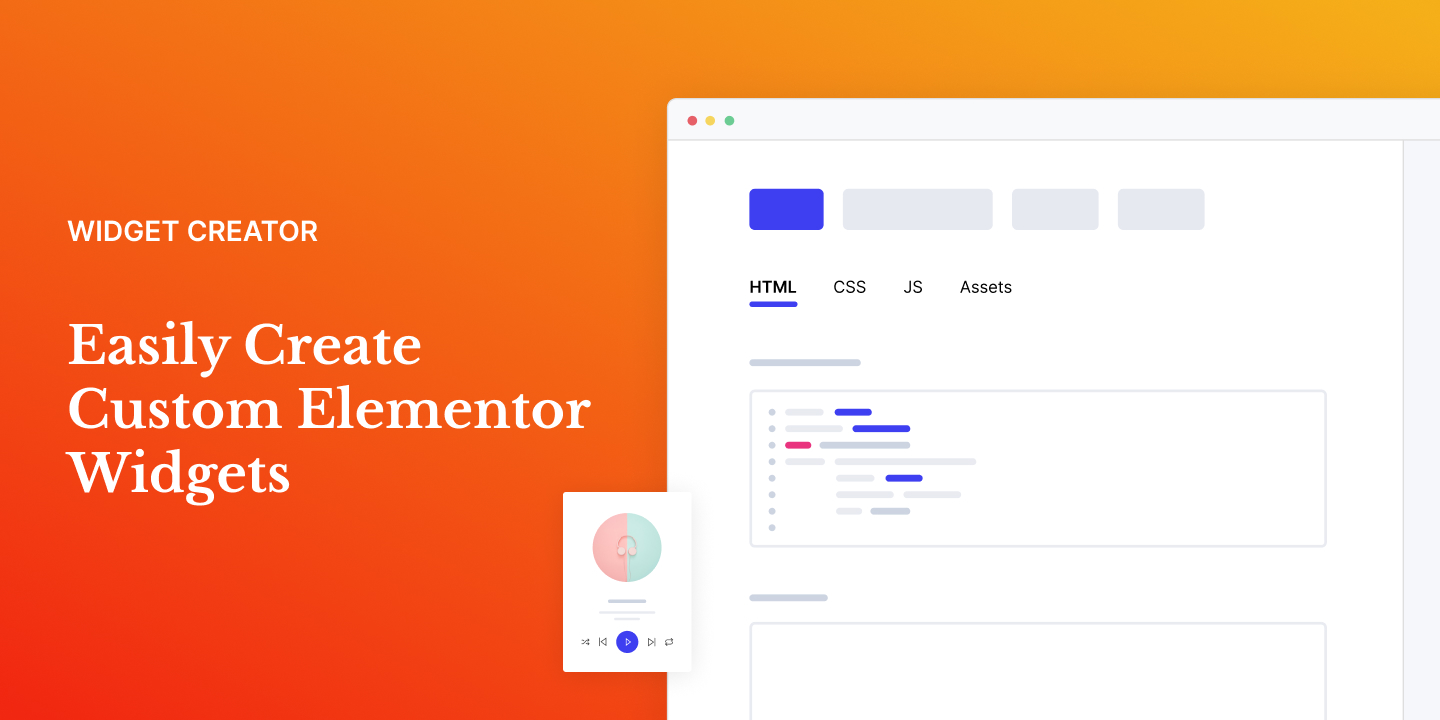
Browse our extensive collection of free widgets or upgrade to our pro version for access to over 200 additional unique drag and drop widgets for Elementor. Each widget provides a wide range of options to easily control every aspect. If you can’t find what you need, our Widget Creator Framework empowers you to create any widget you can imagine.
Plugin Features
• Widget Library – Enhance the Elementor page builder with an innovative widget library and simplify your workflow.
• Widget Creator – Create custom professional widgets without searching for multiple add-ons.
• Elementor Templates – Start projects instantly with pre-designed template kits.
• Loop Builder – Build dynamic loop items using any widget layout filled with dynamic content.
• Background Widgets – Instantly improve your designs with animated background widgets.
• Post Widgets & Filters – Create beautiful post layouts with real-time filtering options.
• WooCommerce Widgets & Filters – Display products in grids, sliders, carousels, and other dynamic layouts.
The opening of the plugin's own description. The full text, installation notes and changelog are on its WordPress.org page.
No. You cannot use the plugin without Elementor since it’s an addon for Elementor.
Absolutely! The plugin will work with any theme where Elementor works.
Your existing elements/content will work with the premium version. So you won’t lose your any of your hard work.
If you are not happy with your purchase at anytime just contact us and we will refund 100% of your money no questions asked.
Yes, you get 25% discount for all annual plan automatic renewals. The renewal price will never be increased so long as the subscription is not cancelled.
To install the ‘Unlimited Elements’ plugin on your WordPress site, access your WordPress Dashboard and go to Plugins -> Add New. In the search box, enter ‘Unlimited Elements.’ Locate the plugin in the search results and click on the ‘Install Now’ button. Once the installation is finished, click on the ‘Activate’ button, and ‘Unlimited Elements for Elementor’ will be successfully activated on your WordPress site.


Elementor addons with 18+ free widgets, Header & Footer Builder, WooCommerce widgets & templates. Trusted by 2+ million websites.
Elementor addon: 120+ widgets & templates — Elementor Gallery, Mega Menu, Slider, Form, Post Grid, Accordion, Header Footer Builder & WooCommerce.
Elementor templates, Header footer builder, Elementor Post Grid, Woocommerce Grid builder, Slider, Forms, Gallery, Nav menu addons, Elementor widgets.
40+ free Elementor widgets plus extensions: form stylers for Contact Form 7, WPForms and Gravity Forms, Instagram feed, display conditions, templates.

All-in-one toolkit for Elementor: advanced addons, theme builder, forms, icons & templates to build stunning sites fast and easy.
90+ Elementor widgets & addons, 600+ templates, Mega Menu, WooCommerce, Display Conditions. The only Elementor addon AI agents can fully build with.
Read from the WordPress.org plugin API on , when WordPress 7.1.4 was the current release. WordPress.org rounds active installs into buckets. These are the directory's figures, not my verdict, and I haven't tested this plugin. The author takes donations at their donate page.