
Ultimate Dashboard – Custom WordPress Dashboard
The #1 Plugin to Customize the WordPress Dashboard!
- Active installs
- 50,000+
- #700 of 1,000
- Downloads, all time
- 1.4M
- 1,363,850
- Downloads, 30 days
- 29.6K
- 4.7K in the last 7
- Rating
- 4.6 / 5
- 114 reviews
- Last updated
- 21 days ago
- Oct 10, 2026
- Version
- 3.8.18
- 89 releases
Upkeep and compatibility
| Last updated | October 10, 2026Updated in the last 3 months |
|---|---|
| Tested up to | WordPress 7.1.4Covers WordPress 7.1.4, the current release |
| Needs WordPress | 4.6 or newer |
| Needs PHP | 5.6 or newer |
| First published | June 18, 2016 |
| Support, last two months | 0 of 1 threads resolved (0%) |
Reviews
4.6 / 5 from 114 reviews
| 5 stars | 97 |
|---|---|
| 4 stars | 7 |
| 3 stars | 1 |
| 2 stars | 2 |
| 1 star | 7 |
Downloads, last 30 days
What the author says it does
The #1 Plugin to Customize the WordPress Dashboard!
Ultimate Dashboard allows you to create a custom WordPress dashboard for you and your clients.
Replace the default WordPress dashboard widgets with your own and give the WordPress dashboard a more meaningful use.
Ultimate Dashboard is a clean & lightweight plugin that was made to optimize the user experience for clients inside the WordPress admin area.
Customize the WordPress Dashboard today!
❌ Remove dashboard widgets
Remove all or individual default WordPress widgets with just a click.
➕ Create your own widgets
Create icon, text & HTML widgets to create a customized client dashboard and send your customer to the key areas of their website – or anywhere else!
🎨 Login Customizer
White label the WordPress login area. Completely customize the WordPress login screen & apply your own branding with the power & live-preview capabilities of the WordPress customizer.
↔️ Login Redirect
The Login Redirect featur allows you to change the WordPress login URL, hide the /wp-admin/ URL for non logged-in users and redirect users after login on a per-role basis.
🖌️ Add Custom CSS
- Add custom CSS to only the WordPress dashboard
- Add custom CSS to the entire WordPress admin area
- Add custom CSS to the WordPress login screen with a live preview inside the WordPress customizer
📋 Create Custom Admin Pages
The opening of the plugin's own description. The full text, installation notes and changelog are on its WordPress.org page.
Questions the author answers
Does this plugin work on my WordPress multisite installation?
For multisite support & more check out Ultimate Dashboard PRO
Latest changelog entry
- Tested up to WordPress 7.1
- Tweak: Added webp & avif support
- Fixed: Incompatibility with Admin Menu Editor & Elementor Page Builder
Screenshots
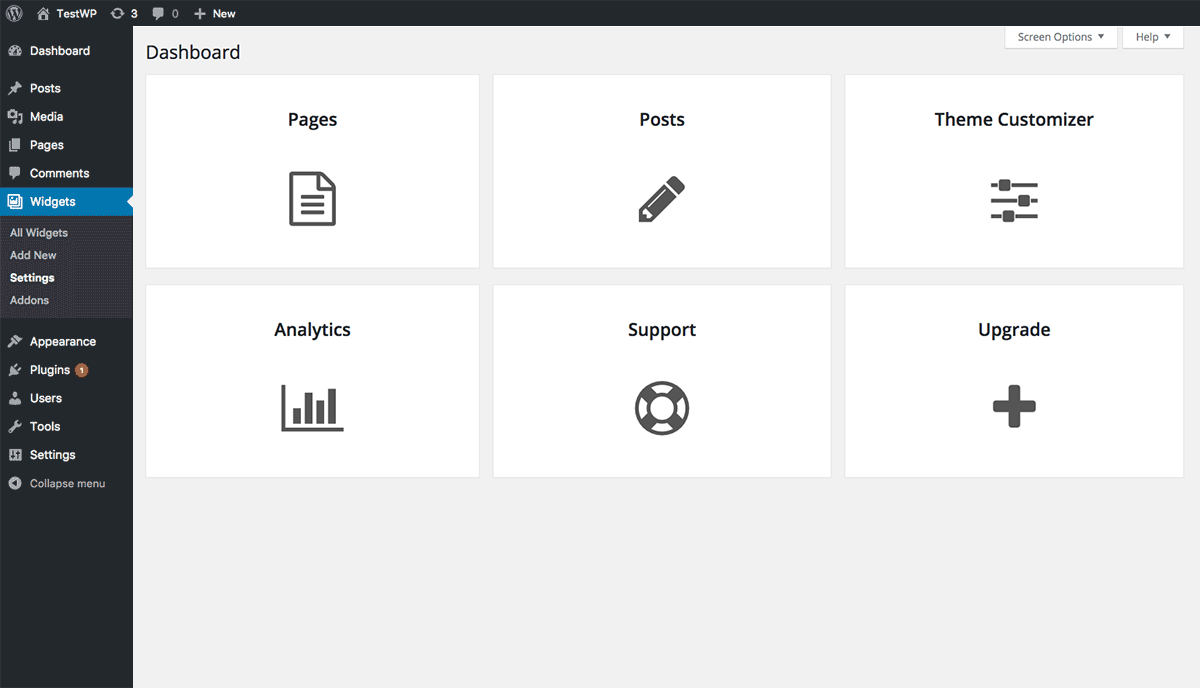
Icon Widget Dashboard 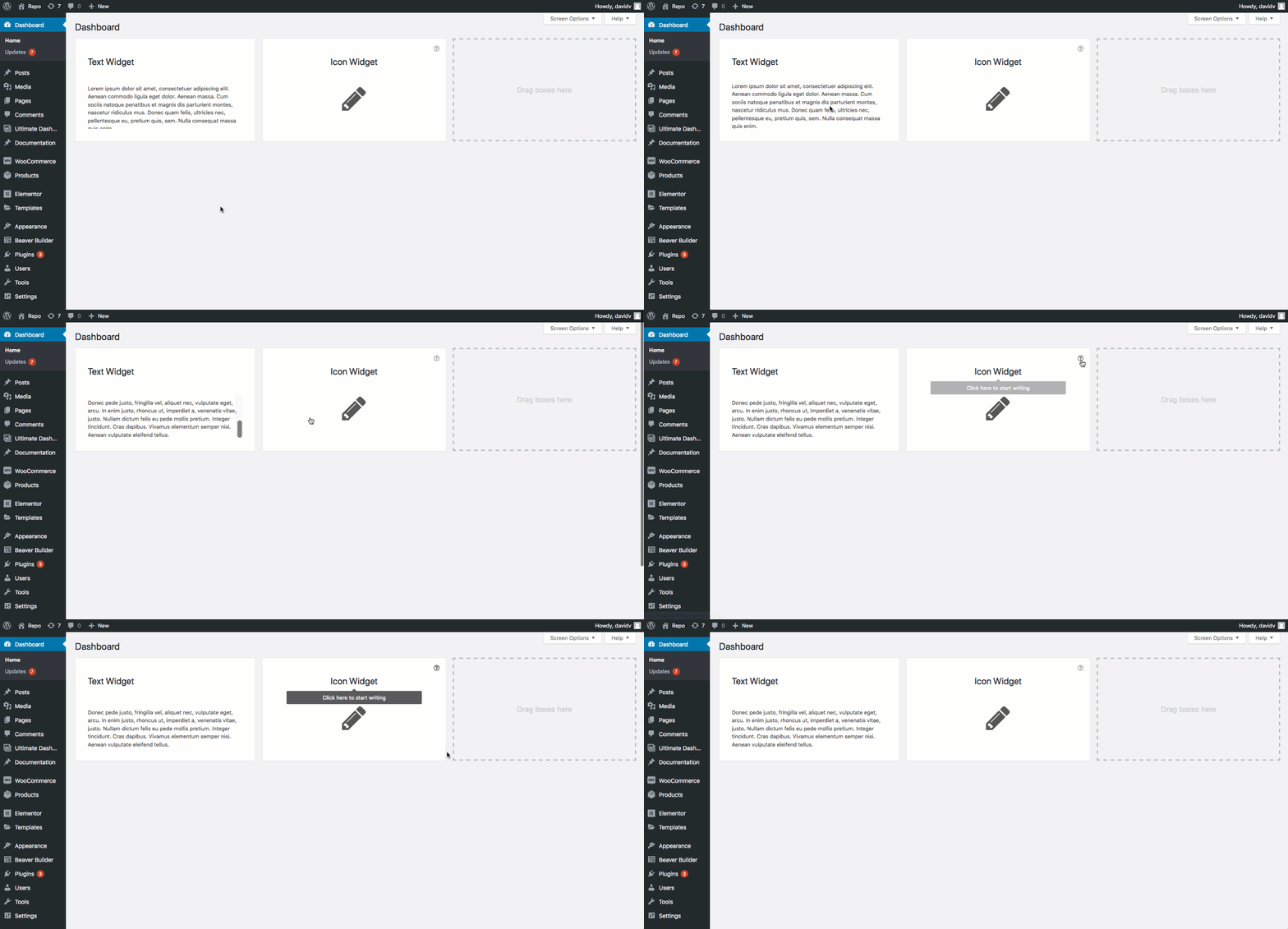
Text & Icon Widget with Tooltips 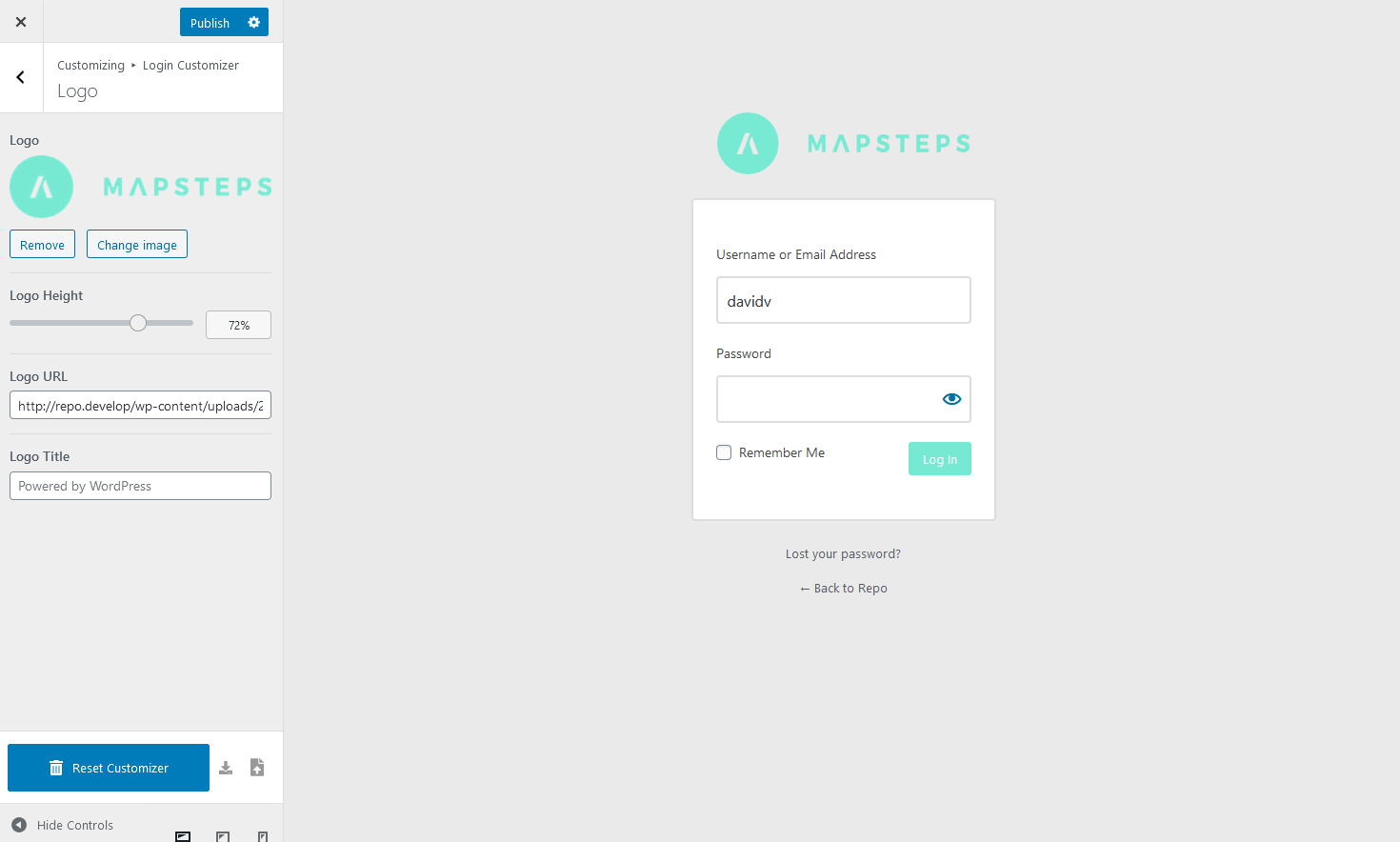
Login Customizer - Example 1 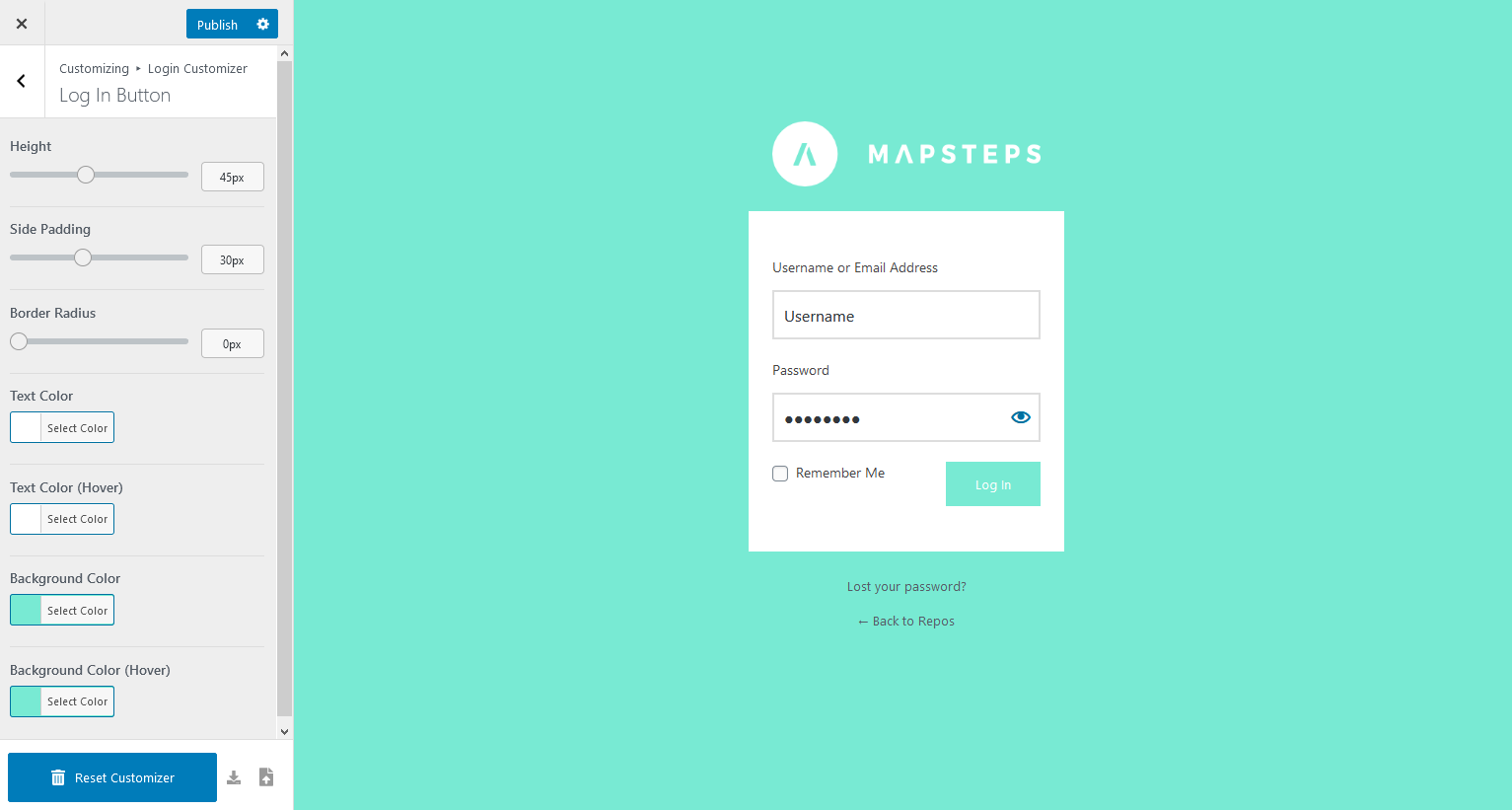
Login Customizer - Example 2
Tagged
Where this page's numbers come from
Read from the WordPress.org plugin API on , when WordPress 7.1.4 was the current release. WordPress.org rounds active installs into buckets. These are the directory's figures, not my verdict, and I haven't tested this plugin.