
#279 by installs
WPFront Scroll Top
Adds a lightweight and smooth "Scroll to Top" button to your WordPress site, improving navigation and user experience with customizable options.
- Installs
- 200,000+
- Rating
- 4.9 (142)
- Updated
- 2 months ago

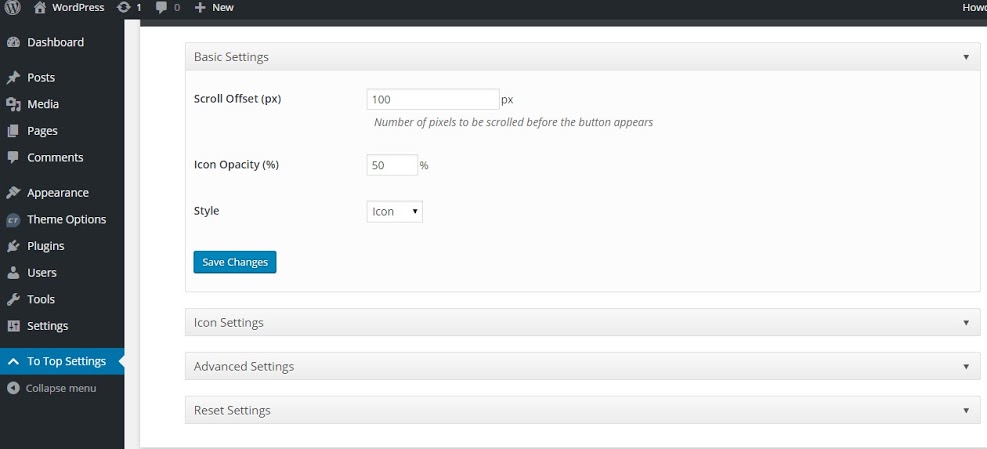
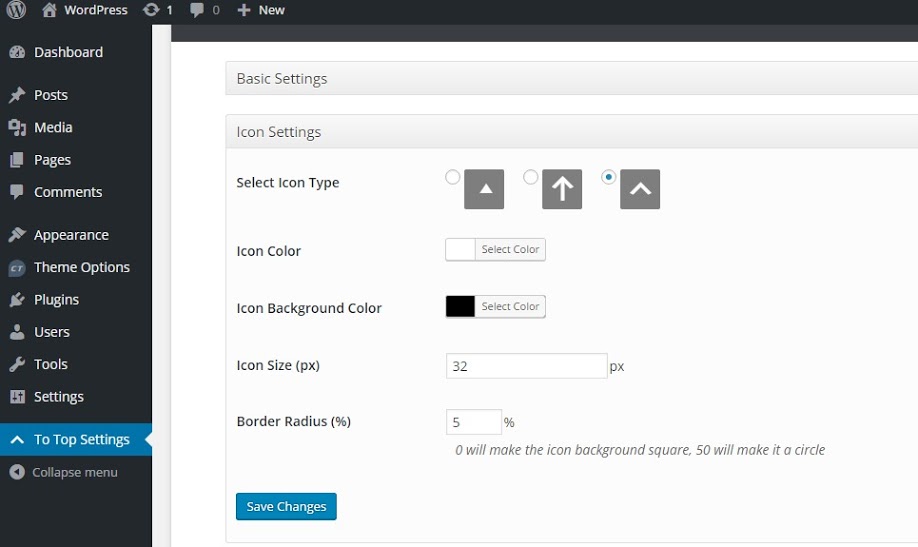
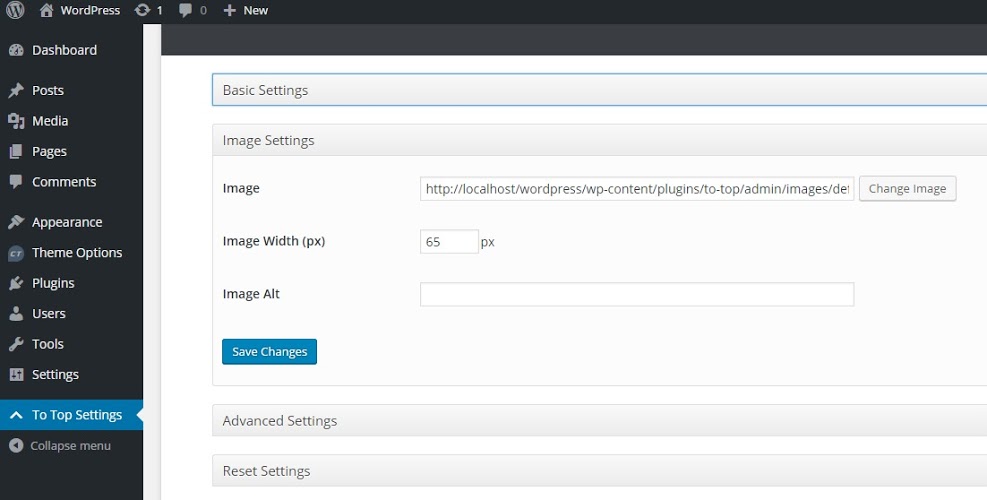
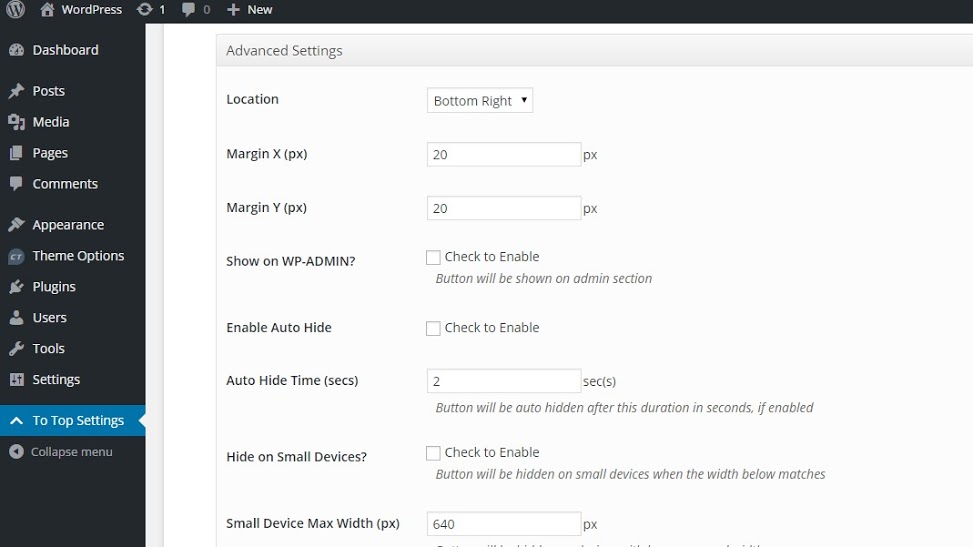
To Top is a nifty lightweight plugin. It adds a highly customizable button, which when clicked, scrolls up smoothly to the top of a page.
| Last updated | May 28, 2026Updated in the last year |
|---|---|
| Tested up to | WordPress 7.0.8Older than WordPress 7.1.4, the current release |
| Needs WordPress | 5.9 or newer |
| Needs PHP | 7.4 or newer |
| First published | February 1, 2016 |
| Support, last two months | No threads opened |
4.8 / 5 from 54 reviews
| 5 stars | 49 |
|---|---|
| 4 stars | 2 |
| 3 stars | 2 |
| 2 stars | 0 |
| 1 star | 1 |
To Top Plugin adds a floating scroll up box at the bottom right side (by default) of the page when scrolled down and, when clicked, rolls smoothly to the top. This is convenient when you have a long page, and you want to give your visitors an easy way to get back to the top.
When a page or post has heaps of content, visitors have to scroll down to read those content. As they scroll below, all the navigational links go up. When visitors are done with the reading, they need to scroll up to see what else is there on your website. This can be very tedious. To Top Plugin adds a scroll up button that quickly gets visitors to the top of the page in a matter of milliseconds. Also, the transition is smooth and improves user experience. The other great thing about this plugin is you don’t have to touch a single code of your template.
Features
Premium Support
The opening of the plugin's own description. The full text, installation notes and changelog are on its WordPress.org page.
#279 by installs
Adds a lightweight and smooth "Scroll to Top" button to your WordPress site, improving navigation and user experience with customizable options.

#879 by installs
Smooth Back To Top button with scroll progress indicator.
Read from the WordPress.org plugin API on , when WordPress 7.1.4 was the current release. WordPress.org rounds active installs into buckets. These are the directory's figures, not my verdict, and I haven't tested this plugin. The author takes donations at their donate page.