
#165 by installs
PDF Invoices & Packing Slips for WooCommerce
Create, print & automatically email PDF or XML Invoices & PDF Packing Slips for WooCommerce orders.
- Installs
- 300,000+
- Rating
- 5.0 (1.9K)
- Updated
- 9 days ago

Auto-generate and attach WooCommerce PDF invoices and packing slips to order emails with customizable templates & bulk print options.
| Last updated | October 20, 2026Updated in the last 3 months |
|---|---|
| Tested up to | WordPress 7.1.4Covers WordPress 7.1.4, the current release |
| Needs WordPress | 6.0 or newer |
| Needs PHP | 5.6 or newer |
| Needs plugins | woocommerce |
| First published | June 15, 2016 |
| Support, last two months | 3 of 3 threads resolved (100%) |
4.9 / 5 from 285 reviews
| 5 stars | 271 |
|---|---|
| 4 stars | 3 |
| 3 stars | 1 |
| 2 stars | 5 |
| 1 star | 5 |
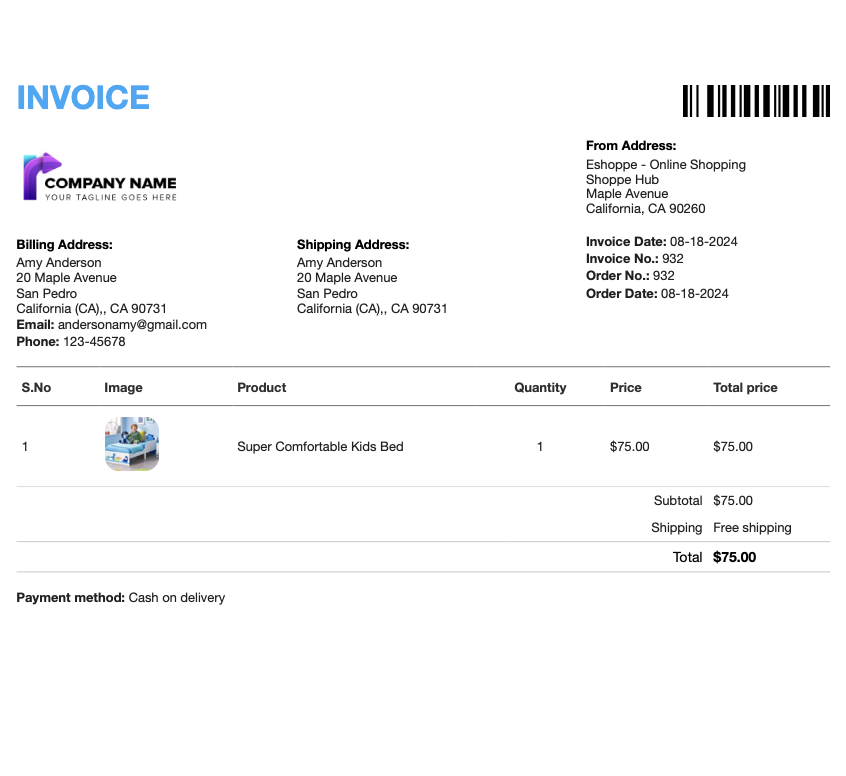
With the WebToffee WooCommerce PDF Invoices and Packing Slips plugin, your customers receive PDF invoices and packing slips automatically attached to their order confirmation emails. Get started with our pre-designed, customizable invoice template, and enjoy the flexibility to edit or create your own unique templates tailored to your brand and business needs.
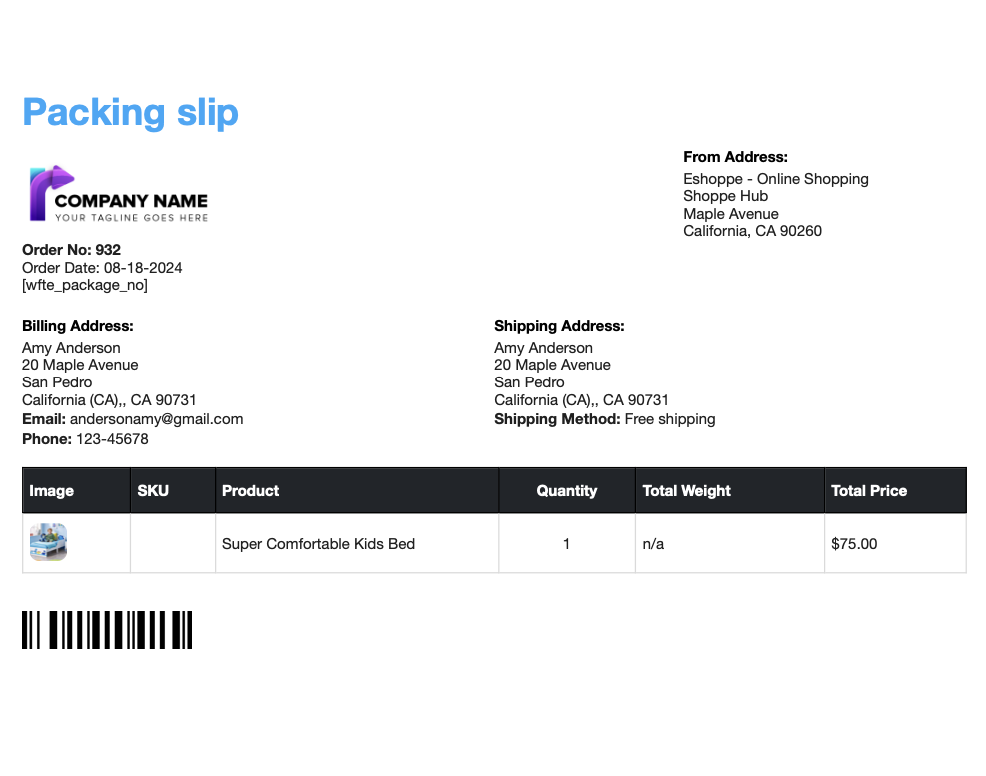
You can easily download or print WooCommerce invoice PDFs, packing slips and shipping labels right from your WooCommerce order admin.
Additionally, the WooCommerce invoice PDF and print packing slip plugin enables you to generate UBL and XML invoices, helping streamline your order fulfillment process.
PDF Invoices & Packing Slips for WooCommerce: An Overview
WebToffee WooCommerce PDF Invoices, Packing Slips, Delivery Notes & Shipping Labels is a WooCommerce invoice plugin that helps store owners automate invoicing and order document generation.
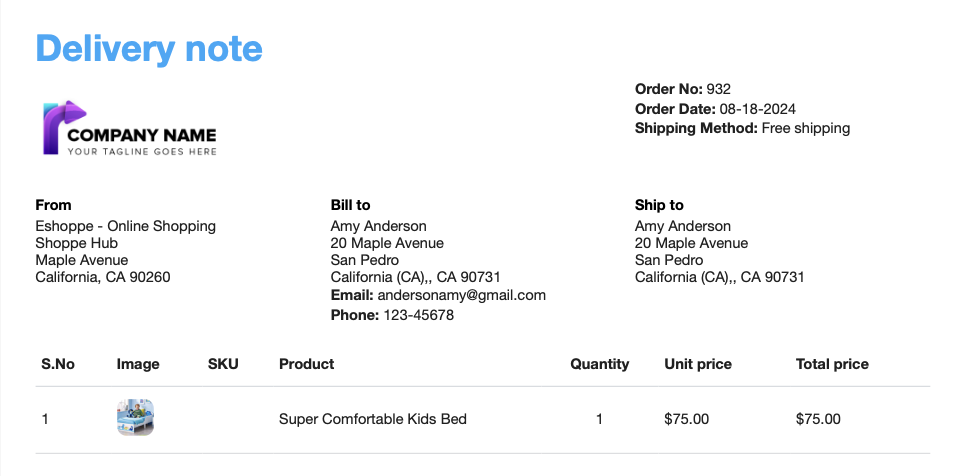
WooCommerce, by default, doesn’t let you print invoices, packing slips, delivery notes, dispatch labels, or shipping labels from the Orders page. This plugin lets you create, print, download, and automatically email WooCommerce PDF invoices, packing slips, delivery notes, dispatch labels, and shipping labels directly from your WooCommerce Orders page.
The opening of the plugin's own description. The full text, installation notes and changelog are on its WordPress.org page.
Yes. This plugin allows you to generate WooCommerce PDF invoices, packing slips / WooCommerce packing lists, as well as WooCommerce shipping labels and delivery notes.
To create and print Credit Notes, you will need to upgrade to the premium version of the plugin.
Yes. To add a logo to the invoice, first, you need to upload your company logo within the general settings section of the plugin. Then go to the invoice customization, expand the company logo section, and choose the company logo from the drop-down. You can refer to this user guide for more information.
Yes. Using the PDF invoices and packing slips plugin you can customize each element of your invoice. There is a live preview available to see the changes reflected in real-time. However, for multiple invoice templates and code editor-based customization you will have to upgrade to the pro version of the plugin.
The plugin is very easy to configure. We have a step-by-step tutorial on setting up this plugin. Our Help Desk also has extensive documentation which includes FAQs, Troubleshooting Guide, Knowledge Base, and Code snippets.
Yes, The plugin sends a PDF invoice attached with the order email automatically.
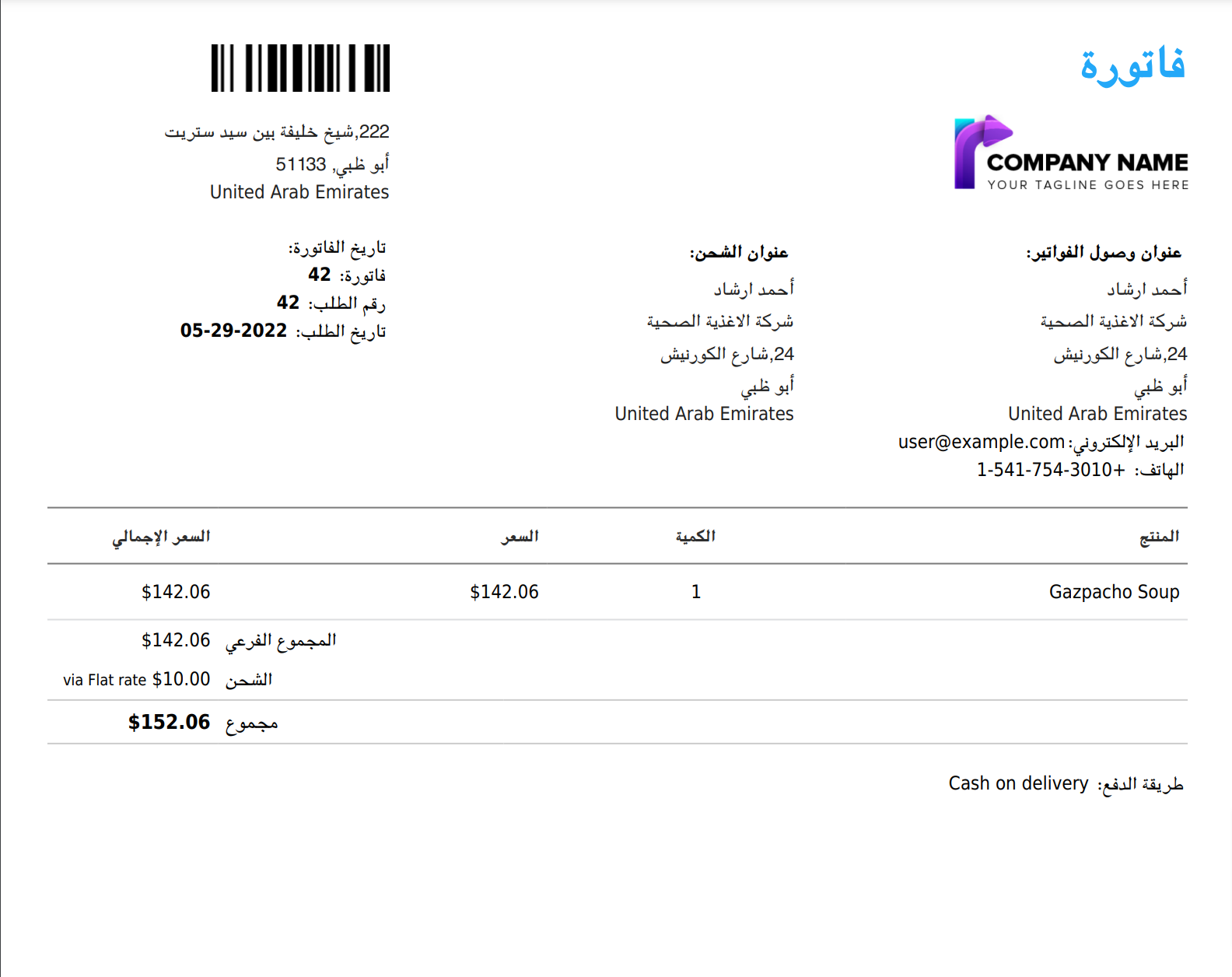
Yes. The plugin does support RTL layout for all the shipping documents and it has extended RTL support using the free mPDF add-on plugin.
See changelog for all versions
#165 by installs
Create, print & automatically email PDF or XML Invoices & PDF Packing Slips for WooCommerce orders.
Read from the WordPress.org plugin API on , when WordPress 7.1.4 was the current release. WordPress.org rounds active installs into buckets. These are the directory's figures, not my verdict, and I haven't tested this plugin. The author takes donations at their donate page.