
#78 by installs
Smart Slider 3
Responsive slider plugin to create sliders in visual editor easily. Build beautiful image slider, layer slider, video slider, post slider, and more.
- Installs
- 800,000+
- Rating
- 4.9 (1.1K)
- Updated
- 3 days ago

Slider, gallery, carousel plugin for WordPress. Build your image slider, video slider, post slider, YouTube slider, or WooCommerce product slider.
| Last updated | October 27, 2026Updated in the last 3 months |
|---|---|
| Tested up to | WordPress 7.1.4Covers WordPress 7.1.4, the current release |
| Needs WordPress | 5.9 or newer |
| Needs PHP | 7.0 or newer |
| First published | February 15, 2013 |
| Support, last two months | 14 of 15 threads resolved (93%) |
4.6 / 5 from 742 reviews
| 5 stars | 634 |
|---|---|
| 4 stars | 33 |
| 3 stars | 19 |
| 2 stars | 16 |
| 1 star | 40 |
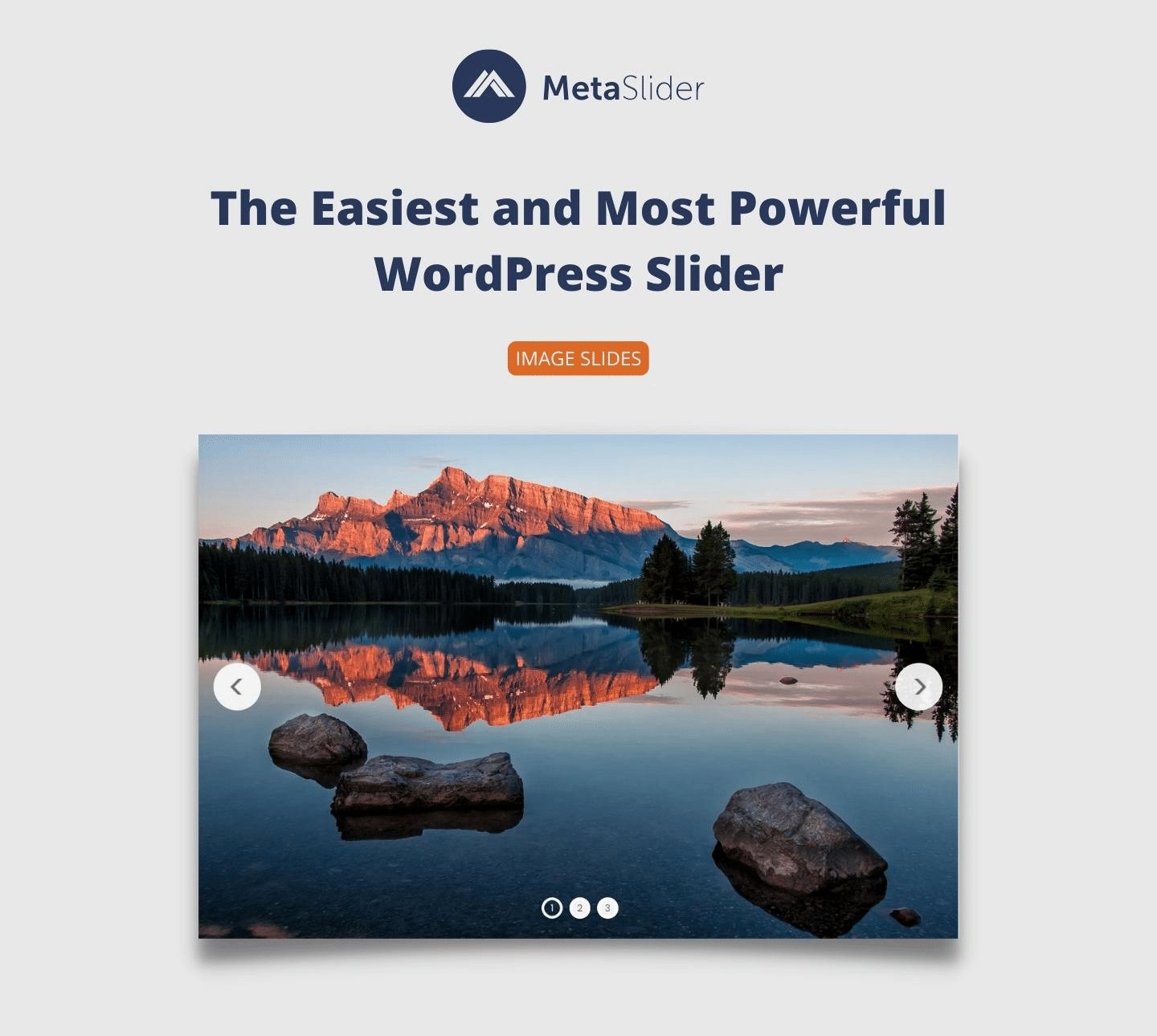
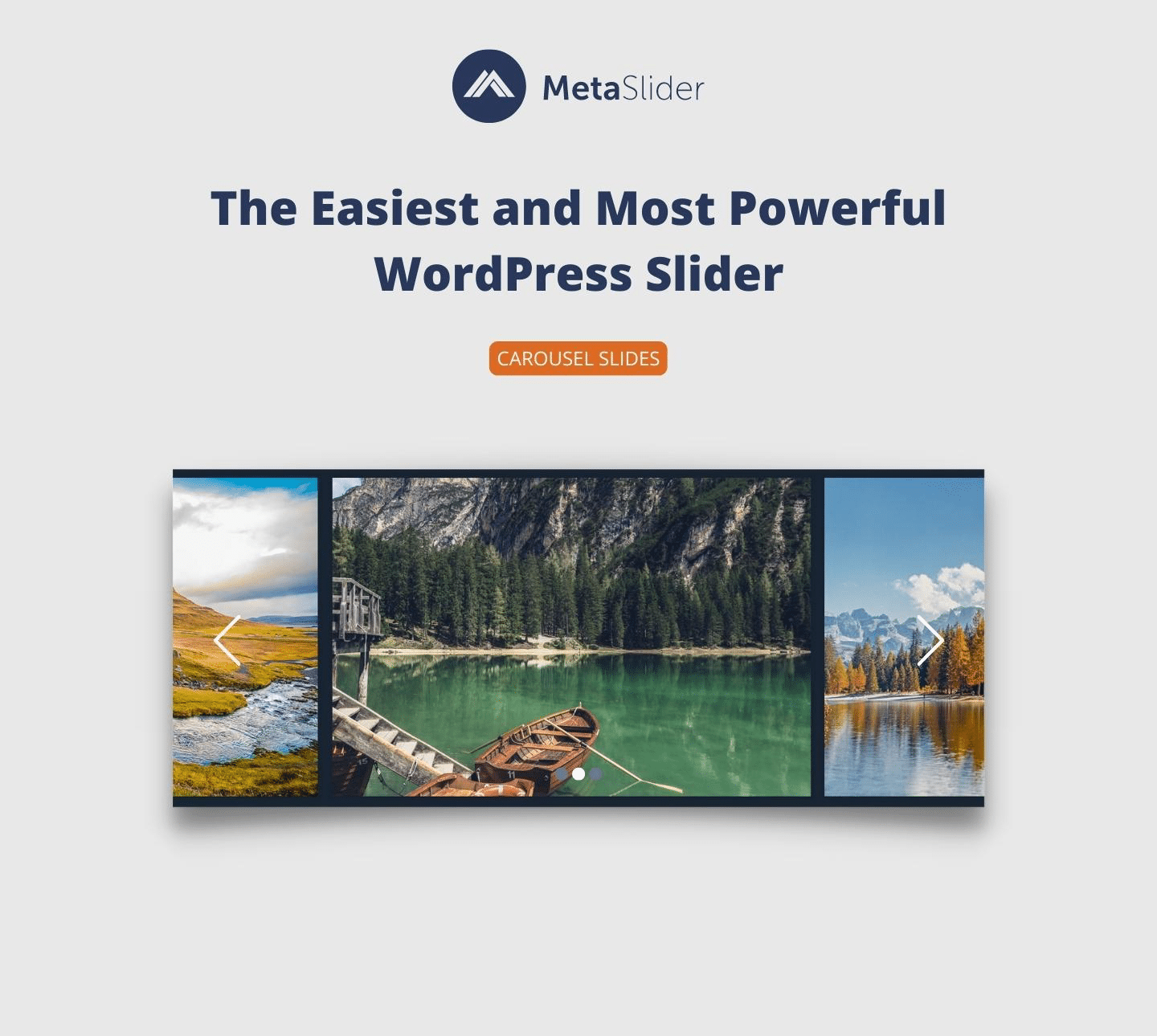
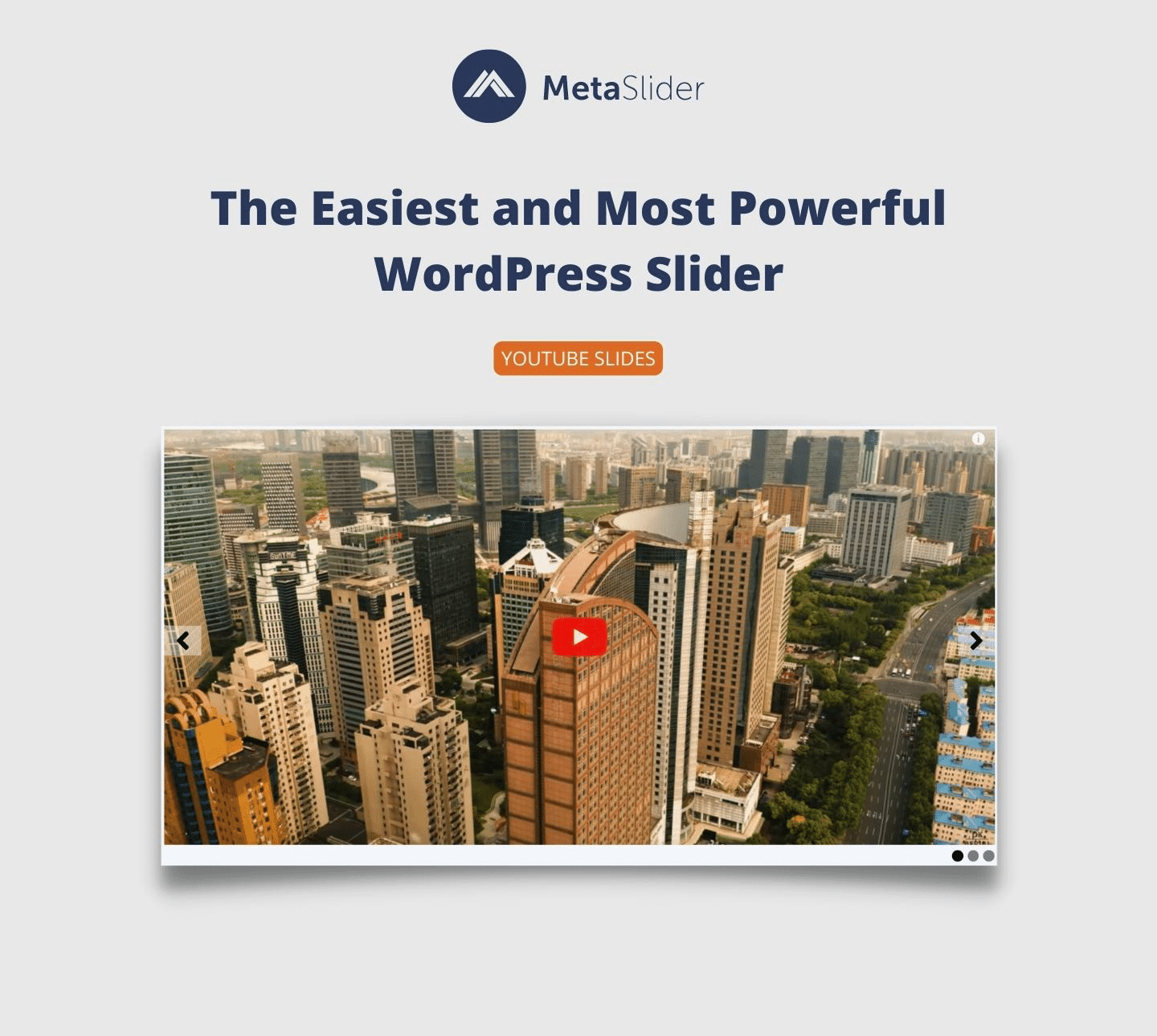
With MetaSlider, you can create a powerful, SEO-optimized slider, slideshow, carousel, or gallery in minutes. MetaSlider is world’s #1 responsive WordPress slider plugin. MetaSlider is the best choice for image and photo sliders. MetaSlider also builds video sliders from the videos in your WordPress media library. MetaSlider Slideshow Pro adds support for more video sources (YouTube, Vimeo, TikTok, and external), layer slides, WooCommerce products, custom HTML, single post, post feed sliders and more!
Introducing MetaSlider
With MetaSlider and MetaSlider Slideshow Pro, WordPress’s most popular slider plugin, enhancing your blog or website couldn’t be easier! Simply select images, photos, videos and more from your WordPress Media Library, and drag-and-drop them into place. You can then set the slide captions, links, and SEO fields, and more.
MetaSlider slideshows, carousels, sliders and galleries are compatible with the WordPress Block Editor (Gutenberg), plus all page-builder plugins, from Elementor and Beaver Builder to Visual Composer and Divi.
Introducing MetaSlider Slideshow Pro
If you’re looking for further customization, MetaSlider Slideshow Pro offers even more powerful features.
The opening of the plugin's own description. The full text, installation notes and changelog are on its WordPress.org page.
MetaSlider has been tested with many most popular free WordPress themes and the most common plugins. We have hundreds of thousands of users who run MetaSlider without any problems. If you’re one of the unlucky ones, 9 times out of 10 it will be down to a conflict with either your chosen theme or plugins.
If a slide is not showing in your MetaSlider slideshow, this guide has some suggestions for common troubleshooting steps:
Click here for steps to troubleshoot image sliders
The guide linked below will show you how to create a “full width” layout for your MetaSlider slider. The aim is to create a slider that will stretch from one side of the browser window to another. How you create a “full width” layout will depend on your theme, so please read this guide to understand the best approach for your site.
Read the guide for full-width sliders
The guide linked below will show how to build a full-screen slideshow for your site. The slideshow works as normal with Previous and Next arrows, navigation, and more. However, the slideshow is the only thing visible on the screen.
Read the guide for full-screen sliders
To change the style of MetaSlider you should override the default MetaSlider styles with your own styles. If you’re not comfortable with editing the CSS yourself, you’ll be glad to know that MetaSlider Slideshow Pro includes a live theme editor that lets you completely customize the style of your slideshow with no coding experience needed! Here is a quick to updating the MetaSlider styling.
You can add video captions to Local Video slides, and to External Video slides created with MetaSlider Slideshow Pro. This feature uses VTT files to add captions. There are four different types of VTT file supported in MetaSlider: Captions, Chapters, Descriptions, and Subtitles.
Read the guide to video captions
The full changelog can be found on metaslider.com.

#78 by installs
Responsive slider plugin to create sliders in visual editor easily. Build beautiful image slider, layer slider, video slider, post slider, and more.
Image carousel, slider, and slideshow blocks with AI and ready patterns. Photo gallery, video slider, post and WooCommerce product carousels.

#687 by installs
Build SEO friendly sliders fast and easy with touch swipe navigation that works smoothly across all devices.

#552 by installs
Build Stunning Slider and Popup. Exit intent Popup, Image slider carousel, video slider carousel, post slider carousel, product slider, promote popup

#961 by installs
Create SEO friendly Image, Logo, Video, Post, WooCommerce Product Carousel, and Slider.

#146 by installs
Essential elements for modern websites. Add buttons, sliders, heroes, maps, images, carousels, features, icons, more. Create dynamic pages easily.
Read from the WordPress.org plugin API on , when WordPress 7.1.4 was the current release. WordPress.org rounds active installs into buckets. These are the directory's figures, not my verdict, and I haven't tested this plugin.
