
LoftLoader
An easy to use plugin to add an animated preloader to your website with fully customisations.
- Active installs
- 70,000+
- #601 of 1,000
- Downloads, all time
- 862.7K
- 862,678
- Downloads, 30 days
- 5.5K
- 1.4K in the last 7
- Rating
- 4.5 / 5
- 33 reviews
- Last updated
- 5 months ago
- May 18, 2026
- Version
- 2.5.3
- 33 releases
Upkeep and compatibility
| Last updated | May 18, 2026Updated in the last year |
|---|---|
| Tested up to | WordPress 7.0.8Older than WordPress 7.1.4, the current release |
| Needs WordPress | 6.0 or newer |
| Needs PHP | 5.6 or newer |
| First published | March 1, 2016 |
| Support, last two months | No threads opened |
Reviews
4.5 / 5 from 33 reviews
| 5 stars | 28 |
|---|---|
| 4 stars | 0 |
| 3 stars | 2 |
| 2 stars | 1 |
| 1 star | 2 |
Downloads, last 30 days
What the author says it does
Small and powerful. LoftLoader helps you to add a beautiful animated preloader to your website, and have full control of its look, without writing any code.
Features & Options
- Enhanced settings panel with WordPress Customizer.
- Pure CSS3 animations for better performance. Works in any modern browser.
- Use JavaScript to detect if the page is fully loaded.
- 5 ending animation effects.
- 7 loading animation effects. 2 of them support custom image.
- Unlimited background color. Also can change the opacity.
- Unlimited loader color.
- Can add different loaders for different pages on one site (New feature since v2.0. Only works for “Pages”.).
- Responsive & retina ready.
- Option to enable/disable the preloader.
- Option to enable preloader on site homepage only.
- Close button to quit the loading screen. Users can set when to show the close button (range: 5 to 20 seconds), and customize the close button text.
- Ready for translation (.pot file included).
- Light weight, fast. Coded with SASS. CSS & JS minified.
Online Documentation
To know how to use the plugin, please click the link to check online documentation. It’s the documentation of Pro version. But you can still find Lite version features details in it.
How to contact us
The opening of the plugin's own description. The full text, installation notes and changelog are on its WordPress.org page.
Questions the author answers
No changes on activation/deactivation
- If you have installed any caching plugins then clear the cache.
LoftLoader doesn’t work properly
- If your site is using a cache/performance optimization plugin, it might move all JavaScript on your site into the footer of your page. But the JavaScript of LoftLoader needs to be put in the < head > of a page so it can be executed as soon as possible. Many cache/performance optimization plugins have the “exclude” feature which allows to skip some code/files from being aggregated and minimized.
Latest changelog entry
- Fixed: Minor compatibility error in PHP 8.4 and later
Screenshots
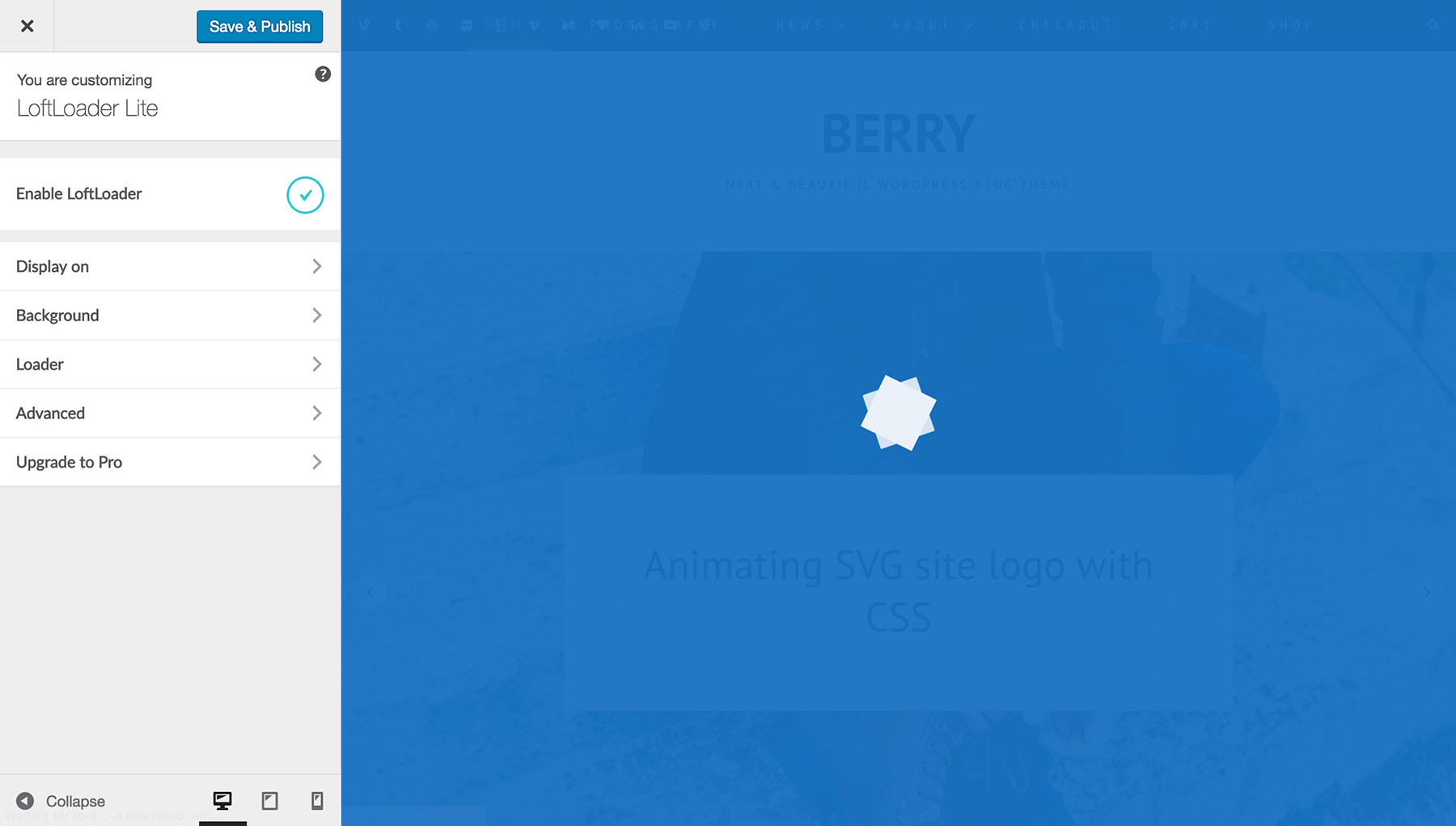
LoftLoader settings panel 
LoftLoader background settings 
LoftLoader loader settings 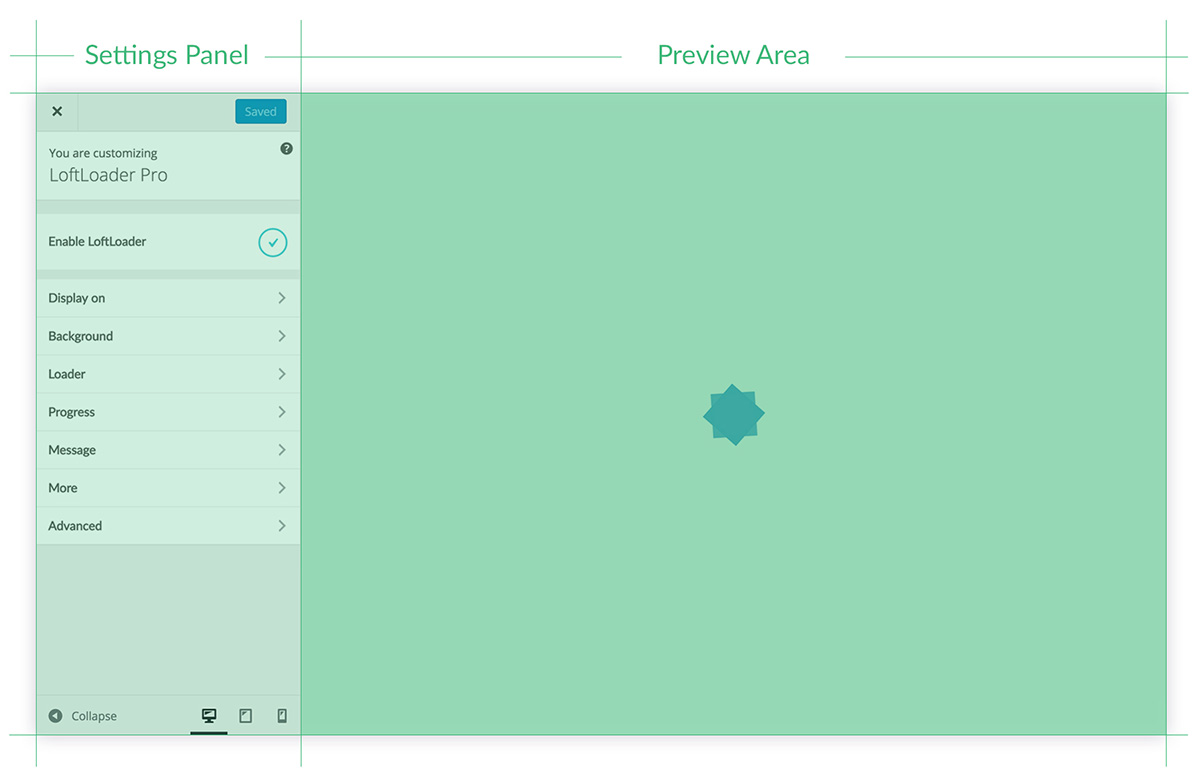
Pro version: Settings Panel
Tagged
Where this page's numbers come from
Read from the WordPress.org plugin API on , when WordPress 7.1.4 was the current release. WordPress.org rounds active installs into buckets. These are the directory's figures, not my verdict, and I haven't tested this plugin.