
Want to boost business trust & conversions? 97% of visitors hesitate to buy because of credibility. Instantly succeed with WooCommerce Sales Alert!
- Installs
- 30,000+
- Rating
- 4.8 (228)
- Updated
- 6 days ago

Fake sales alert for WooCommerce or Live sales notification for WooCommerce. Boost sales by encouraging your visitors to buy when they see your live n …
| Last updated | October 19, 2026Updated in the last 3 months |
|---|---|
| Tested up to | WordPress 7.1.4Covers WordPress 7.1.4, the current release |
| Needs WordPress | 3.0.1 or newer |
| Needs PHP | Not stated |
| First published | April 5, 2019 |
| Support, last two months | No threads opened |
4.1 / 5 from 29 reviews
| 5 stars | 22 |
|---|---|
| 4 stars | 1 |
| 3 stars | 0 |
| 2 stars | 0 |
| 1 star | 6 |
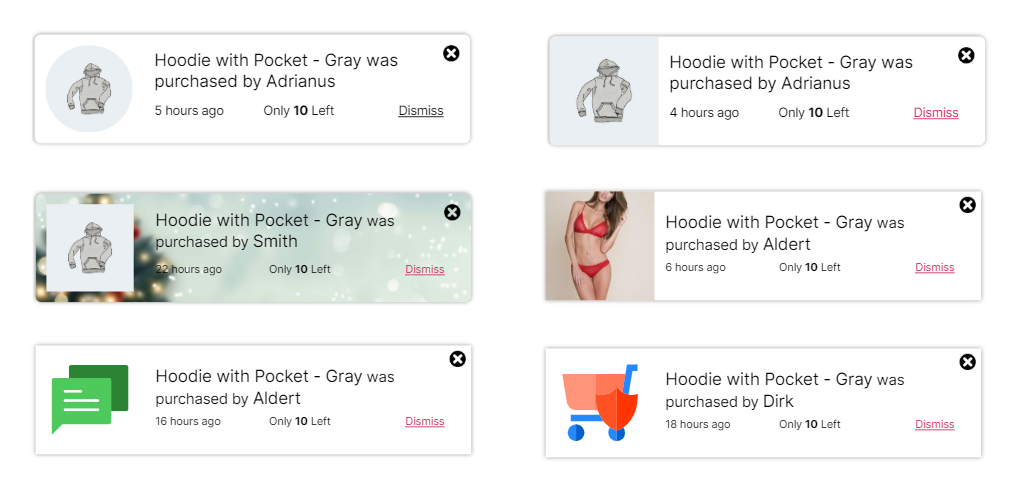
Show recent sales notifications with ease! This free plugin adds a recent sales popup to your WooCommerce store, boosting trust with live sales alerts and real-time conversion triggers.
Try the Demo | Documentation
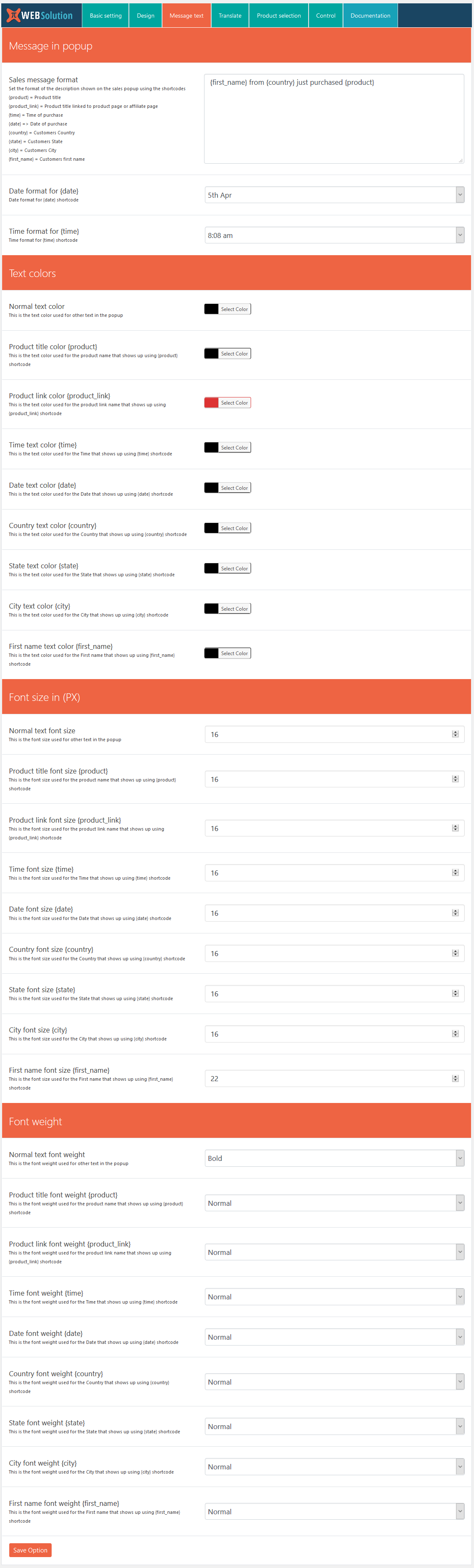
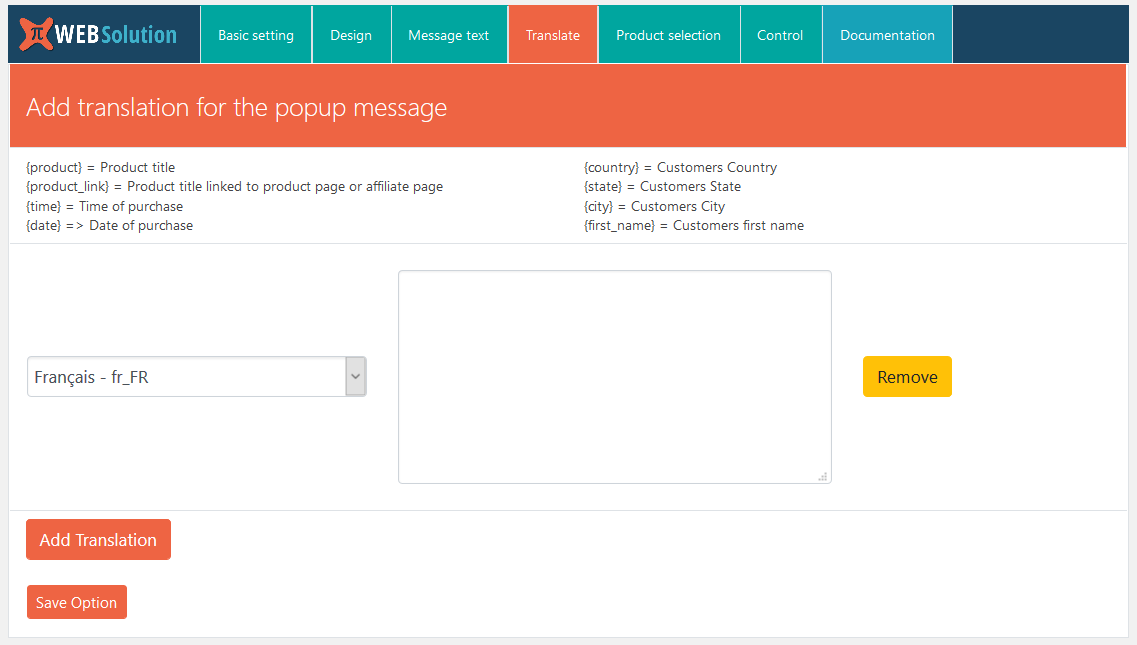
Here are some of the important features of the Live sales notification for WooCommerce:
Core features
The opening of the plugin's own description. The full text, installation notes and changelog are on its WordPress.org page.
No
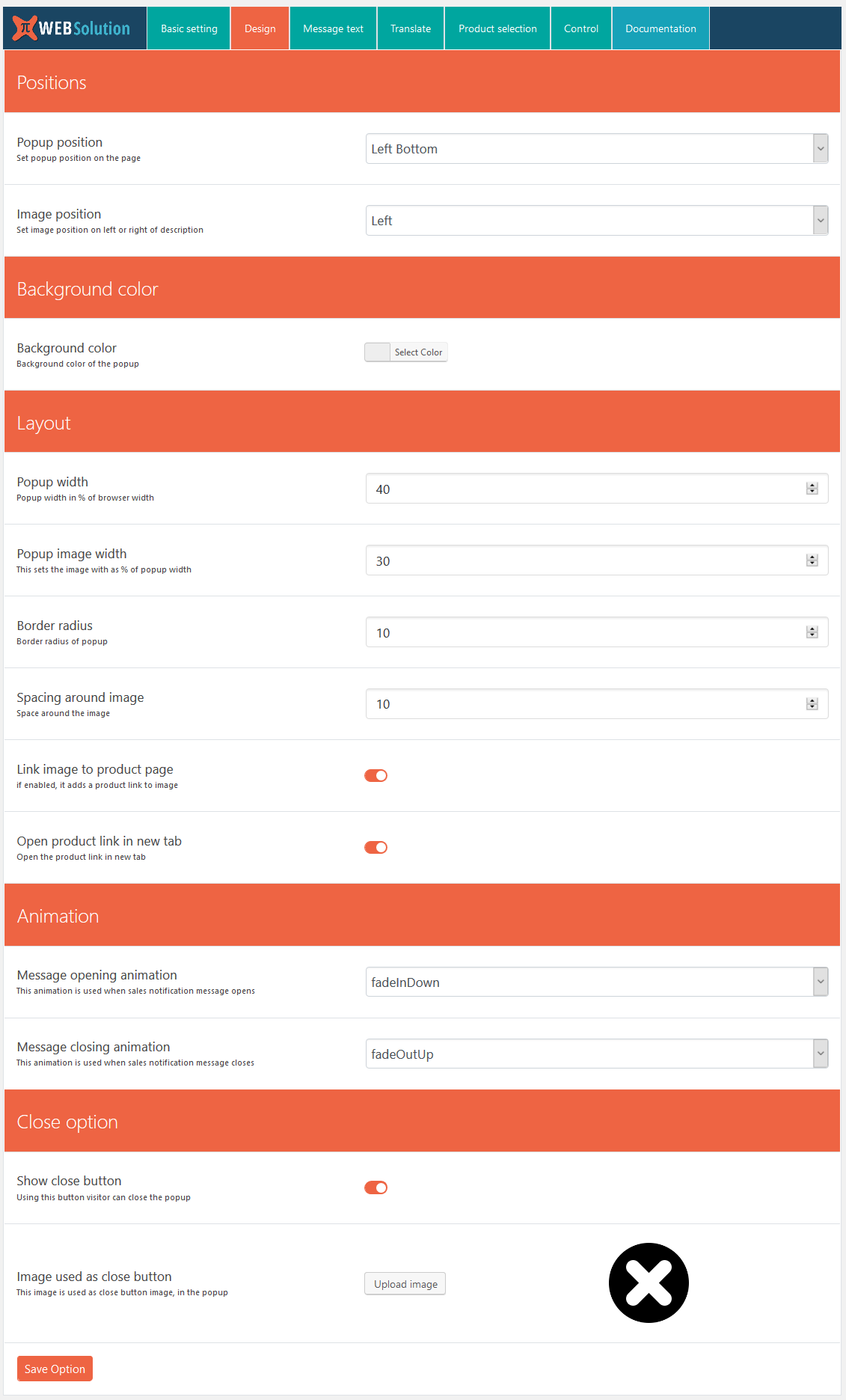
Yes, there is a direct option in the basic settings using which you can disable this on mobile; this is available in both the FREE version and PRO
Yes, this is available in both the FREE version and PRO
The free version doesn’t have this option; this is only available in the PRO version of the WooCommerce Notification plugin
Yes, both the Free and Pro versions have the option to generate virtual orders that will be shown in the live sales feed popup
No, those are generated at runtime and then removed as well
Want to boost business trust & conversions? 97% of visitors hesitate to buy because of credibility. Instantly succeed with WooCommerce Sales Alert!
Read from the WordPress.org plugin API on , when WordPress 7.1.4 was the current release. WordPress.org rounds active installs into buckets. These are the directory's figures, not my verdict, and I haven't tested this plugin.