
The best WordPress contact form plugin. Drag & Drop form builder to create beautiful contact forms, payment forms, & other custom forms.
- Installs
- 5+ million
- Rating
- 4.8 (14.4K)
- Updated
- 2 days ago

Advanced form builder plugin for Gutenberg. Create forms from the ground up, customize the existing ones, and style them up – all in one editor.
| Last updated | October 30, 2026Updated in the last 3 months |
|---|---|
| Tested up to | WordPress 7.0.8Older than WordPress 7.1.4, the current release |
| Needs WordPress | 6.1 or newer |
| Needs PHP | 7.0 or newer |
| First published | January 25, 2021 |
| Support, last two months | 0 of 1 threads resolved (0%) |
4.2 / 5 from 72 reviews
| 5 stars | 54 |
|---|---|
| 4 stars | 1 |
| 3 stars | 4 |
| 2 stars | 1 |
| 1 star | 12 |
JetFormBuilder — Dynamic Blocks Form Builder
A functional yet easy-to-use Form Builder plugin lets you create, edit, and style advanced form types in the block editor (Gutenberg). No more supplementary drag-and-drop form builders. You can now use a one-stop interface to develop fully operative custom forms.
SUPPORT
Please use our Github repo for the any issues/bugs/problems – https://github.com/Crocoblock/jetformbuilder/issues/
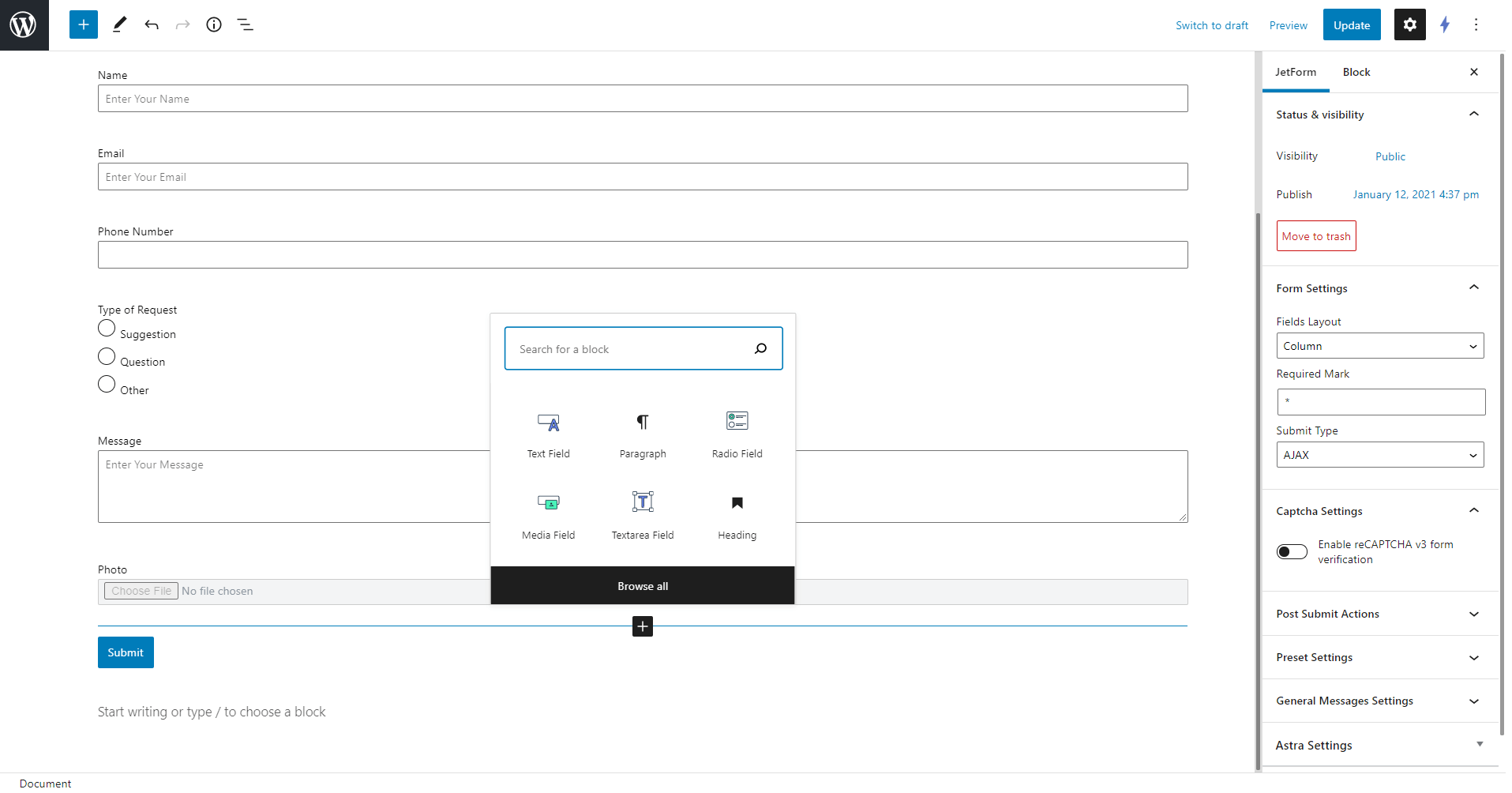
JetFormBuilder lets you build any kind of form nice and easy. Its 24+ field blocks allow creating forms from scratch or reassembling the existing ones. Throw JetStyleManager into the mix, and you’ll be able to adjust every form field’s fonts and style settings. Create form types, customize, and style – all in WordPress default blocks editor.
At first, I thought this was just another free form builder for Gutenberg, but I was wrong. I wanted to share what got me so excited about it after only the first 5 minutes.
– Paul Charlton from WPTuts.
WORDPRESS FORMS YOU CAN CREATE
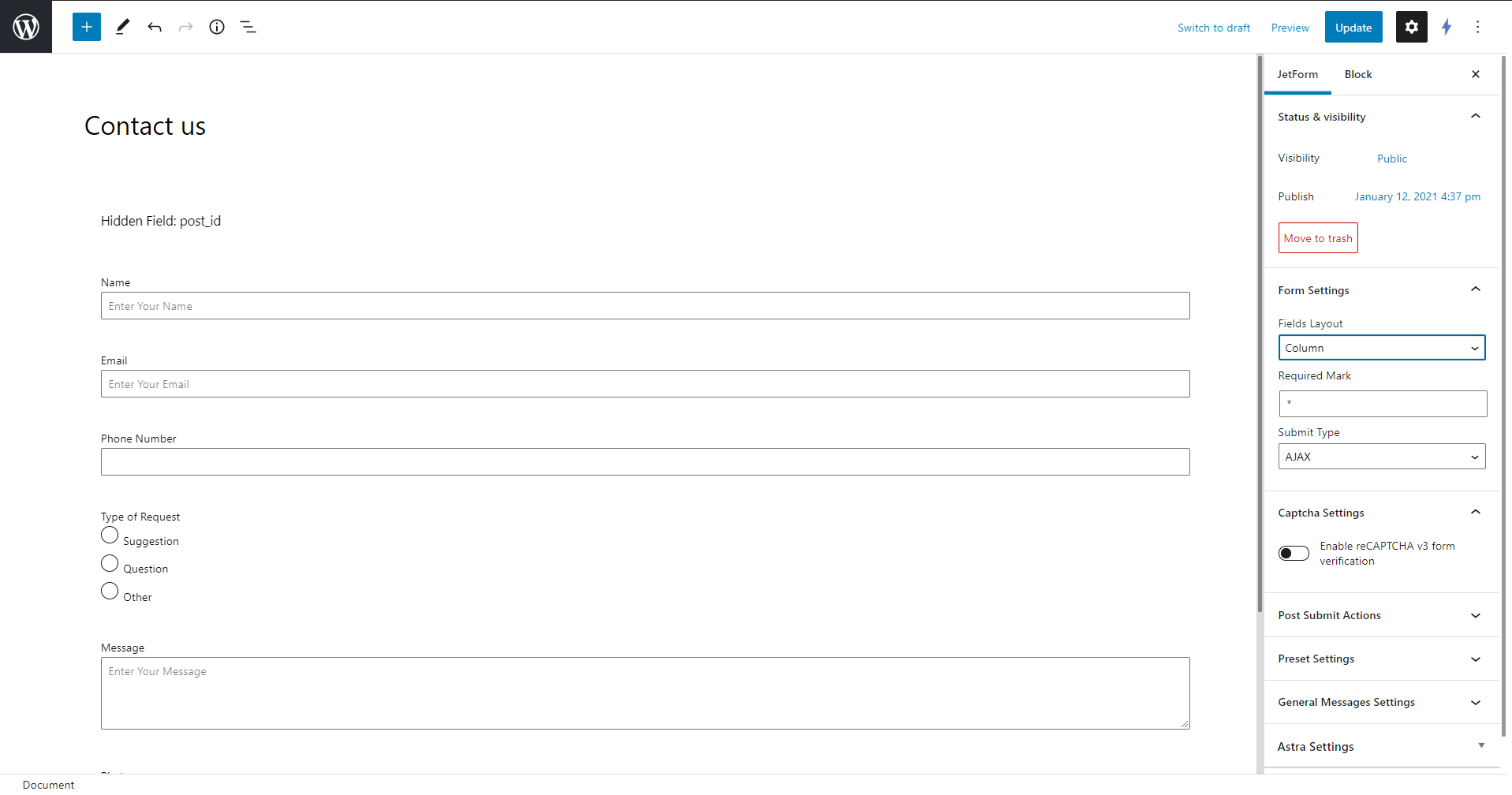
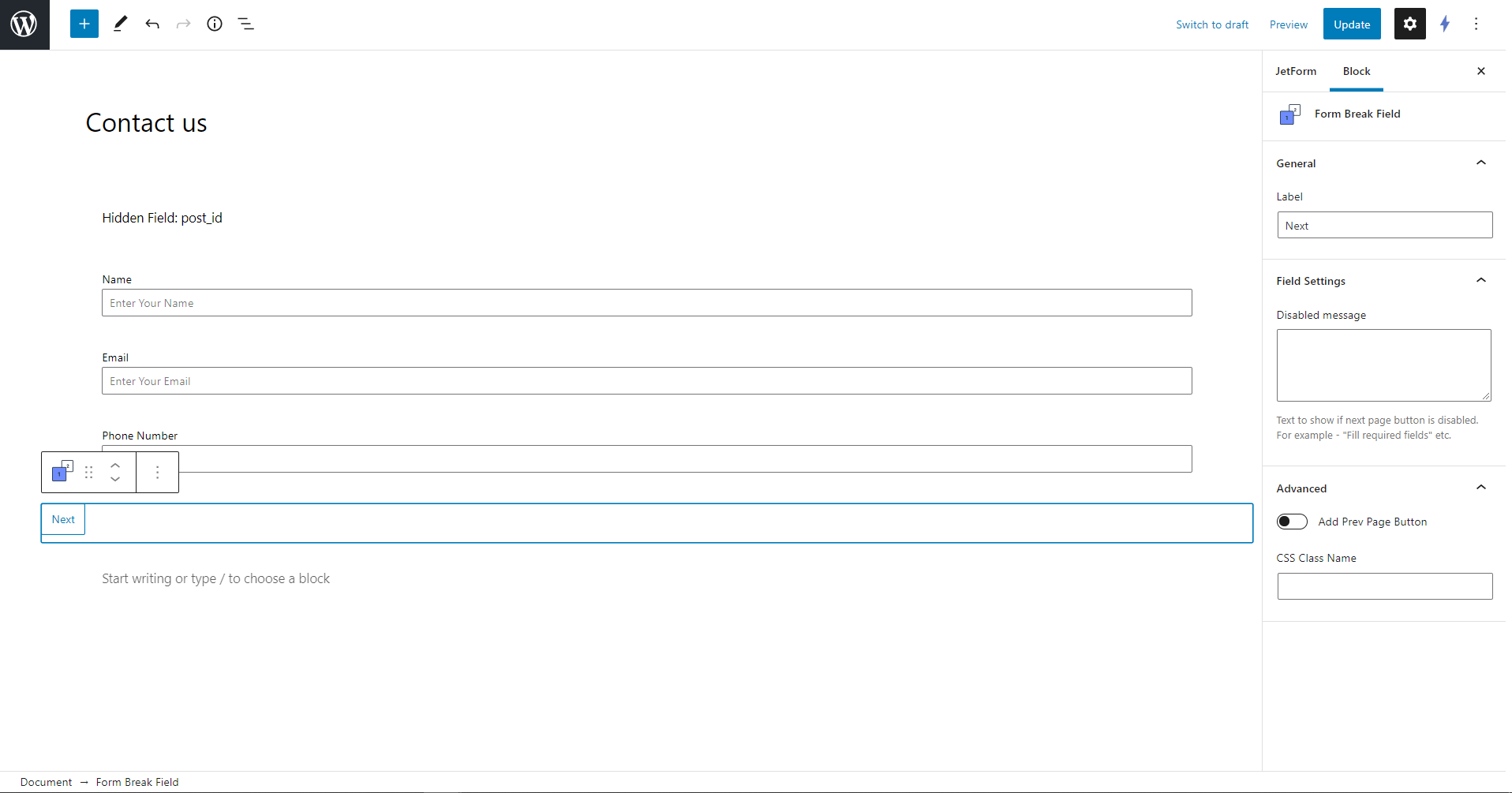
JetFormBuilder is a user-friendly form creator that lets you create new forms and add them to the form page. From a simple form to multi-step form design – you can nail down any form type:
The opening of the plugin's own description. The full text, installation notes and changelog are on its WordPress.org page.
JetFormBuilder uses the WordPress native blocks editor, also known as Gutenberg, for creating forms. Apart from Gutenberg, JetFormBuilder is compatible with Elementor. You can output a form on the frontend using the JetForm widget and style its looks, as well. As to the remaining page builders (like Divi, Oxygen, etc.), the form can be displayed via a shortcode only. To style its fields, you’ll need JetStyleManager.
Yes. You can use the Insert/Update Post post-submit Action to add and edit posts of any type from the frontend. Besides that, you’re able to assign and modify any metadata of the given post.
Absolutely. You can use the Register User post-submit Action to create a custom registration form. This post-submit action allows you to set user metadata, as well.
Sure. You can create a script that runs on a webhook in either Zapier or Integromat and then use the Call Webhook post-submit Action to launch it when the form is being submitted.
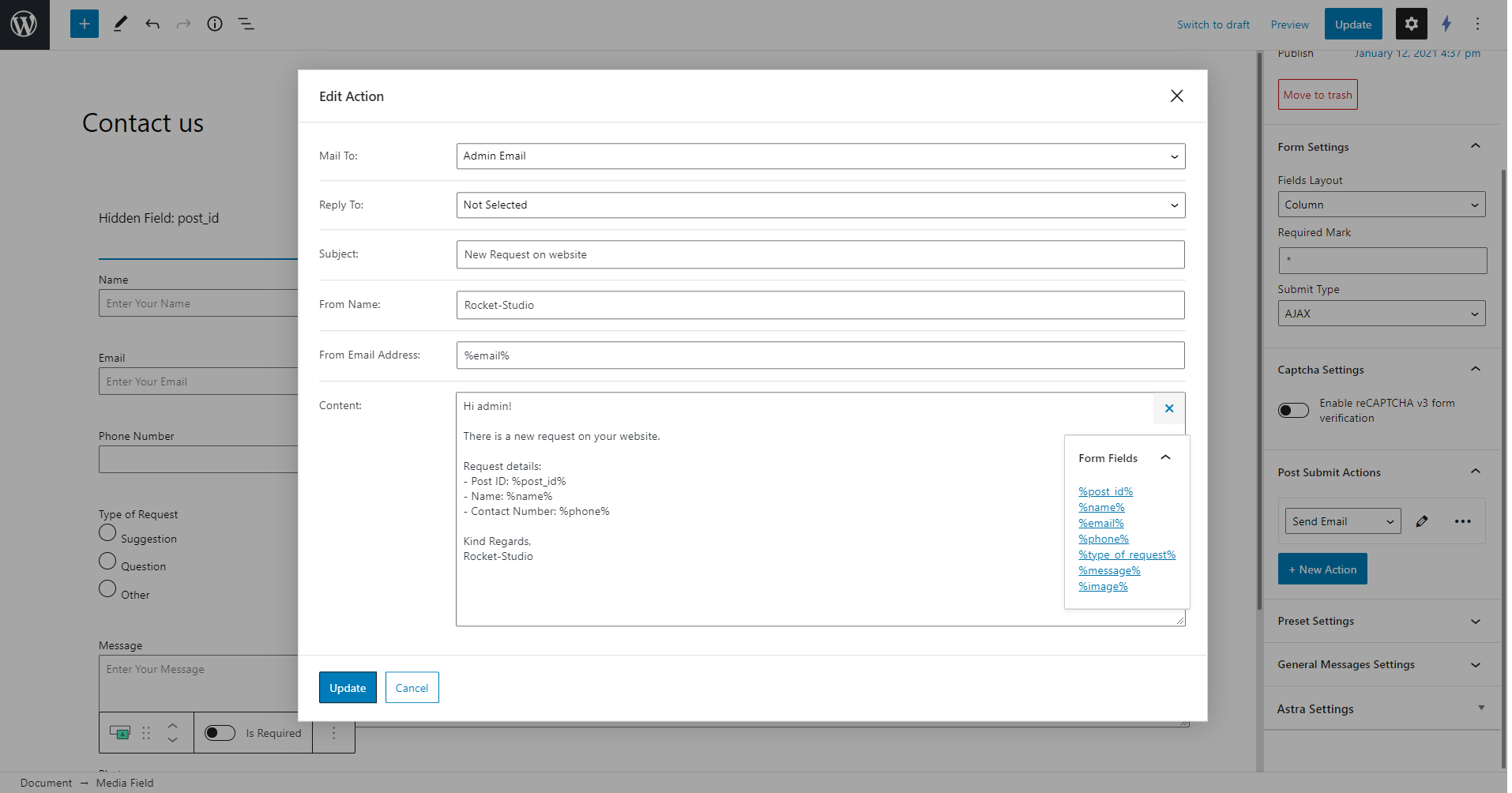
It is. Thanks to the Send Email post-submit Action, you can send any number of emails you want during any form submission. For instance, you’re able to send an email to a predefined address, the site administrator’s email, or the email address specified in one of the submitted form fields.
Yes. JetFormBuilder is compatible with ACF, Toolset, and JetEngine itself.
3.6.8
– ADD: Ability to use ID and title of the term created by Insert/Update Term in macros of the following actions
– FIX: Bricks AJAX popup not opening when form field uses custom template
– FIX: Number field shows a stale min error and a min value with extra digits when min/max is set by a formula
– FIX: Password visibility toggle does not work with Input Mask
– FIX: Cursor gets stuck after entering a leading zero in a masked field
– FIX: Select field padding is not applied correctly in Elementor with Blocksy and OceanWP themes
The best WordPress contact form plugin. Drag & Drop form builder to create beautiful contact forms, payment forms, & other custom forms.

Get a fast contact form plugin. Create advanced forms using drag and drop form builder with all smart features.

Free WordPress form builder with calculations, signatures, star ratings, unlimited submissions stored on your site, and an AI form builder.
AI form generator and WordPress form builder for contact and Stripe payment forms, with surveys and quizzes in SureForms Business.

The drag and drop WordPress form builder for contact forms, payment forms, calculators, quizzes, surveys, and AI-built web applications.

AI form builder for WordPress. Build contact forms, payment forms, quiz, survey & conversational forms with built-in AI or drag & drop builder.
Read from the WordPress.org plugin API on , when WordPress 7.1.4 was the current release. WordPress.org rounds active installs into buckets. These are the directory's figures, not my verdict, and I haven't tested this plugin.
