
#36 by installs
WP Super Cache
A very fast caching engine for WordPress that produces static html files.
- Installs
- 1+ million
- Rating
- 4.3 (1.3K)
- Updated
- 31 days ago

Optimize PageSpeed Performance & Core Web Vitals, Advanced Cache, Minify CSS & JavaScript, Inline Critical CSS, Defer CSS & JS, Smush & Lazy Load, CDN
| Last updated | September 1, 2026Updated in the last 3 months |
|---|---|
| Tested up to | WordPress 7.0.8Older than WordPress 7.1.4, the current release |
| Needs WordPress | 6.4 or newer |
| Needs PHP | 7.4 or newer |
| First published | June 9, 2017 |
| Support, last two months | 1 of 1 threads resolved (100%) |
4.7 / 5 from 1,488 reviews
| 5 stars | 1,319 |
|---|---|
| 4 stars | 81 |
| 3 stars | 22 |
| 2 stars | 14 |
| 1 star | 52 |
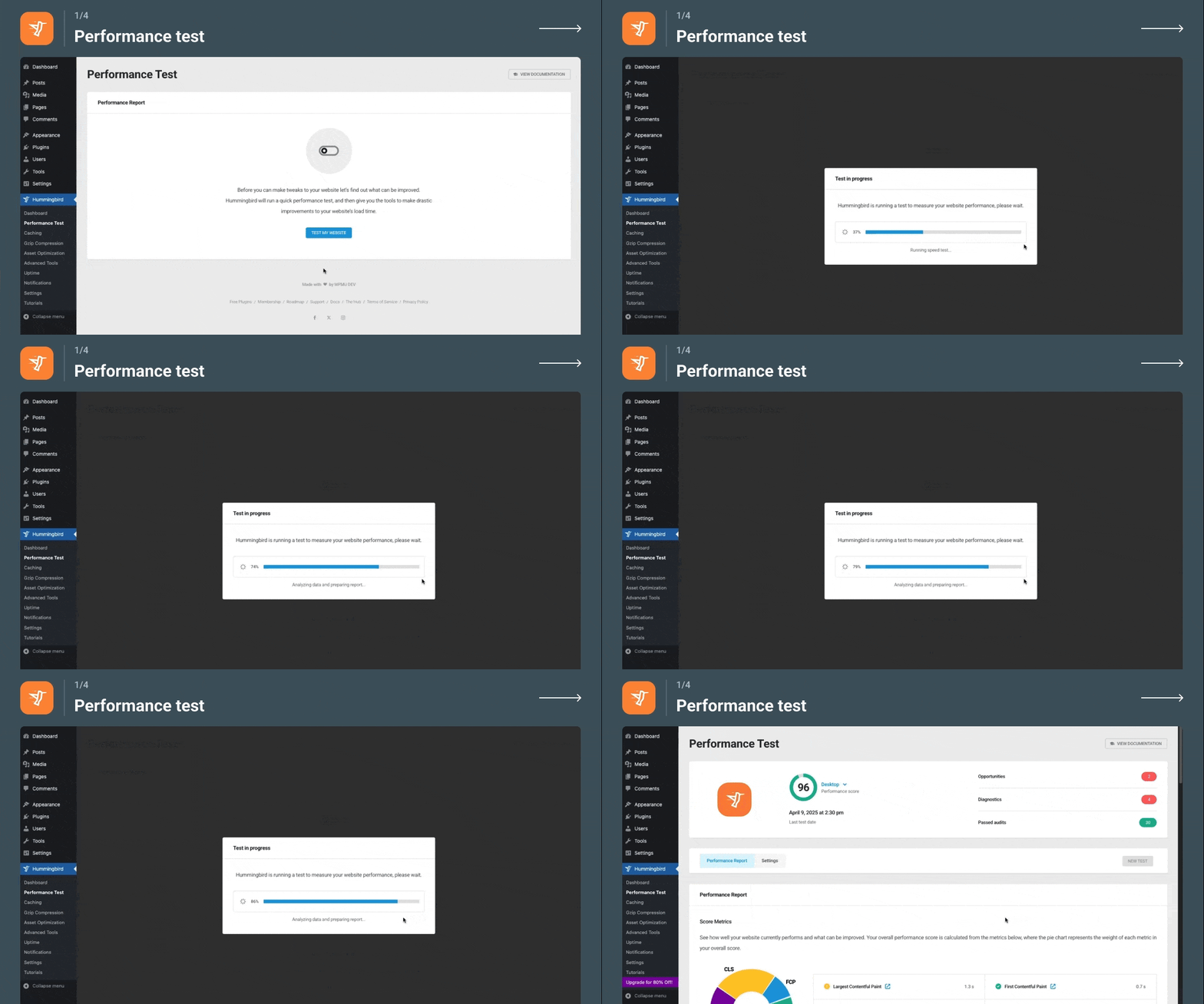
Hummingbird makes your website faster and optimizes site performance by adding new ways to boost Google PageSpeed Insights with fine-tuned controls over file compression, deferring CSS and JavaScript styles and scripts, minify for CSS and JS, Lazy Load integration, and world-class caching.
Hummingbird is brought to you by the WordPress speed specialists that created Smush image optimization, now active on more than +1 million websites. Get the complete speed boost with Hummingbird and Smush.
Enjoy top-tier performance and PageSpeed optimization from the start with Hummingbird Pro.
Level up immediately with exclusive Pro features like Delay JavaScript Execution, Critical CSS Generation, Brotli file compression, and 119-point global asset CDN with unlimited bandwidth. Learn more about Pro.
If PageSpeed Insights is making these speed recommendations Hummingbird can help:
The opening of the plugin's own description. The full text, installation notes and changelog are on its WordPress.org page.
Yes! Of course, our cache suite is more than enough, but if you already use WP Rocket or W3 Total Cache, the special monitoring tools Hummingbird offers still make it worth it. To ensure compatibility, only activate overlapping features in one of the plugins.
Yes! Hummingbird is built to take full advantage of Cloudflare features. Just plug in your API to get started.
Yes! Hummingbird works great with ecommerce plugins like WooCommerce and MarketPress. For best results, when configuring full-page cache, follow the WooCommerce recommended cache settings. Hummingbird will exclude the cart, my account and checkout pages to keep content dynamic.
There are plenty of factors involved in why you’d have WordPress slow. Hummingbird’s scanning and one-click fixes can work out why your site is slow, and with one click, speed up WordPress for you. Easy peasy!
The free Hummingbird plugin is a powerful suite of WordPress speed optimization features! You can deliver big improvements in your page speed in mere minutes using our one-click implementation of recommended fixes. Some of the reviews above show you the results you can get.
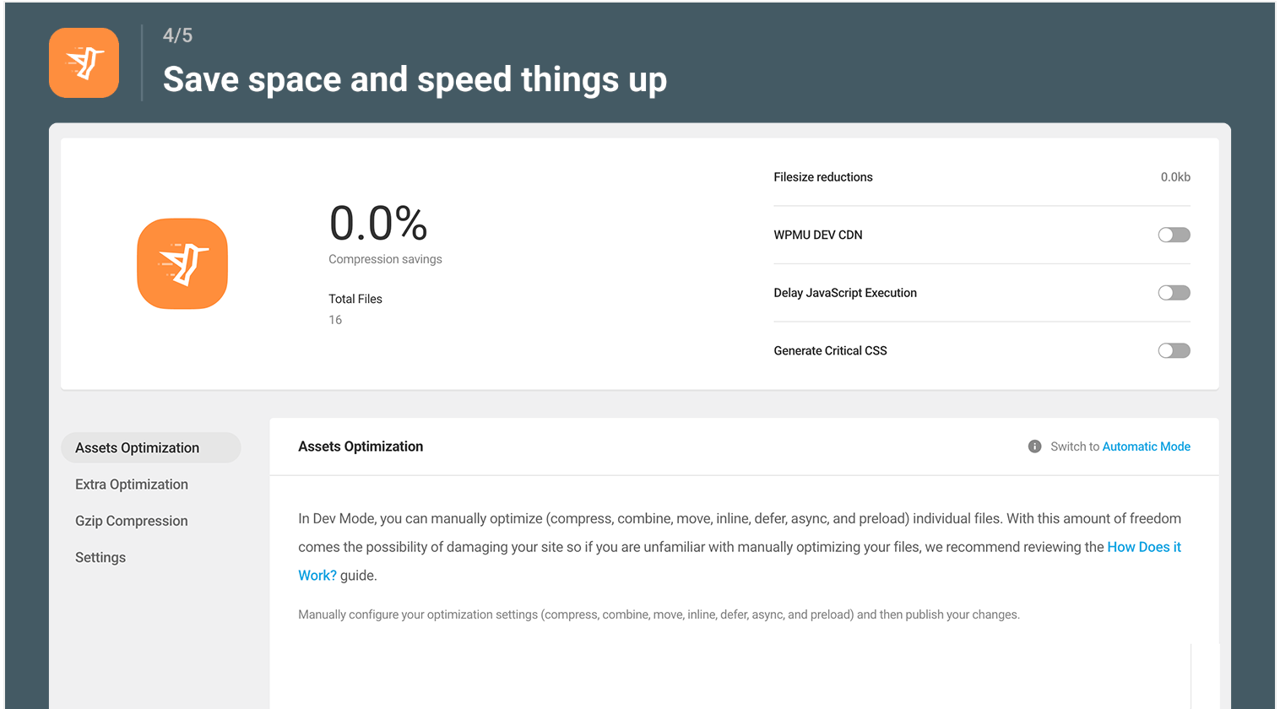
Asset Optimization is a great way to speed up your site but moving, combining, using minify, and rearranging CSS and JavaScript (.JS) files can also mess with styling and break functionality. We recommend making incremental changes and testing your site as you go so you can undo the changes if something breaks. And remember, don’t panic. If something goes wrong you can start over with the click of a button 🙂


#36 by installs
A very fast caching engine for WordPress that produces static html files.

#160 by installs
Breeze is a caching plugin developed by Cloudways. Breeze uses advance caching systems to improve site loading times exponentially.

#245 by installs
Speed up your WordPress site with one-click optimizations like Page Cache, Critical CSS, and Image CDN to improve Core Web Vitals.

#416 by installs
A lightweight caching plugin for WordPress that makes your website faster by generating static HTML files.

#5 by installs
All-in-one unbeatable acceleration & PageSpeed improvement: caching, image/CSS/JS optimization...

#44 by installs
Boost your website performance and page speed, and increase conversions with powerful caching, frontend, media, and environment optimizations.
Read from the WordPress.org plugin API on , when WordPress 7.1.4 was the current release. WordPress.org rounds active installs into buckets. These are the directory's figures, not my verdict, and I haven't tested this plugin.