
Elementor addons with 18+ free widgets, Header & Footer Builder, WooCommerce widgets & templates. Trusted by 2+ million websites.
- Installs
- 2+ million
- Rating
- 4.9 (2.5K)
- Updated
- 2 days ago

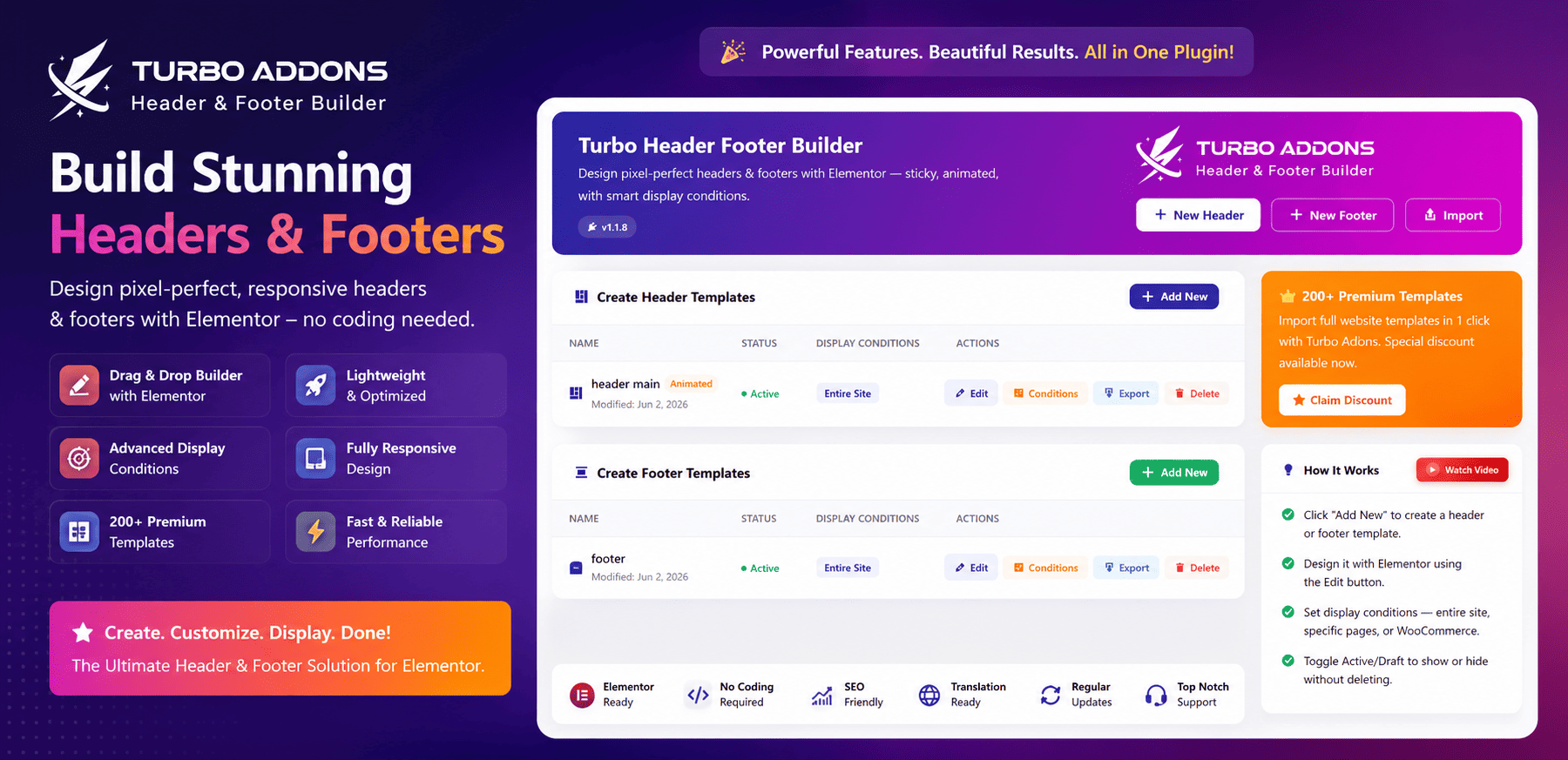
Header Footer Builder for Elementor — create headers, footers & a mega menu for WordPress & WooCommerce. Beginner-friendly & optimized.
| Last updated | October 17, 2026Updated in the last 3 months |
|---|---|
| Tested up to | WordPress 7.1.4Covers WordPress 7.1.4, the current release |
| Needs WordPress | 4.7.0 or newer |
| Needs PHP | 7.4 or newer |
| First published | September 27, 2025 |
| Support, last two months | 0 of 2 threads resolved (0%) |
5.0 / 5 from 5 reviews
| 5 stars | 5 |
|---|---|
| 4 stars | 0 |
| 3 stars | 0 |
| 2 stars | 0 |
| 1 star | 0 |
Looking for the easiest way to create custom header and footer in Elementor?
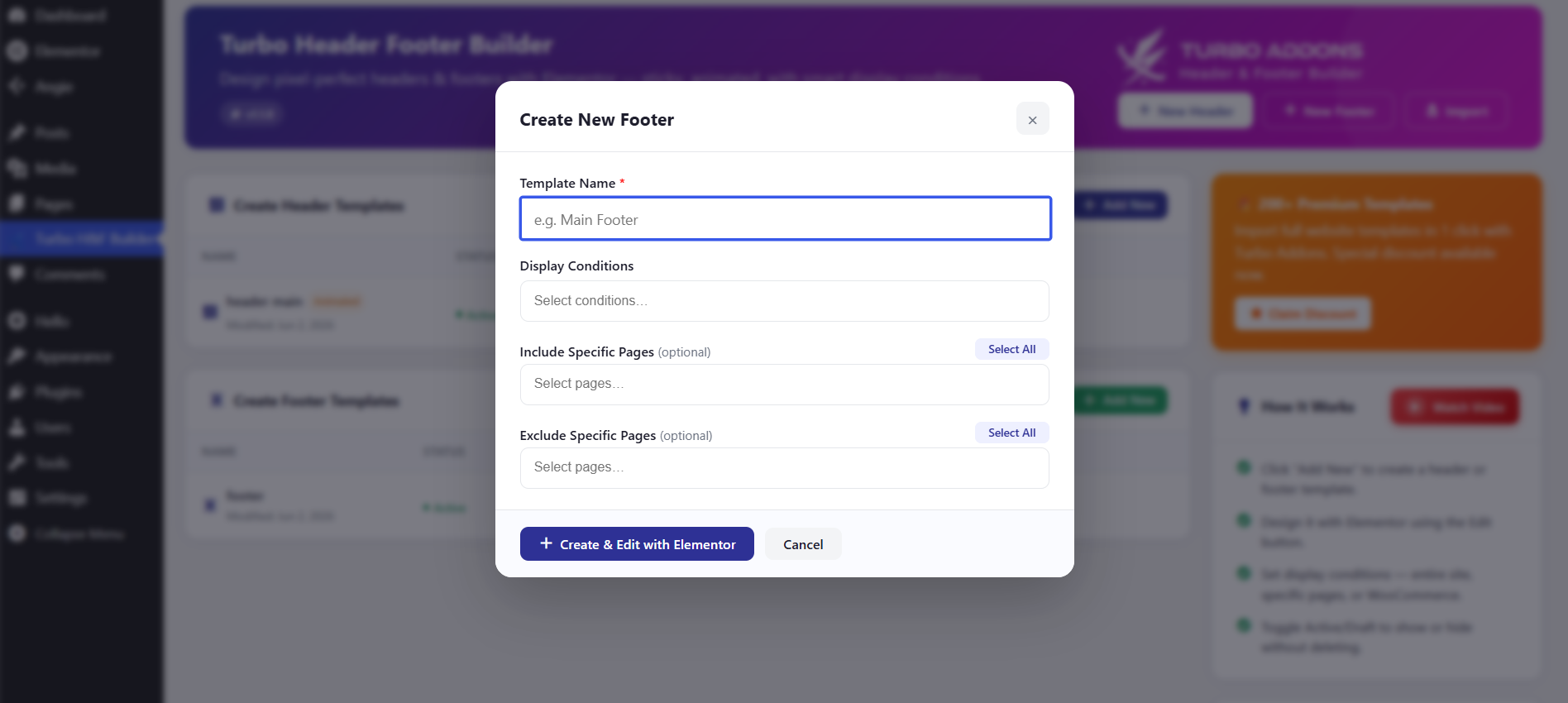
Turbo Header Footer Builder for Elementor is the ultimate free solution to design, customize, and control your website’s header and footer without touching a single line of code.
Get Advanced Features for Modern Website Design — Explore Turbo Addons For Elementor
Whether you’re building a business site, eCommerce store, or personal blog, this plugin gives you complete control over your header and footer designs — directly inside Elementor’s drag-and-drop editor.
Why Choose Turbo Header Footer Builder For Elementor?
Key Features
**Essential Elementor Widgets for Header and Elementor Footer Builder**
The opening of the plugin's own description. The full text, installation notes and changelog are on its WordPress.org page.
A: No, this plugin works with both the free and Pro versions of Elementor.
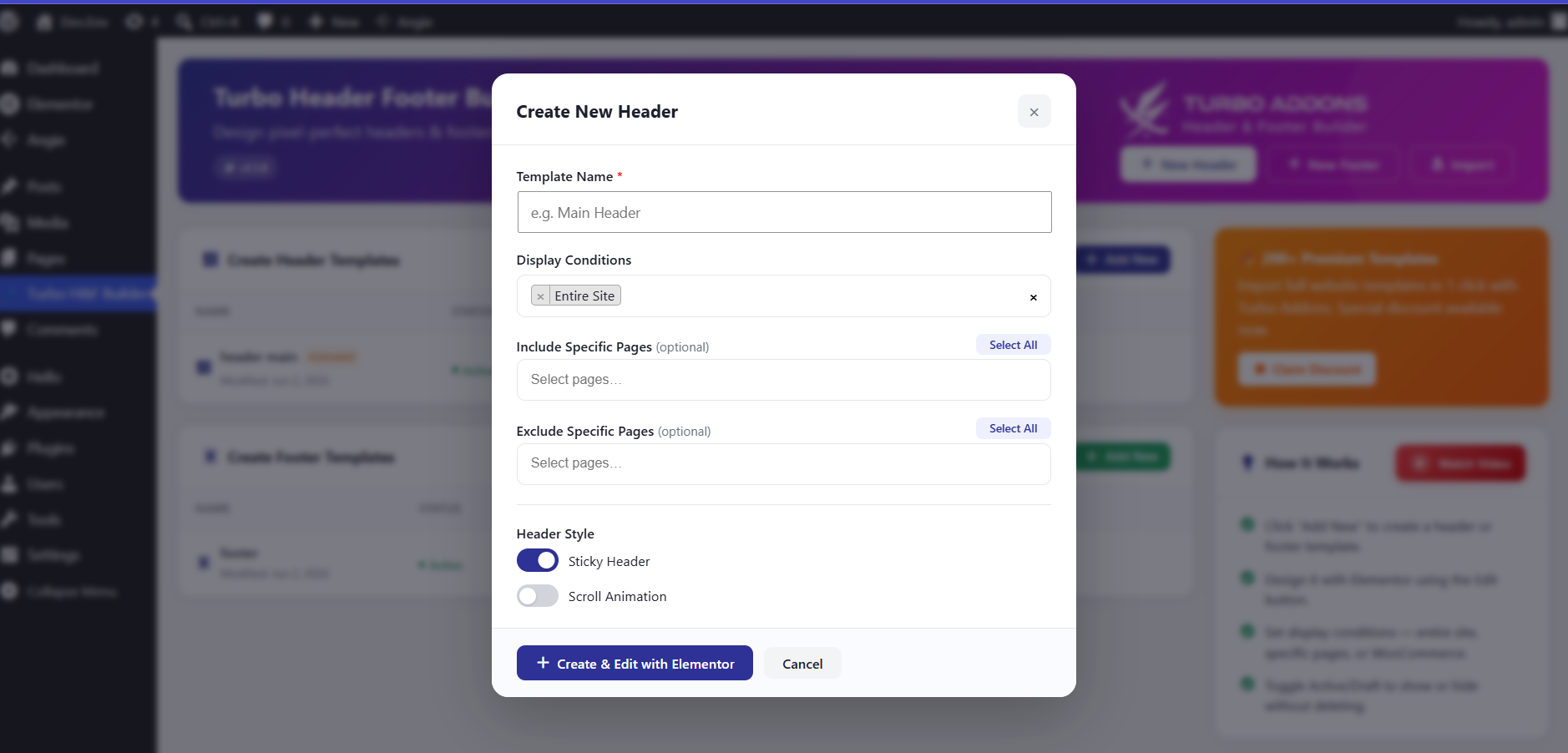
A: Yes, you can create multiple header templates and set conditional display rules for different pages or page types.
A: No, the plugin is optimized for performance and includes caching features to ensure fast loading times.
A: Yes, you can enable the sticky header feature to keep the header fixed at the top as users scroll down the page.
A: Yes, the plugin supports scroll animations for headers, adding dynamic effects when users scroll down the page.
A: Yes! Use the Header Effects panel in the Elementor editor (Advanced tab of any Section or Container in a header template). You can set a transparent header, a solid scroll state, the scroll distance that triggers the transition, and a bottom shadow.
Elementor addons with 18+ free widgets, Header & Footer Builder, WooCommerce widgets & templates. Trusted by 2+ million websites.
Elementor templates, Header footer builder, Elementor Post Grid, Woocommerce Grid builder, Slider, Forms, Gallery, Nav menu addons, Elementor widgets.
HappyAddons packs Header Footer Builder, Megamenu, Single Post, Archive Page, & 500+ Ready Templates into one powerful Elementor Addons plugin.

120+ Elementor widgets, AI tools, Mega Menu, WooCommerce, Header Footer & Popup Builder, Blog Builder & 1000+ templates. Connect any MCP AI agent.
Elementor addon offering 146+ widgets, AI Builder, Mega Menu, Ready Templates, Page Builder, Slider, Gallery, Post Grid & more.

#862 by installs
A collection of advanced features including Header & Footer Builder, Theme Builder, Popup Builder, 58 elements, 100+ free templates and more.
Read from the WordPress.org plugin API on , when WordPress 7.1.4 was the current release. WordPress.org rounds active installs into buckets. These are the directory's figures, not my verdict, and I haven't tested this plugin.


