
AI form builder for WordPress. Build contact forms, payment forms, quiz, survey & conversational forms with built-in AI or drag & drop builder.
- Installs
- 90,000+
- Rating
- 4.9 (375)
- Updated
- 16 days ago

Form Maker is a user-friendly contact form builder that allows to create forms for any purpose, from a simple contact form to multi page survey forms
| Last updated | October 30, 2026Updated in the last 3 months |
|---|---|
| Tested up to | WordPress 7.0.8Older than WordPress 7.1.4, the current release |
| Needs WordPress | 4.6 or newer |
| Needs PHP | Not stated |
| First published | April 4, 2012 |
| Support, last two months | 0 of 8 threads resolved (0%) |
4.5 / 5 from 778 reviews
| 5 stars | 623 |
|---|---|
| 4 stars | 52 |
| 3 stars | 15 |
| 2 stars | 18 |
| 1 star | 70 |
Form Maker is the leading drag & drop plugin for building forms of any complexity in just a few clicks.
Useful Links:
Premium Form Maker by 10Web
Special Offer for all Premium Plugins
Looking for the perfect form plugin that’ll save you time and effort?
Is matching your website design with your forms difficult?
Finding it hard to build lengthy and advanced forms?
Form Maker Features
Intuitive Interface
Drag and drop to build complex forms with just a few clicks.
Mobile-Friendly and Responsive
Your forms will look great on all resolutions and devices: mobile, tablet, and desktop.
Field Types
43 different form field types to help you create just the form you need.
Embed Easily
Display your forms as popups, top bars or scroll boxes or embed them into blog posts.
Pre-built Templates
Pick from five form template options to save time.
Fully Customizable Themes
Use one of our fifteen beautiful themes to make your forms match website design.
Manage Submissions
Set automatic email replies, track and export all your entries, and more.
Protection from Spam
Block IPs and set captchas to avoid spam.
Receive Payments*
Get payments and donations using integrated PayPal and Stripe gateways.
Conditional Logic
Build forms with complex conditional logic.
Multi-Page Forms
Divide up lengthy forms into pages to provide better user experience.
File Upload*
The opening of the plugin's own description. The full text, installation notes and changelog are on its WordPress.org page.
Form Maker is a modern and intuitive free online application form creator plugin developed for WordPress. It lets you build personalized, perfect-looking responsive forms with its elegant drag and drop interface.
You can create custom forms free of additional coding, with just a few clicks. The functionality of Form Maker is excellent for any kind of online questionnaires.
Navigate to Form Maker > Forms page to build your very first contact form. This contact form creator plugin provides a few sample forms, which you can quickly edit and publish.
Using Form Maker > Forms page, you can manage existing forms, perform Bulk Actions, such as Publish, Unpublish, Duplicate or Delete. Select the necessary form, choose the bulk action, then press Apply.
This dynamic contact form builder lets you have a nice header section on your forms, which can contain additional content, as well as images with animations. Click on Form Header bar of your form to open its toolbox and provide a Title. This is the form heading, which will appear above your form. In addition, you can write a Description to appear right below the Title of your form.
Yes, another fantastic feature of this custom form creator plugin is its Conditional Fields. This lets you show or hide fields of your form based on certain selections submitter makes.
The structure of conditional fields in this contact form generator form builder is the following: You can specify and/or show/hide a field, when condition is true and provide conditions below, e.g.
This secure form builder plugin comes with 14 customizable themes, which you can use to design your forms. Each theme of Form Maker provides a set of user-friendly options to change font size, alignment of the form, colors, modify paddings and more. You can edit the existing themes, or create your own by clicking Add New button.
You can use Email Options of Form Maker to send a fully customizable letter to the submitter. The entries can be included within the email. Just select the form you want to edit, then navigate to Form Options > Email Options.


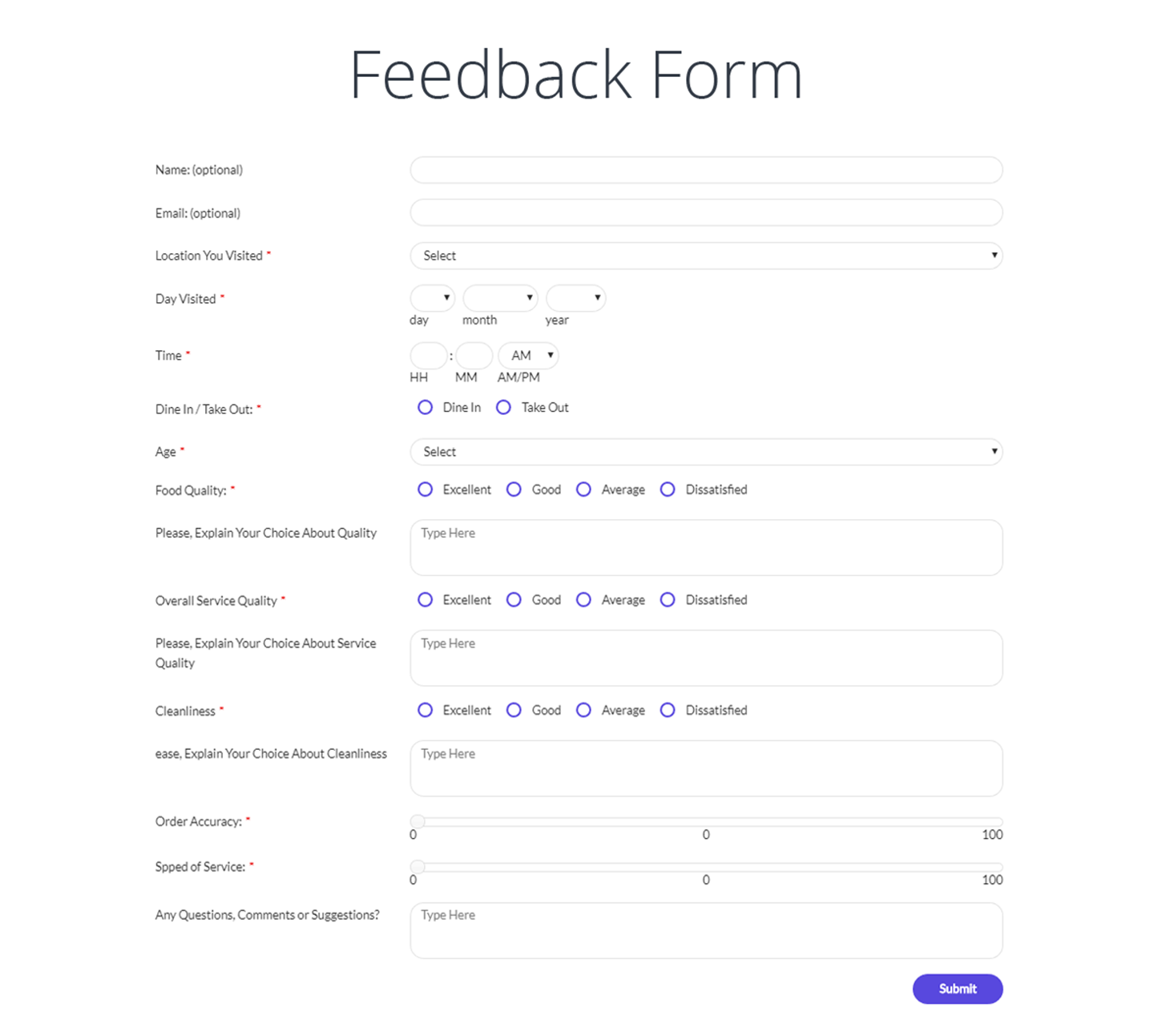
AI form builder for WordPress. Build contact forms, payment forms, quiz, survey & conversational forms with built-in AI or drag & drop builder.

The best WordPress contact form plugin. Drag & Drop form builder to create beautiful contact forms, payment forms, & other custom forms.

Get a fast contact form plugin. Create advanced forms using drag and drop form builder with all smart features.

Free WordPress form builder with calculations, signatures, star ratings, unlimited submissions stored on your site, and an AI form builder.
AI form generator and WordPress form builder for contact and Stripe payment forms, with surveys and quizzes in SureForms Business.

The drag and drop WordPress form builder for contact forms, payment forms, calculators, quizzes, surveys, and AI-built web applications.
Read from the WordPress.org plugin API on , when WordPress 7.1.4 was the current release. WordPress.org rounds active installs into buckets. These are the directory's figures, not my verdict, and I haven't tested this plugin.
