
A multi-featured plugin to embed YouTube in WordPress. Embed a video, YouTube channel gallery, playlist, or YouTube livestream. Defer JavaScript too!
- Installs
- 100,000+
- Rating
- 4.6 (572)
- Updated
- 55 days ago

The Feeds for YouTube plugin allows you to display customizable YouTube feeds from any YouTube channel.
| Last updated | October 28, 2026Updated in the last 3 months |
|---|---|
| Tested up to | WordPress 7.1.4Covers WordPress 7.1.4, the current release |
| Needs WordPress | 4.1 or newer |
| Needs PHP | 7.4 or newer |
| First published | December 9, 2019 |
| Support, last two months | 0 of 1 threads resolved (0%) |
4.8 / 5 from 205 reviews
| 5 stars | 192 |
|---|---|
| 4 stars | 6 |
| 3 stars | 0 |
| 2 stars | 3 |
| 1 star | 4 |
Display customizable YouTube channel feeds on your website. Feed YouTube channel content automatically to your website in a powerful and customizable gallery.
YouTube Feed Features
For simple step-by-step directions on how to set up the Feeds for YouTube plugin please refer to our setup guide.
Benefits
The opening of the plugin's own description. The full text, installation notes and changelog are on its WordPress.org page.
Yep. You can display multiple feeds by creating them with the customizer and adding the feed ID to a shortcode.
You can embed a gallery directly into a template file by using the WordPress do_shortcode function: <?php echo do_shortcode('[youtube-feed feed=1]'); ?>.
The Feeds for YouTube plugin should work in compatibility with most, if not all, caching plugins, but you may need to tweak the settings in order to allow the feed to update successfully and display your latest posts.
Yep, just use the following setting: Feeds for YouTube > Customize > Video Experience > When does video play? You can then set the video to play when clicked or to autoplay.
This free plugin has several layout options built into it. Use the settings in the following location to display your videos in a list, grid, or gallery layout: Feeds for YouTube > Customize > Layout. You can also change the spacing/padding between the videos by using the “Spacing between videos” setting in this same section.
Yep, you can choose to display between 1-50 videos in your feed by using the following setting: Feeds for YouTube > Customize > Layout > Number of Videos. The plugin also contains a “Load More” button to allow you to infinitely load more videos into your feed.



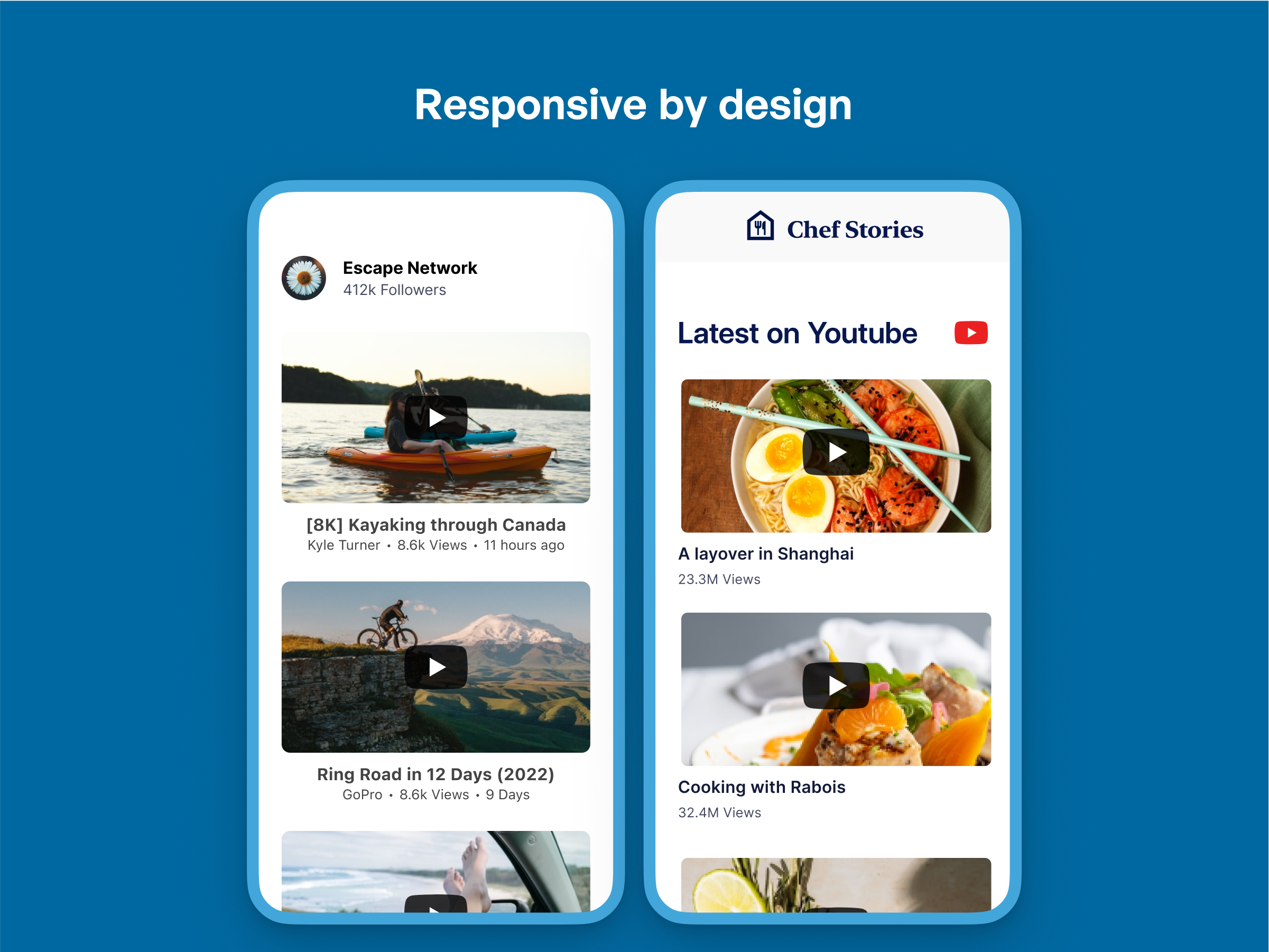
A multi-featured plugin to embed YouTube in WordPress. Embed a video, YouTube channel gallery, playlist, or YouTube livestream. Defer JavaScript too!

#376 by installs
A modern video and audio player for courses, landing pages, marketing, and testimonials — with captions, branding, and page-builder support.

#626 by installs
[iframe src="http://www.youtube.com/embed/7_nAZQt9qu0" width="100%" height="500"] shortcode

#902 by installs
YouTube feeds for WordPress with simple Setup and Settings options.
Read from the WordPress.org plugin API on , when WordPress 7.1.4 was the current release. WordPress.org rounds active installs into buckets. These are the directory's figures, not my verdict, and I haven't tested this plugin.