
Events calendar and booking system: bookings, reservations, appointments, scheduling, event registration, tickets and recurring events.
- Installs
- 60,000+
- Rating
- 4.2 (551)
- Updated
- 5 days ago

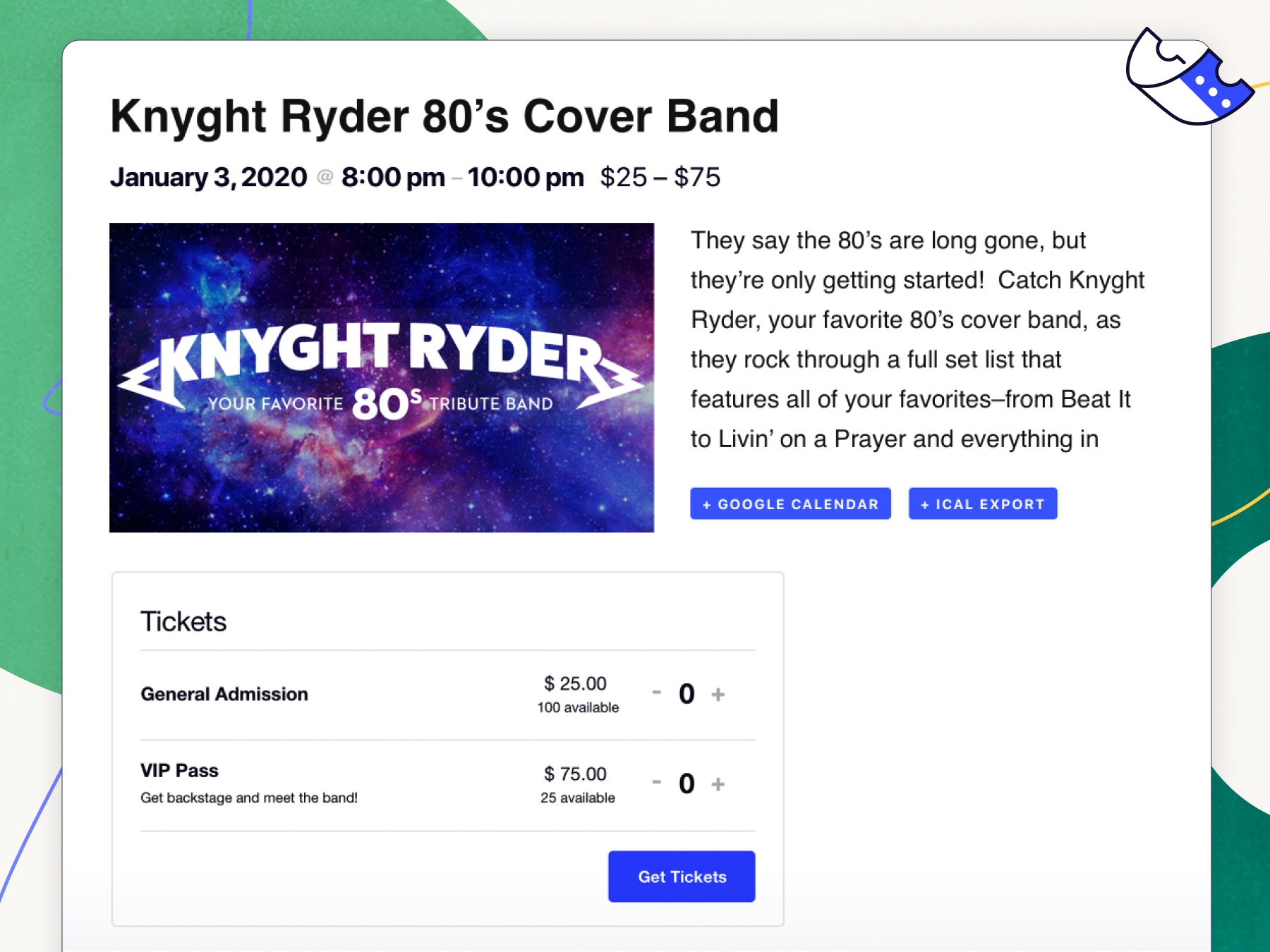
Event Tickets allows your visitors to RSVP and buy tickets to events on your site. Also works seamlessly with The Events Calendar.
| Last updated | October 29, 2026Updated in the last 3 months |
|---|---|
| Tested up to | WordPress 7.1.4Covers WordPress 7.1.4, the current release |
| Needs WordPress | 6.9 or newer |
| Needs PHP | 7.4 or newer |
| First published | December 2, 2015 |
| Support, last two months | 10 of 13 threads resolved (77%) |
3.5 / 5 from 236 reviews
| 5 stars | 136 |
|---|---|
| 4 stars | 10 |
| 3 stars | 6 |
| 2 stars | 14 |
| 1 star | 70 |
Sell tickets and collect RSVPs with the free Event Tickets plugin, from the team behind the number one calendar in WordPress.
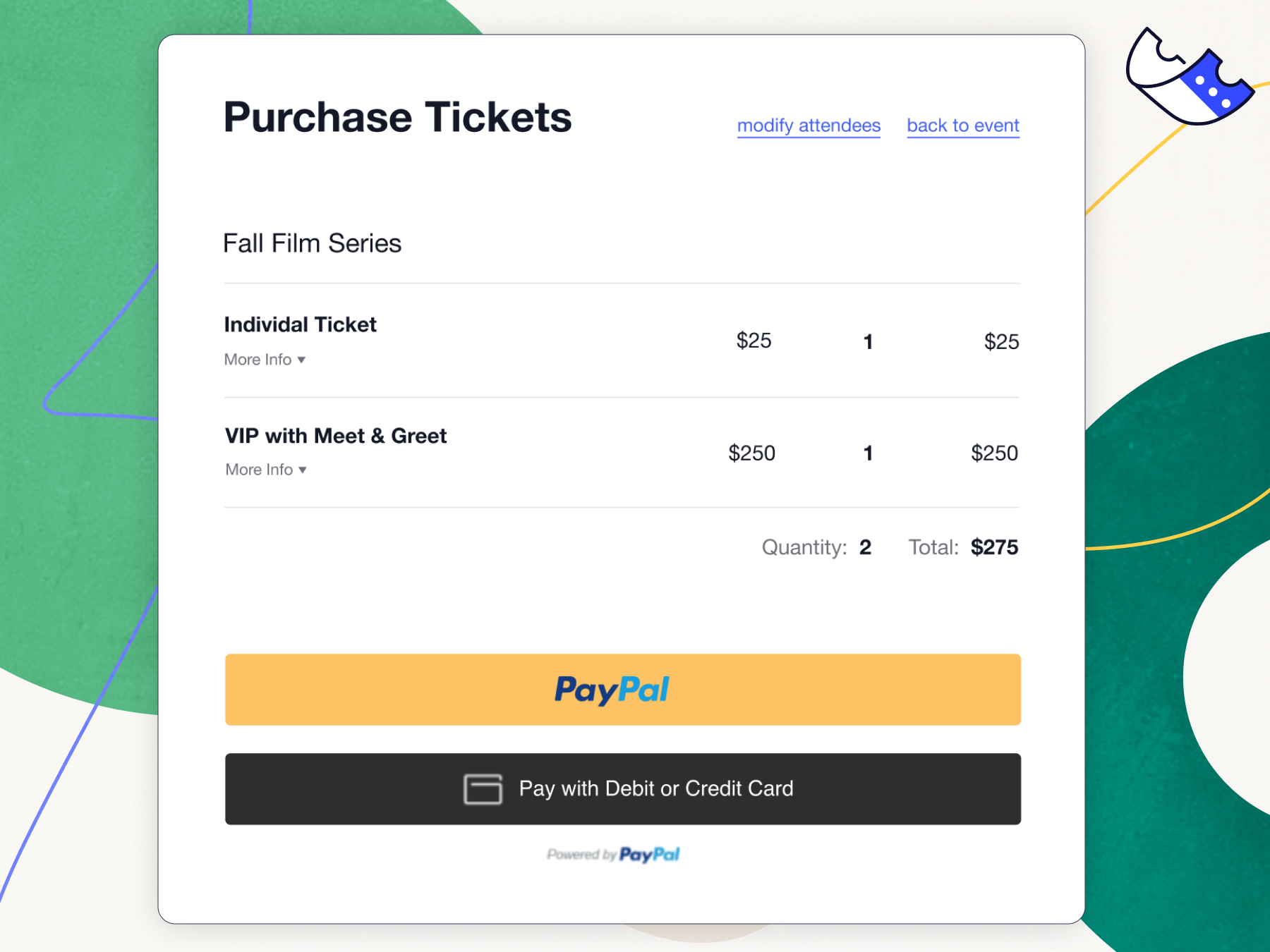
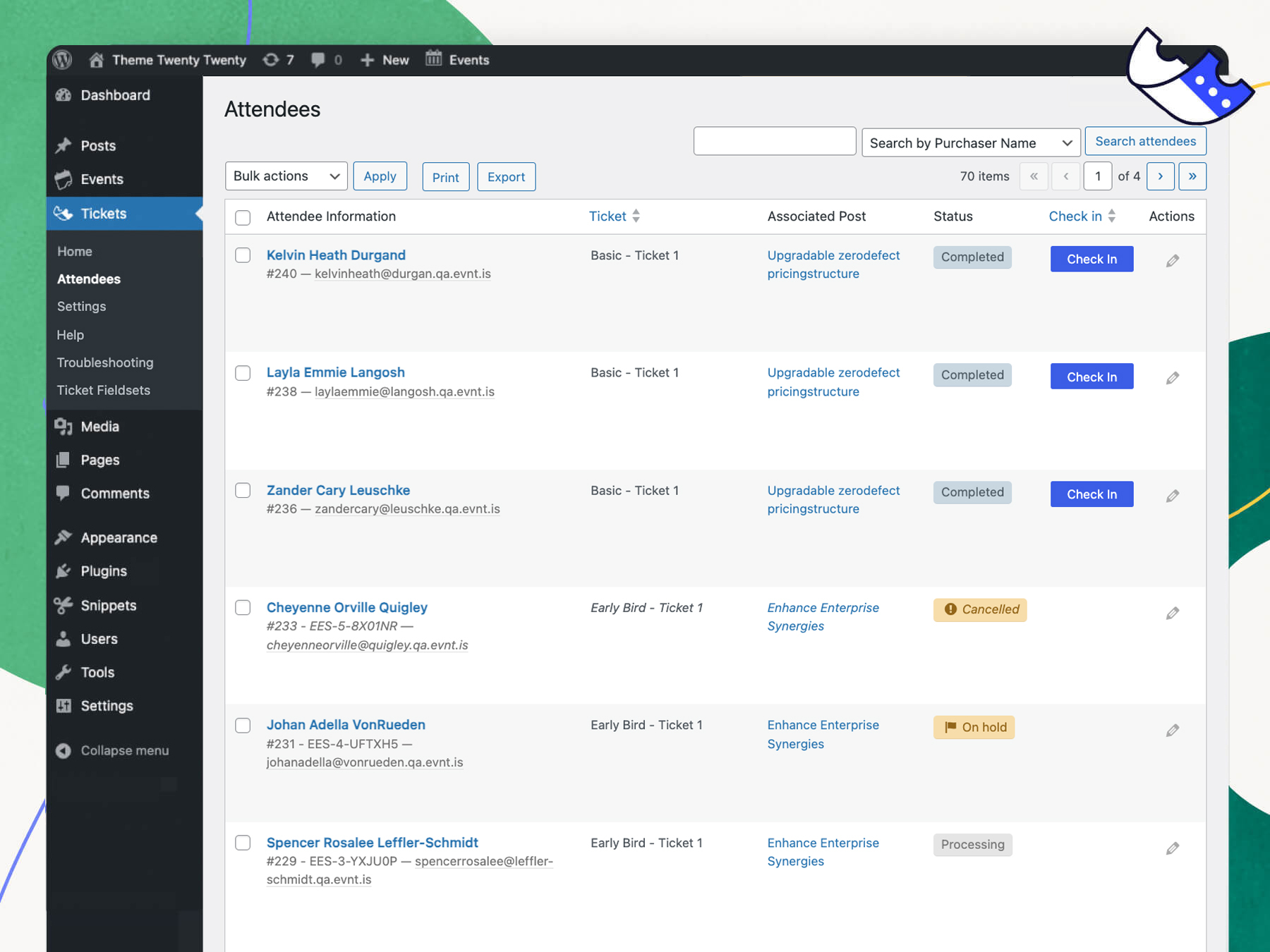
This plugin makes it easy to sell all different types of tickets with our free Tickets Commerce solution. Create free tickets, collect registrations and generate revenue, and manage attendees for your in-person or virtual events. Plus, it comes with features backed by our world-class team of developers and designers. Easily integrate Event Tickets with your Stripe account or PayPal business account.
Connect to Stripe and take advantage of one of the world’s most popular payment gateways. Our Stripe integration lets you accept credit card payments on your website, along with additional payment methods including AfterPay, ClearPay, AliPay, Giropay, and Klarna.
See more videos on our YouTube channel
Easily connect to PayPal without any complicated API keys or code through our quick connection wizard in your WordPress backend. With just a few clicks, you can begin selling tickets and enable payment through PayPal, Venmo, and credit cards.
Even more, you can upgrade to Event Tickets Plus and unlock additional payment methods including digital wallets like ApplePay and Google Pay through Stripe, or use WooCommerce to take advantage of popular payment solutions including Braintree, Square, AmazonPay, and more.
The opening of the plugin's own description. The full text, installation notes and changelog are on its WordPress.org page.
First, make sure that you’re running the latest version of Event Tickets. If you’ve got any other add-ons, make sure those are current and running the latest code as well. Also be sure to check our knowledgebase.
Free plugin users can post in the Event Tickets support forum on WordPress.org. Our team reviews that forum weekly to look for bug reports.
If you’re already an Event Tickets Plus subscriber, you’re entitled to our actively-monitored Premium Support on our website. Generally, except in times of increased support loads, we reply to all premium support tickets within 24 hours during the business week.
Event Tickets is our free ticketing plugin that has all the basics you need to sell tickets and collect RSVPs on your website. You can use Event Tickets with or without The Events Calendar.
Event Tickets Plus is a premium plugin that runs alongside Event Tickets and enhances it with extra features, including custom registration fields, shortcodes, WooCommerce integration, enhanced Stripe functionality for Stripe…
Nope! Event Tickets works with or without The Events Calendar. Even if you don’t have The Events Calendar, you can create RSVPs and tickets on WordPress pages and posts.
Yes. Event Tickets automatically sends an email confirmation after attendees register or RSVP for an event. If the attendee purchases a ticket, the confirmation email will also provide a ticket to scan at the door for admission.
The following add-ons are available for The Events Calendar:

Events calendar and booking system: bookings, reservations, appointments, scheduling, event registration, tickets and recurring events.
Read from the WordPress.org plugin API on , when WordPress 7.1.4 was the current release. WordPress.org rounds active installs into buckets. These are the directory's figures, not my verdict, and I haven't tested this plugin.