Type to search.

#714 by installs

Email Subscribers & Newsletters by Icegram Express – Email Marketing, Post Notifications & WooCommerce Marekting Automation for WordPress

by IcegramVersion 5.9.40

Send newsletters, automated post notifications & WooCommerce emails in WordPress. Unlimited subscribers & campaigns, opt-in forms & no SaaS fees.

Active installs
50,000+
#714 of 1,000
Downloads, all time
13.1M
13,089,327
Downloads, 30 days
78.2K
8.1K in the last 7
Rating
4.6 / 5
1,170 reviews
Last updated
8 days ago
Oct 23, 2026
Version
5.9.40
386 releases

Upkeep and compatibility

Last updatedOctober 23, 2026Updated in the last 3 months
Tested up toWordPress 7.1.4Covers WordPress 7.1.4, the current release
Needs WordPress3.9 or newer
Needs PHP7.0 or newer
First publishedMay 9, 2014
Support, last two months1 of 5 threads resolved (20%)

Reviews

4.6 / 5 from 1,170 reviews

Reviews by star rating
5 stars1,028
4 stars37
3 stars16
2 stars13
1 star76

Downloads, last 30 days

Low 380 a dayHigh 14.5K a day

What the author says it does

Grow your email list, automate blog post notifications, and run high-converting newsletters & WooCommerce email campaigns — 100% inside WordPress with zero monthly subscriber taxes.

Email Subscribers & Newsletters by Icegram Express makes email marketing simple, reliable, and fully WordPress-native. Whether you are a blogger sending automatic new post alerts, a small business broadcasting weekly newsletters, or a WooCommerce store recovering abandoned carts, Icegram Express gives you complete control over your audience and deliverability without writing a single line of code.

Trusted by 100,000+ businesses and creators (with 1,020+ five-star reviews on WordPress.org), Icegram Express replaces expensive, capped SaaS platforms like Mailchimp and restrictive plugins with an all-in-one, self-hosted email marketing suite inside your WordPress dashboard.

  • Explore Features: Icegram Express Official Page
  • Compare Plans: Icegram Express Pricing (Free & Max)
  • Read the Guides: Icegram Express Knowledge Base & Documentation

Why Switch to Email Subscribers & Newsletters by Icegram Express?

Most WordPress newsletter plugins either cap your free list at 500–1,000 subscribers, add mandatory branding, or lock basic automated blog post notifications behind paid add-ons. Icegram Express gives you the essentials Free, with no subscriber limits:

The opening of the plugin's own description. The full text, installation notes and changelog are on its WordPress.org page.

Questions the author answers

Is there any limit on subscribers, lists, or emails in the free version?

No. Unlike SaaS tools or capped plugins, the free version of Icegram Express lets you collect unlimited email subscribers, create unlimited lists, and send unlimited newsletters and automated post notifications without mandatory monthly fees.

How does Icegram Express compare to MailPoet, Newsletter, FluentCRM, or Mailchimp?

Mailchimp and MailPoet restrict free users to 500–1,000 subscribers before requiring recurring monthly subscriptions, and The Newsletter Plugin requires a paid add-on for automated blog post notifications. Icegram Express includes unlimited subscribers, drag-and-drop email building, and automated post notifications 100% free inside WordPress, with a predictable flat-rate Icegram Express Max upgrade when you need…

Will storing subscribers and sending emails slow down my WordPress website?

No. Icegram Express stores subscriber, list, campaign, and analytics records in optimized custom database tables and processes outgoing emails in background batches via cron throttling, keeping your frontend pages fast and cache-friendly.

Is Icegram Express compliant with Gmail, Yahoo, and GDPR requirements?

Yes. Icegram Express supports single and double opt-in, explicit GDPR consent checkboxes, optional IP anonymization, and mandatory one-click List-Unsubscribe headers required by Gmail and Yahoo bulk-sender policies. Read our full GDPR compliance documentation for details.

How do I add a newsletter subscription form to my website?

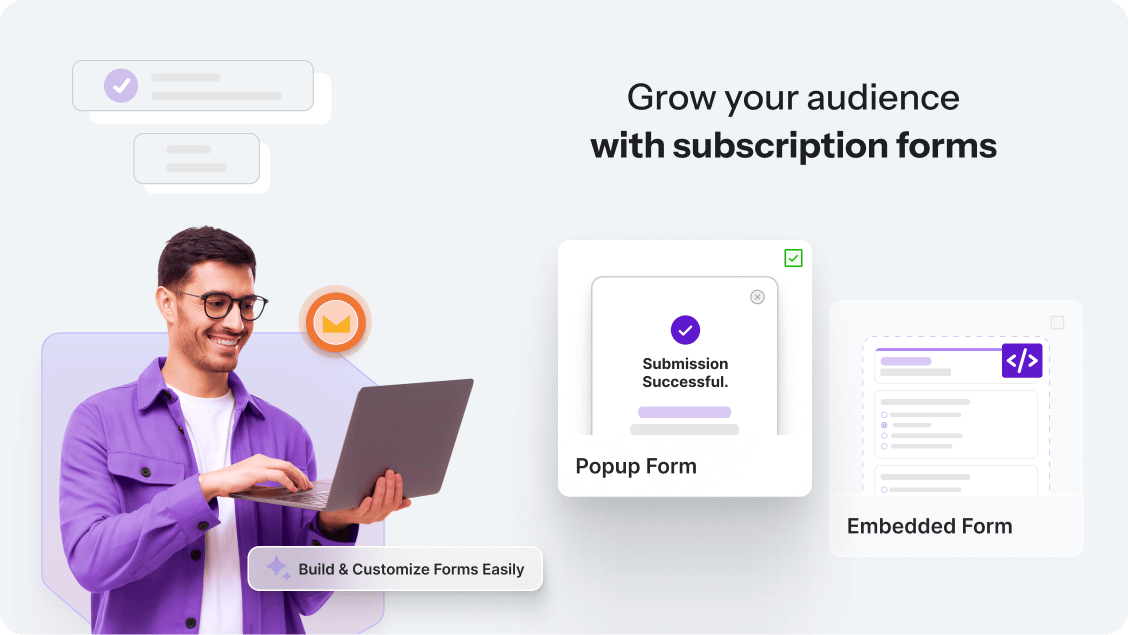
Go to Icegram Express > Forms to customize your form, then embed it anywhere using the Icegram Express Form Gutenberg block, the form shortcode, the WordPress sidebar/footer widget, or a triggered popup. No coding is required. See the step-by-step guides in our Icegram Express Documentation.

How do I create and send a Broadcast Newsletter?

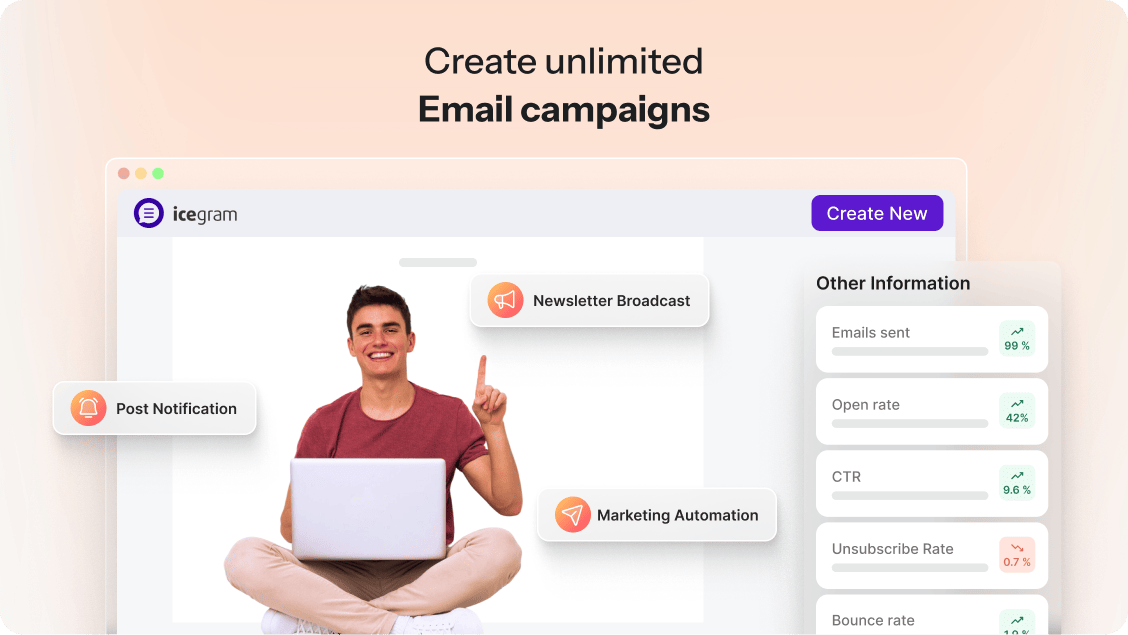
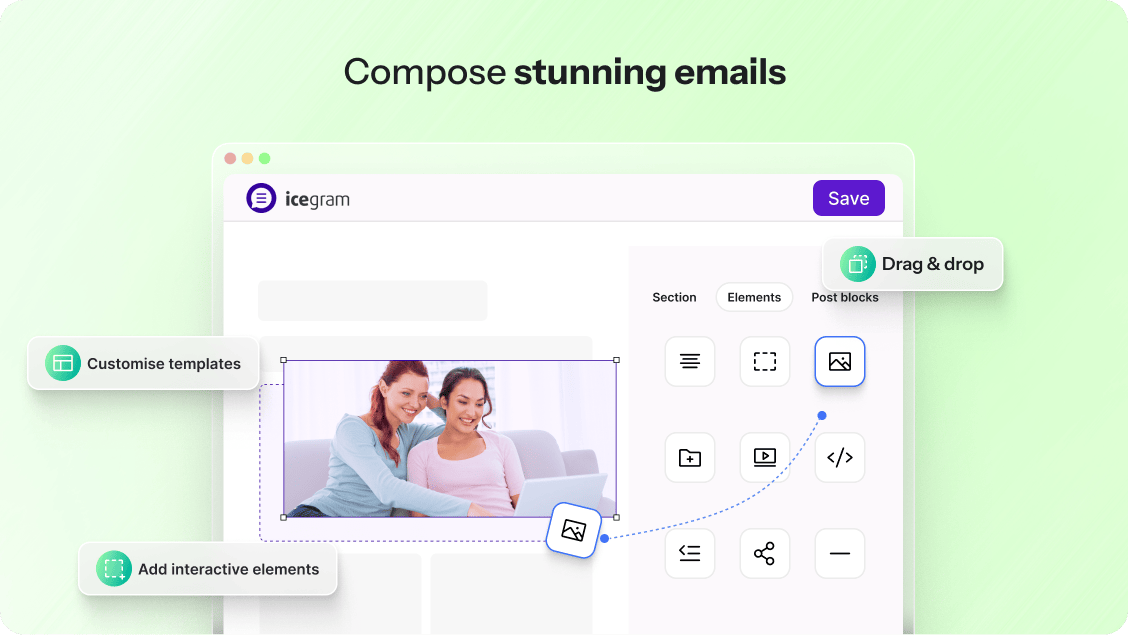
Navigate to Icegram Express > Campaigns, click Create Campaign > Broadcast, choose a responsive template from the Email Templates gallery or start from scratch in the drag-and-drop or Gutenberg editor, select your recipient list(s), and send immediately or schedule for a future date.

Latest changelog entry

5.9.40 (22.10.2026)

  • Improvement: Improved spam protection for subscription forms
  • Fix: Fixed “No Lists” appearing on the campaigns list page for some older campaigns

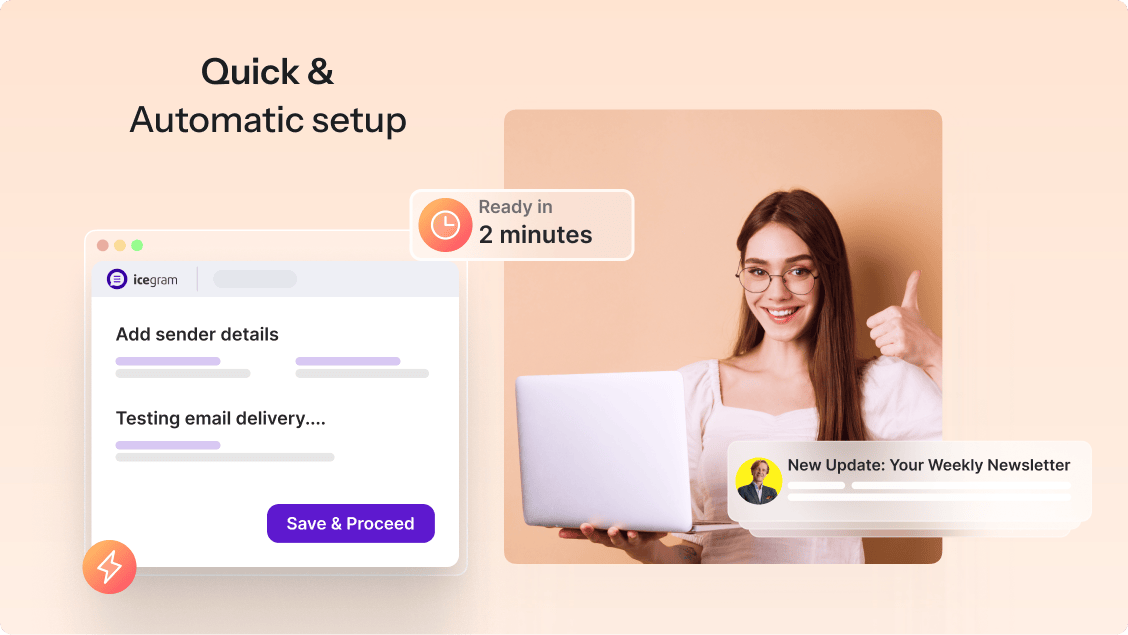
Screenshots

First 4 of 9, from WordPress.org.

Tagged

Plugins that share its tags

An email marketing tool for your blog: subscription forms to create your lists with unlimited subscribers and newsletters.

Installs
200,000+
Rating
4.6 (1.2K)
Updated
2 days ago

Turn your WordPress site into a marketing powerhouse. Grow your audience, boost engagement, and drive more sales with Brevo.

Installs
100,000+
Rating
4.1 (284)
Updated
4 months ago

Where this page's numbers come from

Read from the WordPress.org plugin API on , when WordPress 7.1.4 was the current release. WordPress.org rounds active installs into buckets. These are the directory's figures, not my verdict, and I haven't tested this plugin.