
#109 by installs
SiteGuard WP Plugin
Adds WordPress login and admin protections, including CAPTCHA, login lock, login alerts, renamed login URLs, and SiteGuard WAF tuning support.
- Installs
- 600,000+
- Rating
- 4.3 (15)
- Updated
- 4 days ago
A simple and lightweight plugin to disable XML-RPC API, X-Pingback and pingback-ping in WordPress 3.5+ for a faster and more secure website
| Last updated | February 4, 2026Updated in the last year |
|---|---|
| Tested up to | WordPress 6.9.11Older than WordPress 7.1.4, the current release |
| Needs WordPress | 5.0 or newer |
| Needs PHP | Not stated |
| First published | October 1, 2020 |
| Support, last two months | 0 of 1 threads resolved (0%) |
4.2 / 5 from 43 reviews
| 5 stars | 33 |
|---|---|
| 4 stars | 0 |
| 3 stars | 1 |
| 2 stars | 2 |
| 1 star | 7 |
Protect your website from xmlrpc brute-force attacks,DOS and DDOS attacks, this plugin disables the XML-RPC and trackbacks-pingbacks on your WordPress website.
PLUGIN FEATURES
(These are options you can enable or disable each one)
What is XMLRPC
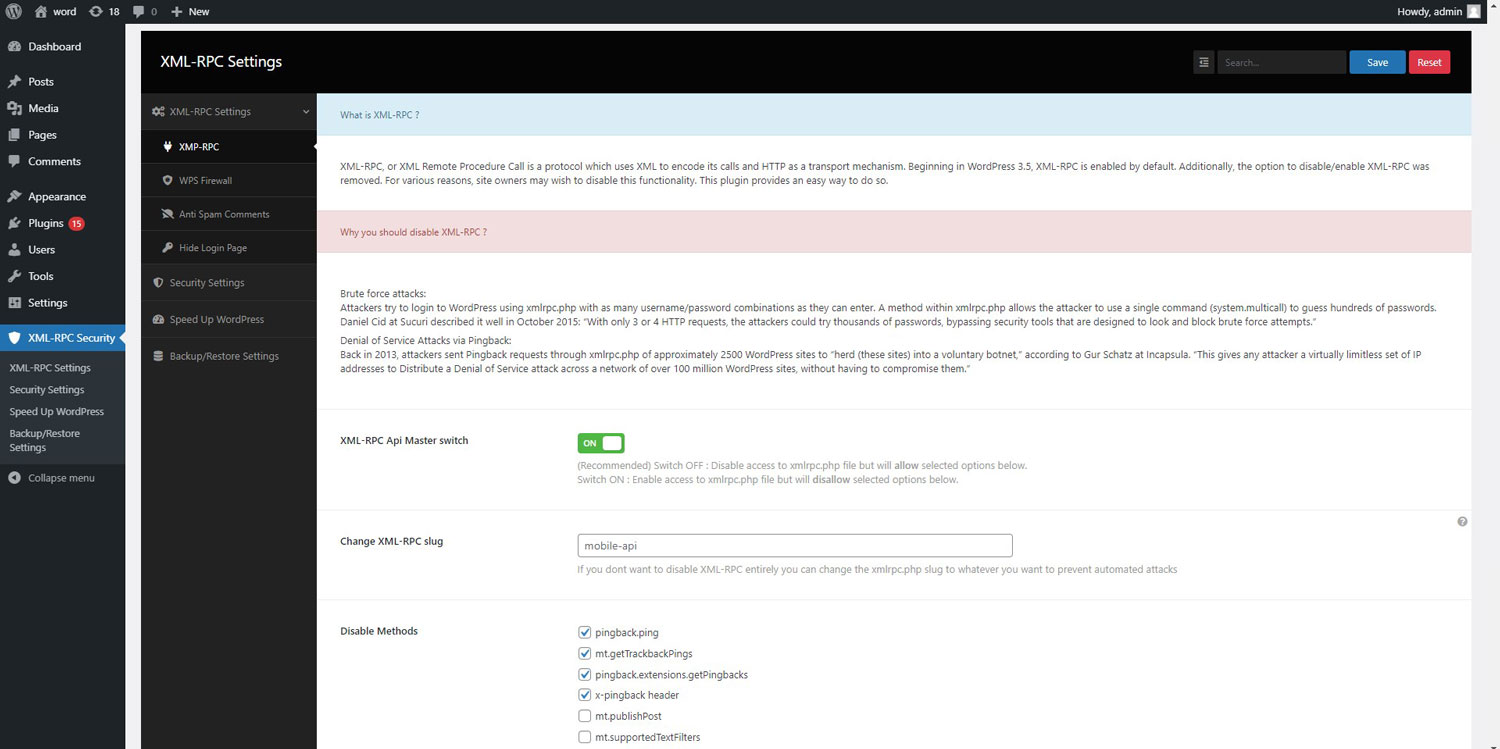
XML-RPC, or XML Remote Procedure Call is a protocol which uses XML to encode its calls and HTTP as a transport mechanism.
Beginning in WordPress 3.5, XML-RPC is enabled by default. Additionally, the option to disable/enable XML-RPC was removed. For various reasons, site owners may wish to disable this functionality. This plugin provides an easy way to do so.
Why you should disable XML-RPC
Xmlrpc has two main weaknesses
The opening of the plugin's own description. The full text, installation notes and changelog are on its WordPress.org page.
Yes, You can find the “XML-RPC Security” in your admin menu.
There are three easy methods for checking if XML-RPC is off:
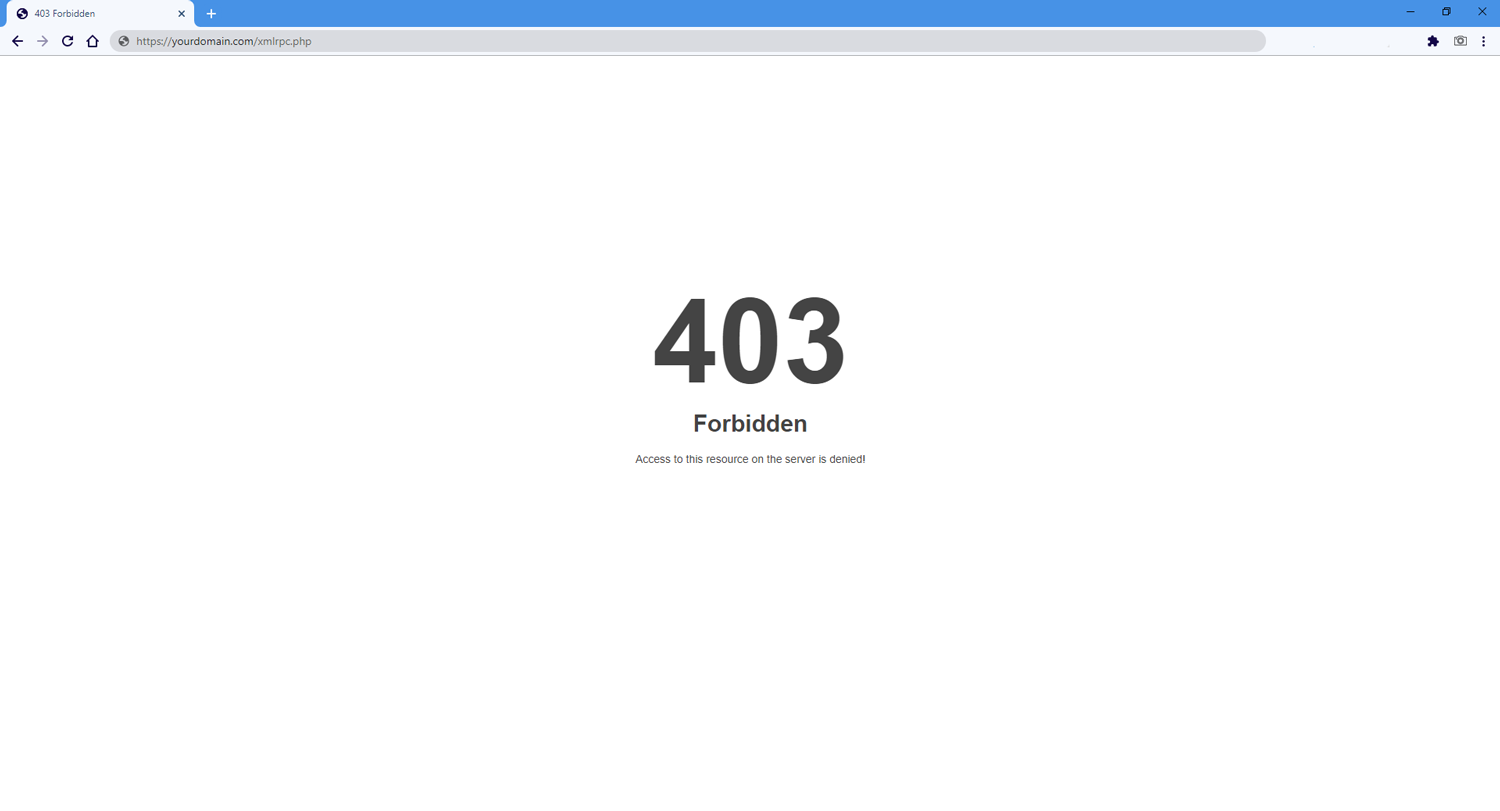
1. Easiest way is going to this url: http://yourdomain/xmlrpc.php enter your domain name instead of ‘yourdomain’ if you see “Access forbidden!” or “403 error” it’s working.
If the plugin is activated, but XML-RPC appears to still be working … OR … the plugin is deactivated, but XML-RPC is not working, then it’s possible that another plugin or theme function is affecting the plugin functions.
#109 by installs
Adds WordPress login and admin protections, including CAPTCHA, login lock, login alerts, renamed login URLs, and SiteGuard WAF tuning support.

#262 by installs
Disables the XML-RPC API in WordPress 3.5+, which is enabled by default.

#667 by installs
Stops abuse of your site's XML-RPC by simply removing some methods used by attackers. While you can use the rest of XML-RPC methods.
Read from the WordPress.org plugin API on , when WordPress 7.1.4 was the current release. WordPress.org rounds active installs into buckets. These are the directory's figures, not my verdict, and I haven't tested this plugin. The author takes donations at their donate page.