Type to search.

#729 by installs

Custom Login Page Customizer

by colorlibpluginsVersion 2.3.1

Customize your WordPress login page with live preview. Change logo, background, colors, and form styling without coding.

Active installs
50,000+
#729 of 1,000
Downloads, all time
1.2M
1,157,725
Downloads, 30 days
14.8K
2.2K in the last 7
Rating
4.9 / 5
476 reviews
Last updated
32 days ago
Sep 29, 2026
Version
2.3.1
33 releases

Upkeep and compatibility

Last updatedSeptember 29, 2026Updated in the last 3 months
Tested up toWordPress 7.1.4Covers WordPress 7.1.4, the current release
Needs WordPress6.0 or newer
Needs PHP8.0 or newer
First publishedApril 17, 2018
Support, last two monthsNo threads opened

Reviews

4.9 / 5 from 476 reviews

Reviews by star rating
5 stars459
4 stars12
3 stars2
2 stars1
1 star2

Downloads, last 30 days

Low 187 a dayHigh 1.7K a day

What the author says it does

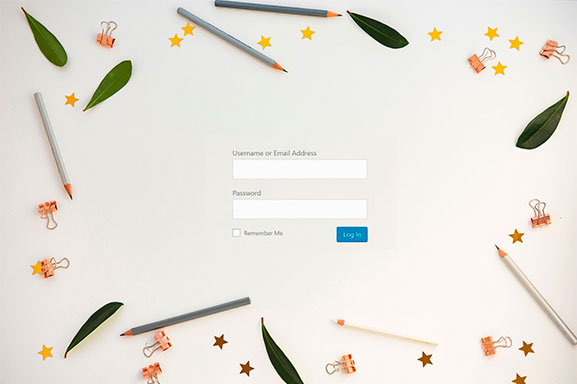
Custom Login Page Customizer transforms your default WordPress login page into a branded, professional experience that matches your website. Perfect for agencies, freelancers, and businesses who want to impress clients and users from their very first interaction.

Why Customize Your Login Page?

Your login page is often the first thing clients and team members see. A branded login page:

  • Builds trust – Professional appearance increases user confidence
  • Reinforces your brand – Consistent branding across every touchpoint
  • Impresses clients – White-label your WordPress sites for a polished look
  • Takes seconds – No coding required, instant live preview

Key Features

Live Customizer Preview – See every change instantly before saving. No guesswork, no refreshing.

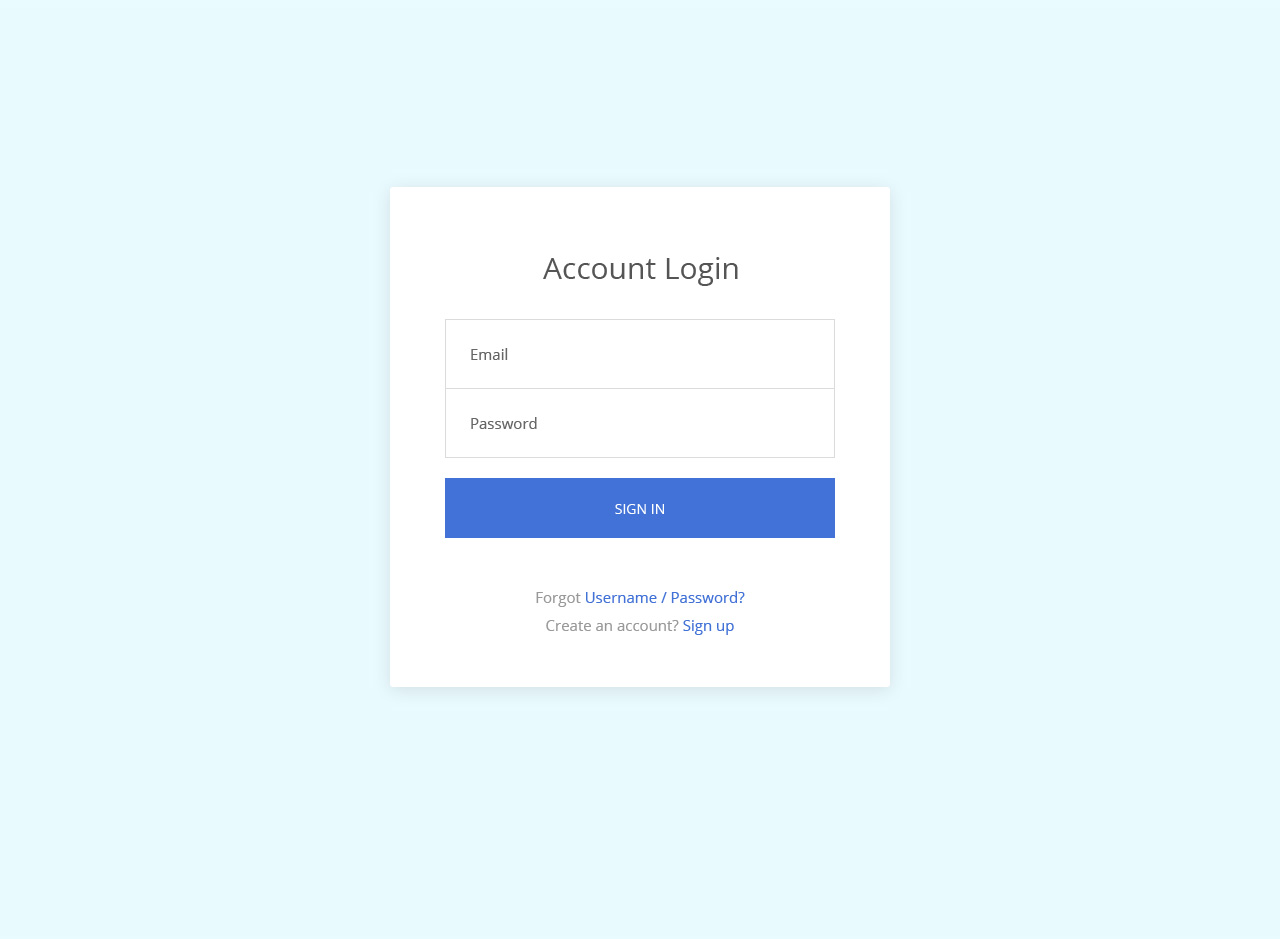
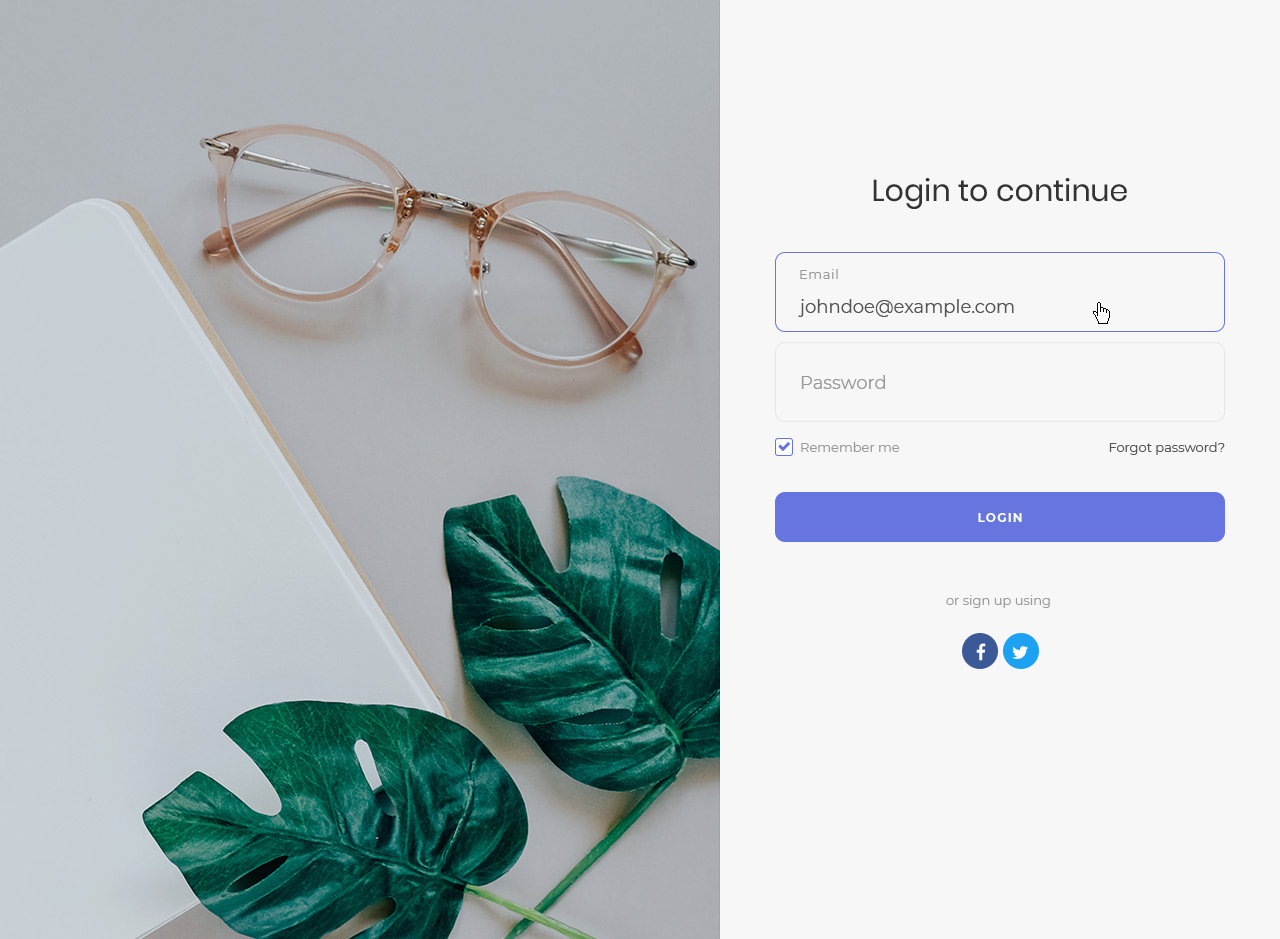
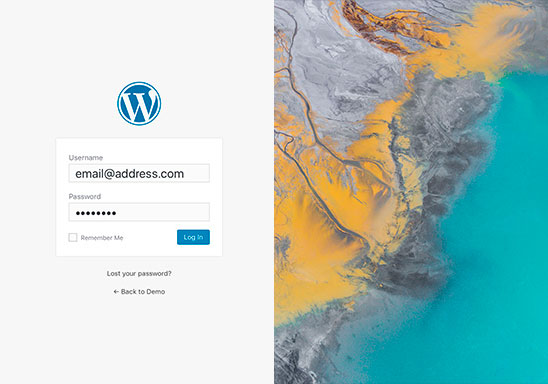
Ready-Made Templates – Choose from 9 professionally designed login page templates including modern gradients, glassmorphism, dark themes, and split-screen layouts.

Complete Logo Control – Upload your custom logo, adjust dimensions, or use text-based branding. Link your logo to any URL.

Background Customization – Add custom background images, solid colors, or gradients to create stunning login pages.

Form Styling – Customize every aspect of your login form including width, padding, borders, border radius, field colors, and button styles.

The opening of the plugin's own description. The full text, installation notes and changelog are on its WordPress.org page.

Questions the author answers

How do I access the login page customizer?

After activating the plugin, go to Appearance → Customize in your WordPress admin. You’ll see a new section called “Custom Login Page Customizer” where you can customize your login page with live preview.

Will this plugin work with my theme?

Yes! Custom Login Page Customizer works independently of your theme. It only modifies the WordPress login page (wp-login.php), so it’s compatible with any WordPress theme.

Can I add my own logo to the login page?

Absolutely. Go to the Logo section in the customizer to upload your custom logo. You can also adjust the logo width, height, and link URL. You can choose to display just the image, just text, or both.

How do I change the login page background?

In the customizer, navigate to the Background section. You can upload a custom background image or set a solid background color. There are also options for the form column background if you’re using a multi-column layout.

Does this work with custom login URLs from security plugins?

Yes, Custom Login Page Customizer is compatible with security plugins that change the login URL, including All In One WP Security, WPS Hide Login, and similar plugins. Your customizations will appear on your custom login URL.

Can I customize the registration and lost password pages too?

Yes! The plugin includes options to customize the registration form and lost password form. Your styling will be applied consistently across all login-related pages.

Latest changelog entry

2.3.1

  • Fix: Custom login labels no longer replace other plugins’ texts. The plugin swapped any “Password”, “Email”, “Username”, “Register” or “Log in” string on the login page, including those of two-factor, CAPTCHA and WooCommerce fields; it now only changes WordPress’s own.
  • Fix: “Form Column background color” now works in two-column layouts. A more specific rule painted the form column with the page background colour, so the setting was ignored whenever a page colour was set (Template 08’s white form column showed up yellow).

Screenshots

From WordPress.org.

Tagged

Plugins that share its tags

LoginPress is a Custom Login Page Customizer plugin allows you to easily customize the layout of login, admin login, client login, register pages.

Installs
200,000+
Rating
4.8 (1.1K)
Updated
4 months ago

#500 by installs

Custom Login Page Customizer

by Adnan

Custom Login Customizer allows you to easily customize your admin login page, straight from your WordPress Customizer!

Installs
80,000+
Rating
4.8 (410)
Updated
10 months ago

#707 by installs

Theme My Login

by Jeff Farthing

Frontend login, registration and password reset pages that match your theme, at your own URLs, instead of the default wp-login.php screen.

Installs
50,000+
Rating
3.7 (460)
Updated
18 days ago

Where this page's numbers come from

Read from the WordPress.org plugin API on , when WordPress 7.1.4 was the current release. WordPress.org rounds active installs into buckets. These are the directory's figures, not my verdict, and I haven't tested this plugin.