
Age Gate
A plugin to check the age of a visitor before view site or specified content
- Active installs
- 40,000+
- #818 of 1,000
- Downloads, all time
- 1.4M
- 1,417,932
- Downloads, 30 days
- 9.1K
- 1.9K in the last 7
- Rating
- 4.6 / 5
- 64 reviews
- Last updated
- 49 days ago
- Sep 12, 2026
- Version
- 3.7.3
- 113 releases
Upkeep and compatibility
| Last updated | September 12, 2026Updated in the last 3 months |
|---|---|
| Tested up to | WordPress 7.1.4Covers WordPress 7.1.4, the current release |
| Needs WordPress | 6.0.0 or newer |
| Needs PHP | 7.4 or newer |
| First published | April 20, 2017 |
| Support, last two months | 0 of 3 threads resolved (0%) |
Reviews
4.6 / 5 from 64 reviews
| 5 stars | 56 |
|---|---|
| 4 stars | 1 |
| 3 stars | 1 |
| 2 stars | 0 |
| 1 star | 6 |
Downloads, last 30 days
What the author says it does
There are many uses for restricting content based on age, be it movie trailers, beer or other adult themes. This plugin allows you to set a restriction on what content can been seen or restricted based on the age of the user.
Features
- Ask users to verify their age on page load
- SEO Friendly – common bots and crawlers are omitted from age checks
- Ability to add custom user agents for less common bots
- Shortcode for in content restrictions
- Choose to restrict an entire site, or selected content
- Select a different age on individual content
- Allow certain content to not be age gated under “all content” mode
- Three choices for input; dropdowns, input fields or a simple yes/no button
- Customise the order of the inputs based on your region (DD MM YYYY or MM DD YYYY)
- Allow a “remember me” check box if desired
- Ability to omit logged in users from being checked
- Add your own logo
- Update the text displayed on the entry form
- Select background colour/image, foreground colour and text colour
- Use built in styling out of the box, or your own custom style
- Ability to add legal note or information to the bottom of the form
- Redirect failed logins to a URL of your choice e.g. an alcohol awareness website.
- Ability to use a non caching version
- Various hooks to add even more customisation such as additional form fields
The opening of the plugin's own description. The full text, installation notes and changelog are on its WordPress.org page.
Questions the author answers
I can’t get past the Age Gate / The Age Gate only worked once
The most likely cause for this is caching on your site either via a plugin or your hosting provider. If the Age Gate appears stuck try using the JavaScript mode in the advanced tab and clear any caches.
Can I restrict a particular page?
You can. If you use selected content, a checkbox will appear in content pages
Can I add my own logo/branding?
Of course, it’s your site
I’m in X country, can I format the date style?
Yes! DD MM YYYY and MM DD YYYY are supported along with a choice of how the dates are entered.
I use caching, will that be affected?
From version 1.4.0 those using caching can select the “Cache Bypass” option to allow age gating even with caching on. Be sure to empty your cache when making changes to the plugin settings. From 2.0.0 this option is in Advanced -> Use uncachable version
Latest changelog entry
- Fixed – Incorrect type attribute on age-gate-remember-text
- Fixed – Deprecation warnings via dependency update
Screenshots

An example of Age Gate 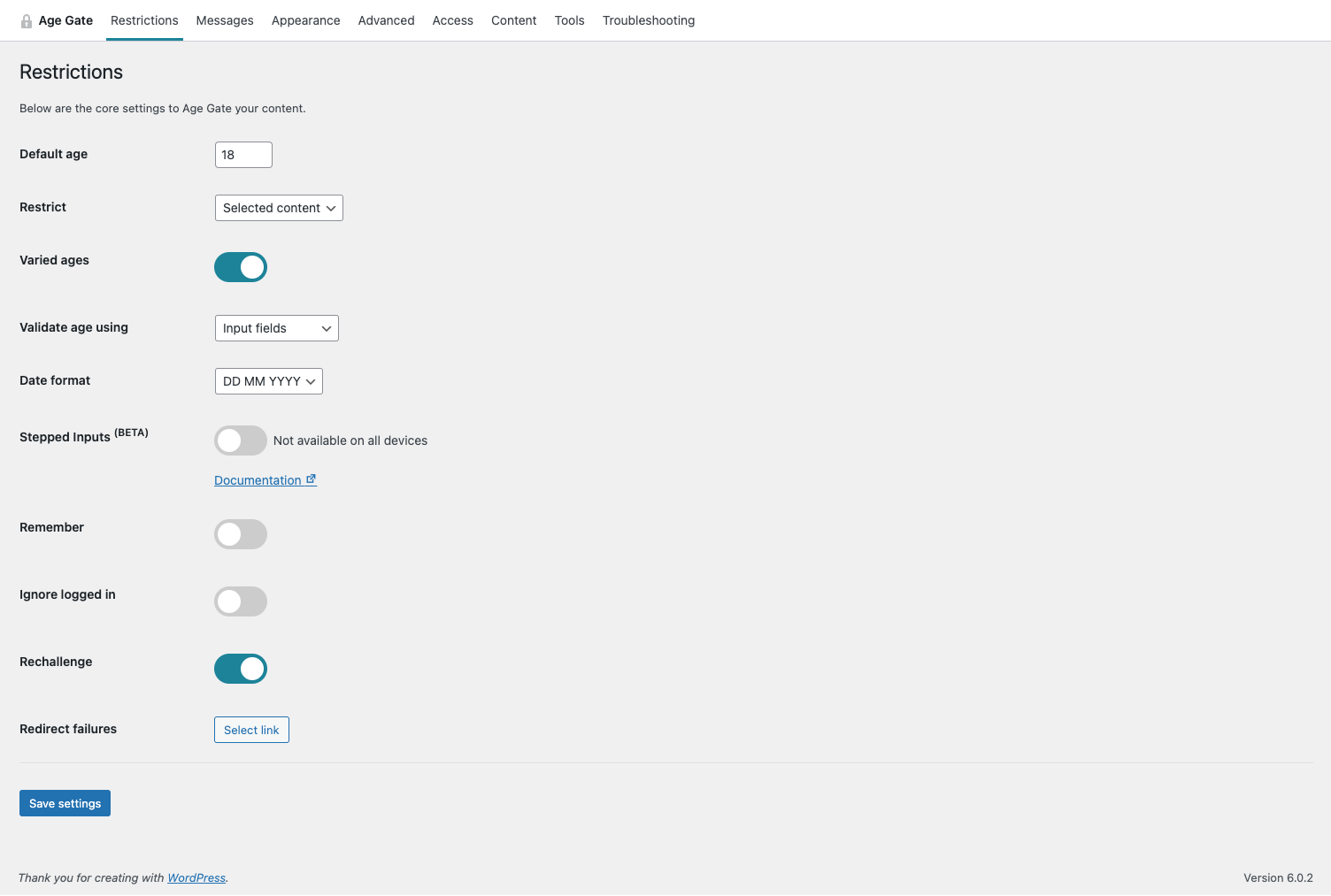
The Restrictions settings page 
Age Gate has a variety of customisable message settings 
The appearance can be tailored to fit your website
Tagged
Where this page's numbers come from
Read from the WordPress.org plugin API on , when WordPress 7.1.4 was the current release. WordPress.org rounds active installs into buckets. These are the directory's figures, not my verdict, and I haven't tested this plugin. The author takes donations at their donate page.